37
Standby mode
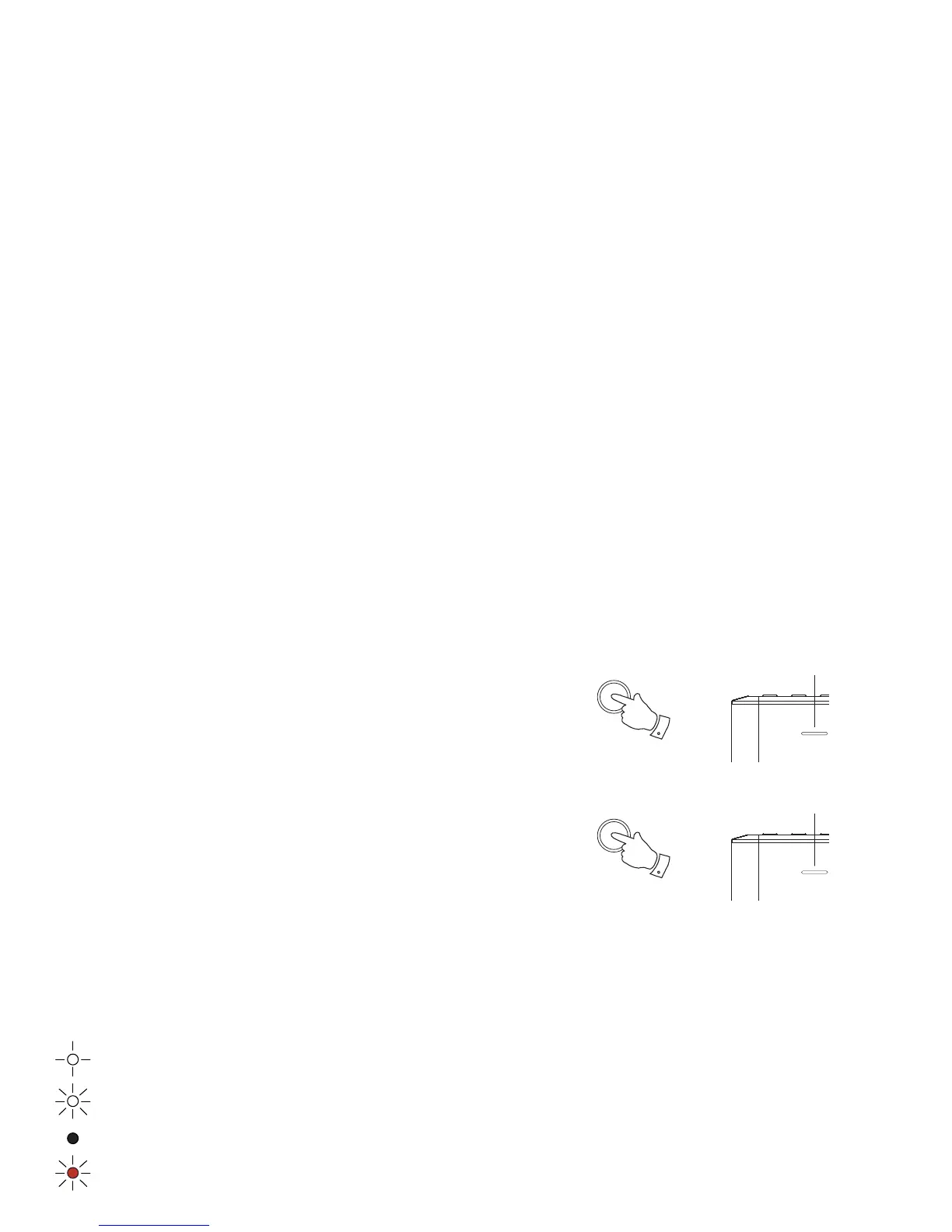
1. Set your speaker to standby mode using the UNDOK app or press and release the
Power/Standby button on your speaker.
2. The Mode indicator will switch off and then the white Power/Standby indicator
will light.
Eco Standby mode
1. To put your speaker into standby mode and switch off its network connection press
and hold the Power/Standby button on your speaker.
2. The Mode indicator will switch off and the white Power/Standby indicator will
show at a low level.
This will result in a further power saving because the speaker is then disconnected
from the network. It will not respond to the app until it has been switched back on again
using the Power button.
Power
Power/Standby indicator
(white)
1
Power
Power/Standby indicator
(white - low level)
1
Network indicator status
The S1 and S2 speaker has a Mode indicator which also shows the current network status.
Mode
Slow blinking - Ready to be confi gured to a WiFi or Wired network
Fast blinking - Network connection in progress
Solid colour - Network confi guration successful and completed (see Mode indicator page 33)
Red blinking - Network connection error



 To Next Page