13
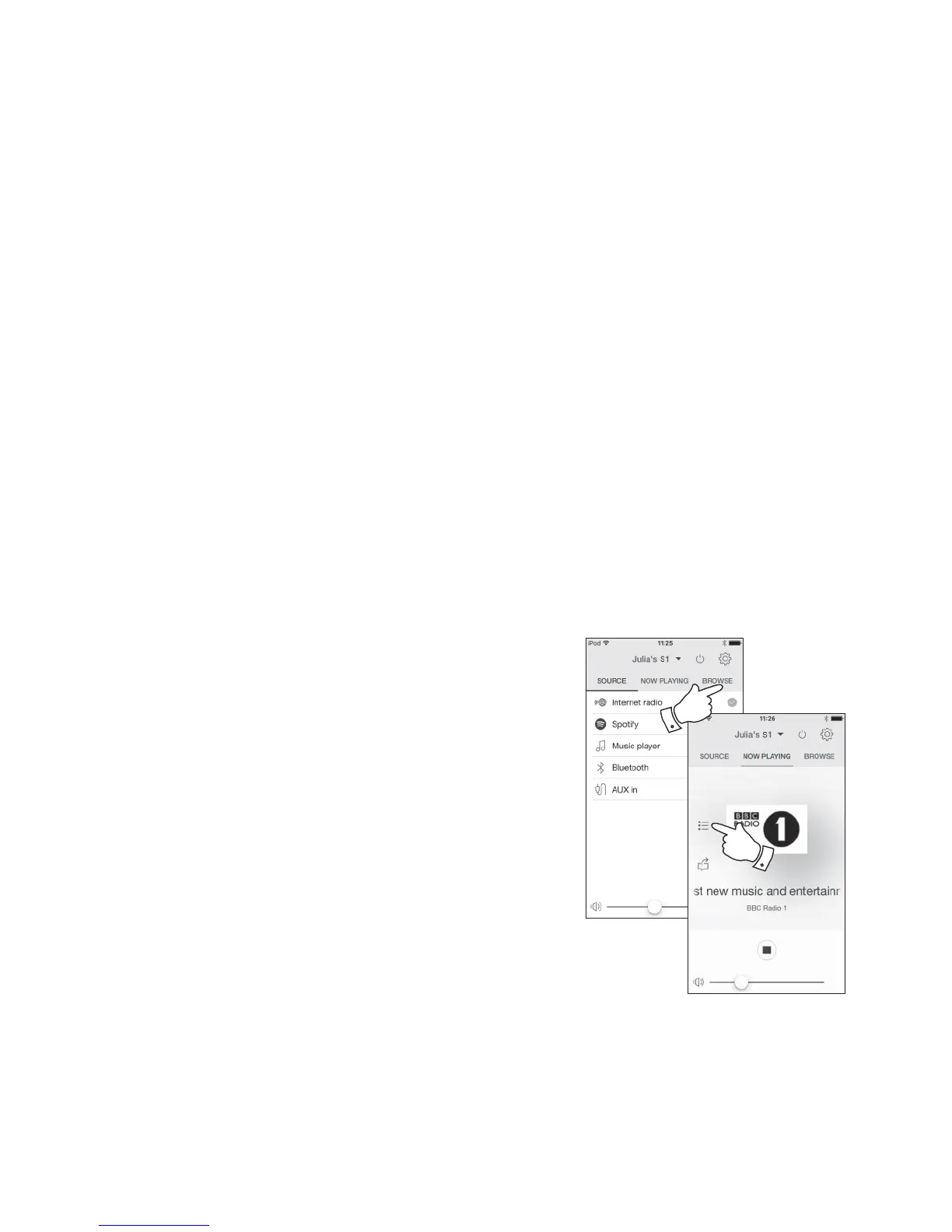
Selecting internet radio
1. Ensure your speaker is switched on.
2. Select Internet Radio as the music source.
3. Select 'Browse' to choose radio stations.
Presetting internet radio stations
Your speaker has twenty memory presets for internet radio which can easily be set to
store the details of any radio station or podcast.
1. To store the currently playing radio station select the Preset option on the playing
screen and choose the desired preset number. Press the '+' symbol to store your
preset station.
2. To recall a preset select the Preset option on the playing screen and select the
desired preset station.
If your speaker cannot connect to a radio station
Note: If your speaker is unable to connect to an Internet radio station this can be for many reasons, but typically will be due to one of the following:
The radio station may not be broadcasting at the present time.
The radio station may not be able to accommodate any more connections from internet listeners.
The broadcaster may limit listening to specifi c countries or regions
There may be network congestion (either locally or at a distance) which is affecting the reliability of the connection.
If your speaker can connect, but the audio is not continuous and the radio keeps having to reconnect, this may be due to the radio station only having
limited connection capacity.
Please also refer to the 'Troubleshooting' section on page 42.
3
1



 To Next Page