40
Information
1
Using an Ethernet connection
If you choose to connect your speaker to the network using a wired
Ethernet connection, then an Ethernet cable of the appropriate length will
be needed (cable not supplied).
The app will offer you an option to connect using Ethernet during the
setup procedure.
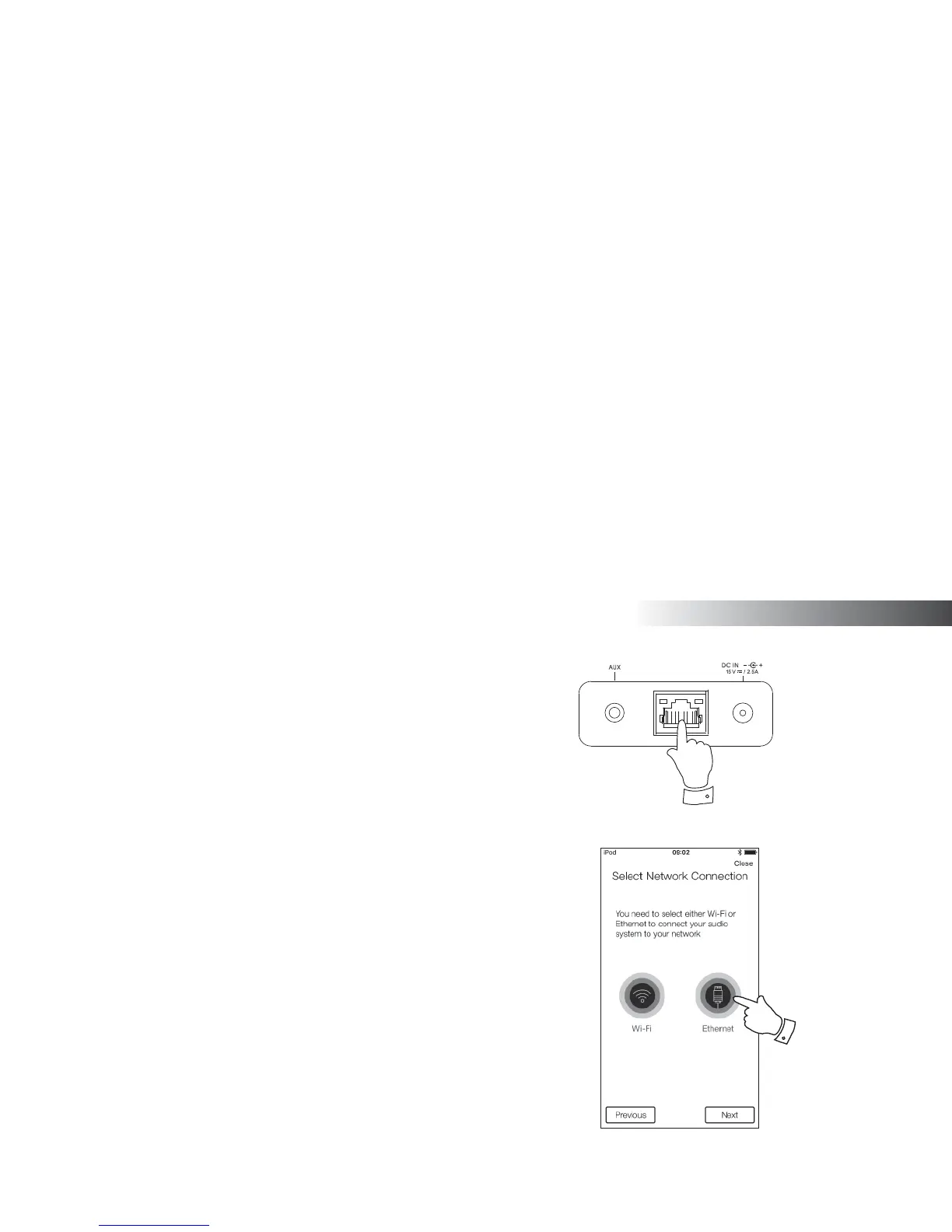
1. Connect the Ethernet cable to the RJ45 Ethernet socket on the back
of your speaker.
2. Select the Ethernet option on the UNDOK app and follow the onscreen
guide.
In situations where there are many WiFi networks in use, it is possible
that multi-room performance of the product may be improved by using
the ethernet connection.
RJ45 connection indicators
There are two indicator lights incorporated into the RJ-45 connector. If you
have problems with your wired connection, they may help you to identify
the possible cause of the problem.
Green On = Link established OFF = no connection
Yellow fl ashing = Data transfer
2



 To Next Page