38
Information
S1 Wall mounting instructions
The S1 speaker allows for the optional use of a wall mounting bracket. The
threaded mounting hole is compatible with a variety of speaker mounts
available from third party suppliers.
The mounting hole is compatible with 0.25 " BSW and 0.25 " UNC threads.
Roberts Radio does not supply wall mounting hardware.
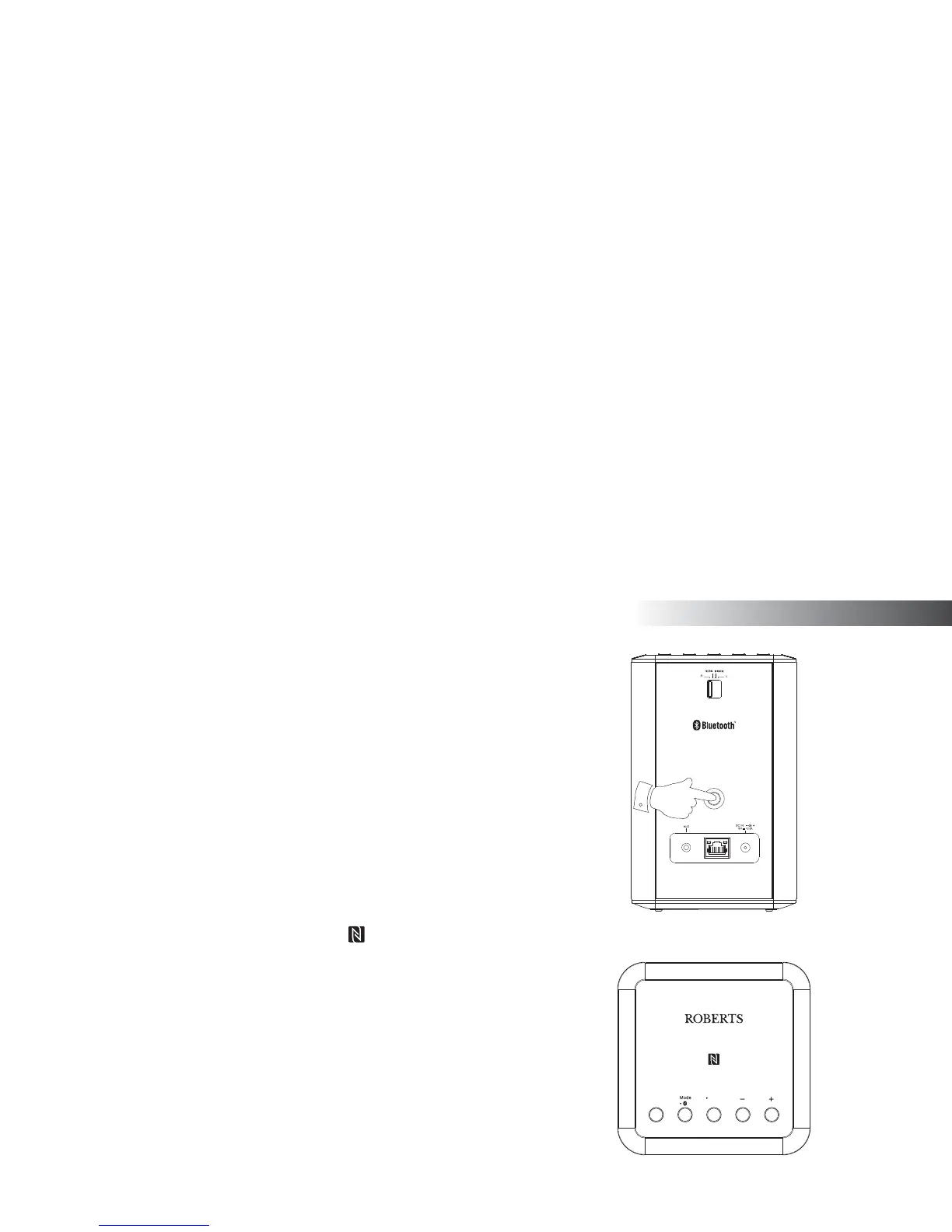
Bluetooth pairing your device by NFC
Your speaker is equipped with a wireless NFC (Near Field Communication)
feature allowing other NFC enabled devices to pair and play music with
your speaker.
1. Press and release the Mode / Bluetooth Pair button on your speaker
until the Bluetooth mode is selected or alternatively open the UNDOK
app and select 'Bluetooth' as the music source.
2. Ensure that Bluetooth and NFC are enabled on your device. You may
need to refer to the user documentation for your device, since this
method will vary with each device.
Power
Reset



 To Next Page