gf46
46
Manual Robin SlimLine ENG - v. 1.0.0
Actions:
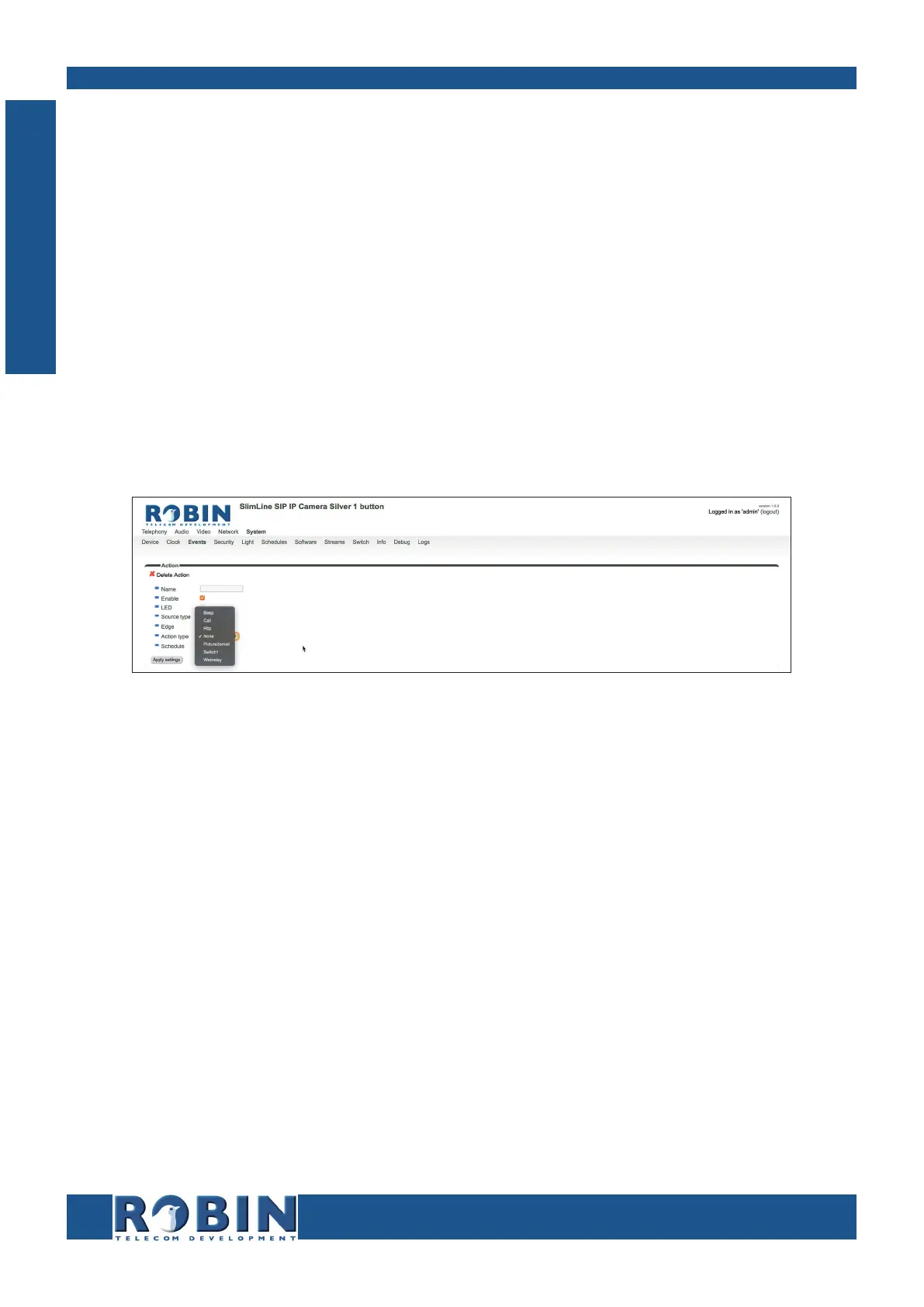
Define the actions:
Beep - Starts playing a beep through the intercom - (Choice: frequency of the beep)
Call - Start a phone call to the default phone number(s) - (Choice: Allow hangup (on/off):
When on, a repeated source input also disconnect the call)
Http - Emits a http command. - (two URLs: one if the source becomes active and one if the
source becomes inactive)
Picture2email - Send an e-mail containing a photo of the person using the intercom to a
predefined e-mail address
Switch1 - Switch the internal relay switch in the Robin
Webrelay - Switch a relay switch on an external relay unit from ContolByWeb; WEBRelay
(Address: the IP adres of the WEBRelay - Relay (1-4): the relay to switch - Action (on/off/
pulse): on, off or pulse the relay switch (user selectable pulse time) - Use authentication:
when a password is demanded to switch the WEBRelay)*
The green ‘+’ creates a new ‘Action’ .
The ‘>>’ behind a line opens the details for this ‘Action’.
The red X behind a line deletes the ‘Action’ from the list.
C
Configuration



 To Next Page