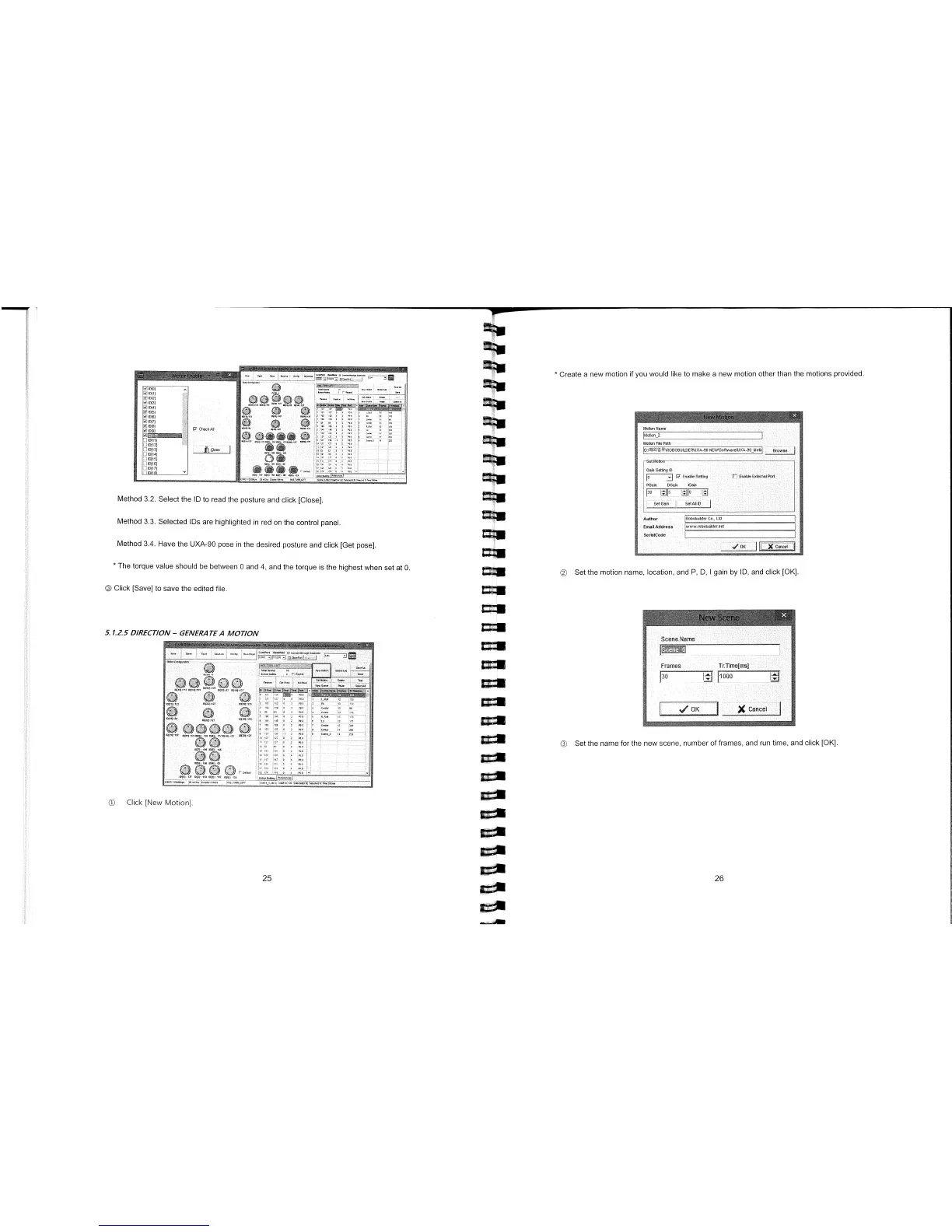
Method 3.3. Selected IDs are highlighted in red on the control panel.
Method 3.4. Have the UXA-90 pose in the desired posture and click [Get pose].
*
Create a new motion if you would like to make a new motion other than the motions provided.
*
The torque value should be between 0 and 4, and the torque is the highest when set at 0.
® Click [Save] to save the edited file.
5.1.2.5 DIRECTION
-
GENERA TEA MOTION
©
Click [New Motion].
25
E1
L
-
I
3
©
Set the motion name, location, and P, D, I gain by ID, and click [OK].
©
Set the name for the new scene, number of frames, and run time, and click [OK].
Method 3.2. Select the ID to read the posture and click [Close].



 To Next Page