Robotiq Hand-E Gripper Instruction Manual
Features
Icon
Functionality
Name
Description
Requested
position
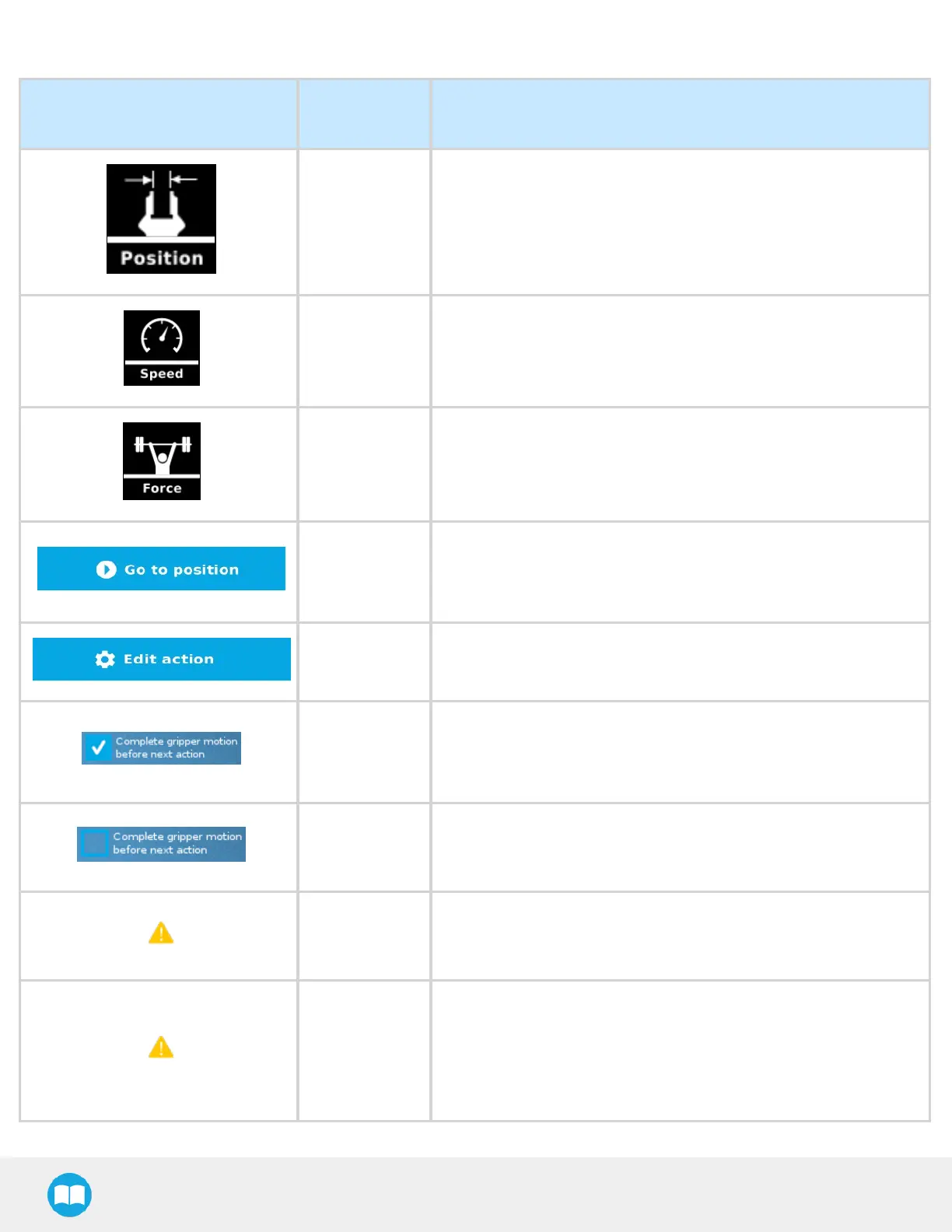
Shows the position requested for the current Gripper node. Read only.
Requested
speed
Shows the speed requested for the selected Gripper node. Read only.
Requested
force
Shows the force requested for the selected Gripper node. Read only.
Go to position
Sends all node parameters (position, force, speed) to the gripper.
Note: This button is disabled (grey) when the gripper is already at the
node position or when the gripper is not powered/activated.
Edit action
Opens the Edit action screen, where you can edit the gripper’s action
parameters.
Complete
motion
Selected by default.
Selected: The gripper completes its motion before executing the next
action on the PolyScope program tree. This is slower but safer.
Do not
complete
motion
Unselected: As soon as the gripper starts moving, PolyScope will
execute the next action on the program tree. This allows you to move
the gripper and robot at the same time.
Warning
message
section
-
Gripper not
activated
“Warning, the Gripper is not powered or not activated. The Gripper
will not move.”
Make sure that the gripper is installed correctly and powered. You
need to activate it using the gripper Toolbar before running Gripper
commands.
90



 To Next Page