Robotiq Hand-E Gripper Instruction Manual
Features
Primary Icon Functionality Name Description
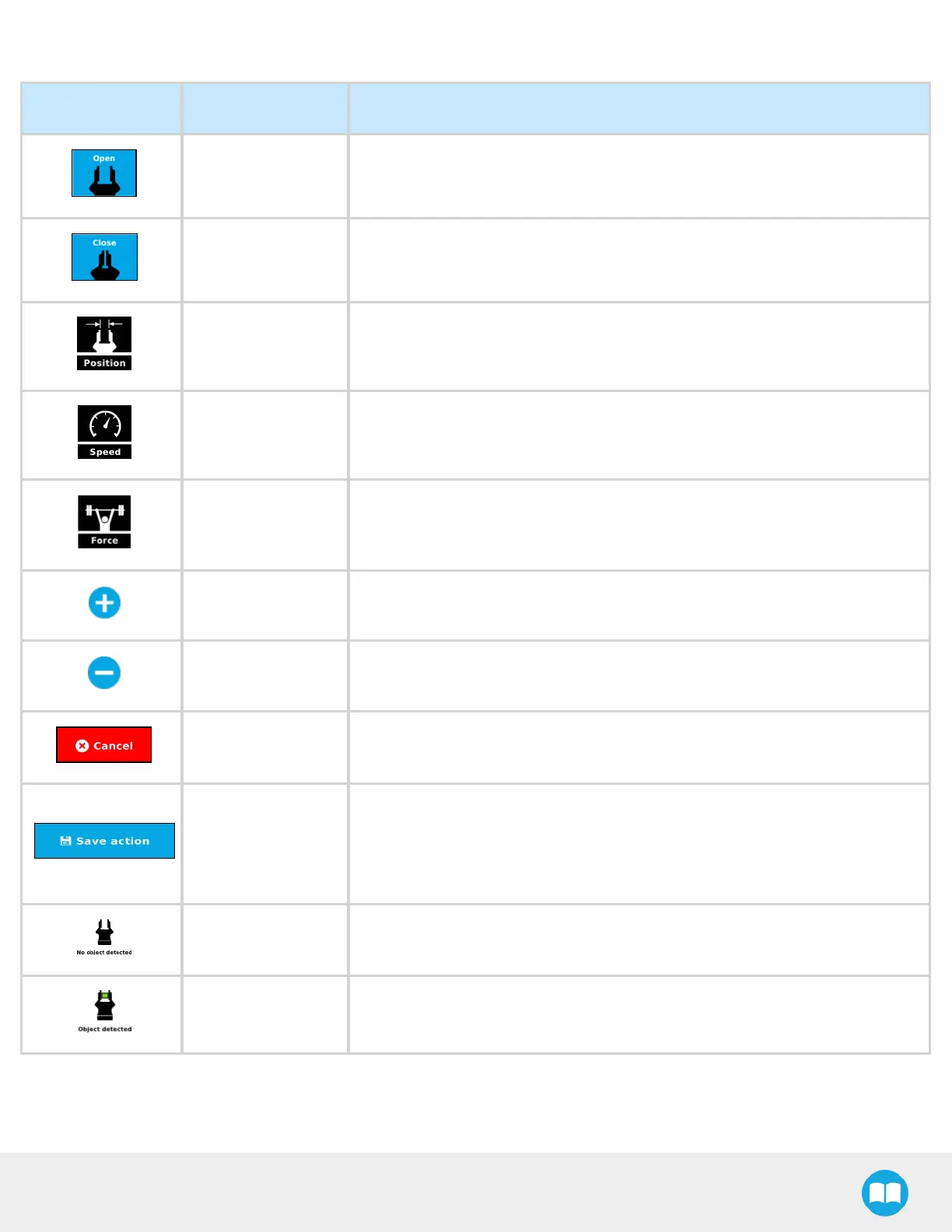
Open
Tap to fully open the gripper. Use this when you want to grip an object (internal
grip), for example.
Close
Tap to fully close the gripper. Use this when you want to grip an object (external
grip), for example.
Requested position Shows the position request for the selected Gripper node.
Requested speed
Shows the speed requested for the selected Gripper node. Use the Plus and Minus
icons to modify.
Requested force
Shows the force requested for the selected Gripper node. Use the Plus and Minus
icons to modify.
Plus Tap to increase the corresponding parameter.
Minus Tap to decrease the corresponding parameter.
Cancel Cancels modifications and brings back the gripper node command screen.
Save action
Saves settings into the selected Gripper node and brings back the Gripper node
command screen.
Note: This functionality is not available (grey) when the gripper has the same action
parameters as the selected Gripper node.
No object detected Icon shown when no object is detected during a grasp.
Object detected Icon shows a green checkmark when an object is detected during a grasp.
93



 To Next Page