Robotiq Hand-E Gripper Instruction Manual
About
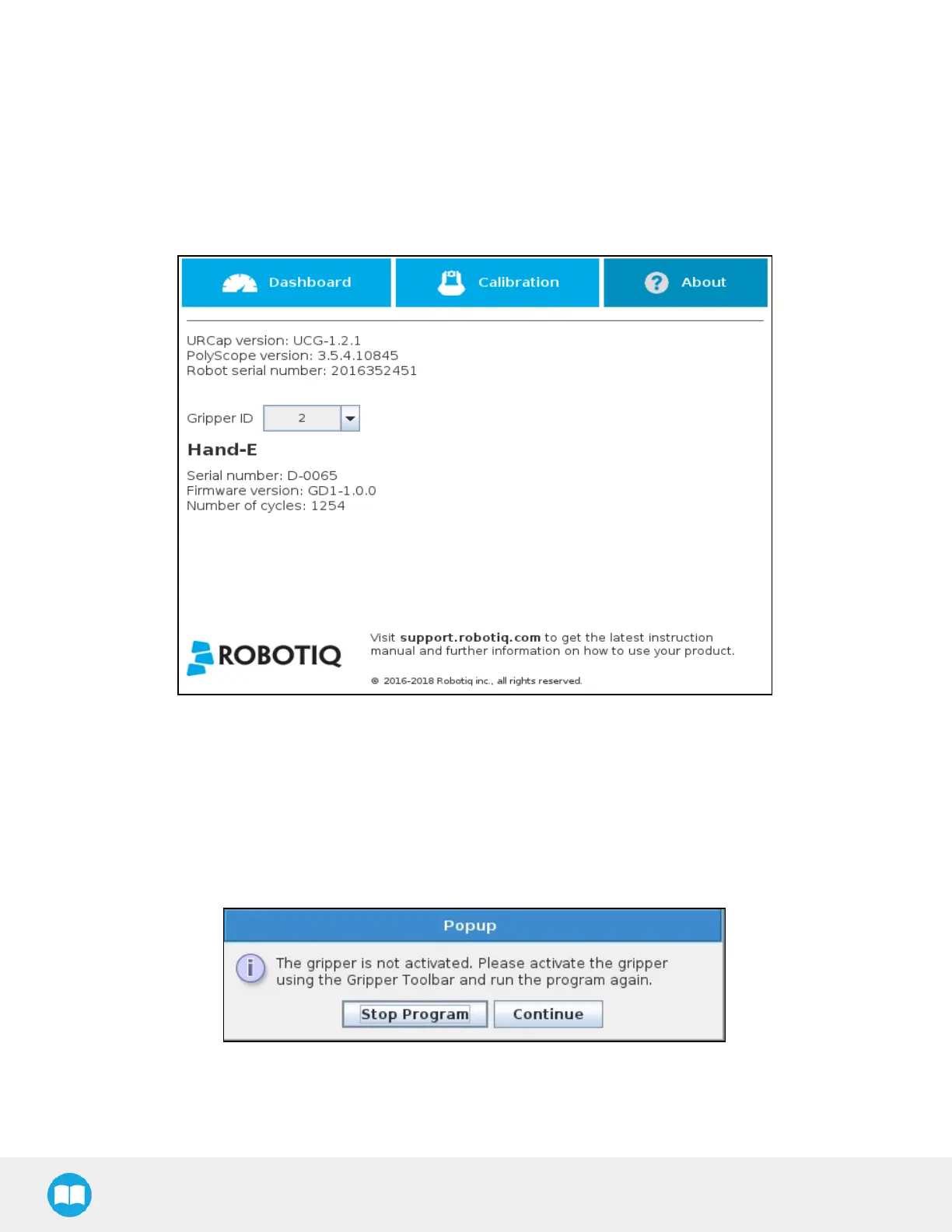
In this window, the user can access information such as the gripper's hardware, software and firmware versions, the number of cycles
completed by the device and more.
1
Create or load a robot program
2
Tap the Installation tab
3
Select Gripper in the left pane
4
Tap the About submenu
Fig. 4-28: About submenu.
If the Gripper firmware version is obsolete, a warning message will display and an Upgrade firmware button will prompt the user to
upgrade the firmware to the latest available version.
Error messages overview
If a program is running without the gripper being activated, the program will stop at the execution of a Gripper node and the following
message will be displayed in a popup. Tap Stop Program and activate the gripper with the toolbar to continue or add an activation
command in the program (see Advanced Gripper Functions section).
96



 To Next Page