Robotiq Hand-E Gripper Instruction Manual
Advanced Gripper Functions
The use of Gripper URCap nodes allows to move the gripper and modify its speed and force. However, some advanced functions are
only available through UR Script commands.
The functions listed below can be called using subprograms in PolyScope or with a script. Functions with the suffix _and_wait will wait
for the gripper to complete its operation before going to the next step.
Single Gripper with I/O coupling (UCH-1.0.0 +)
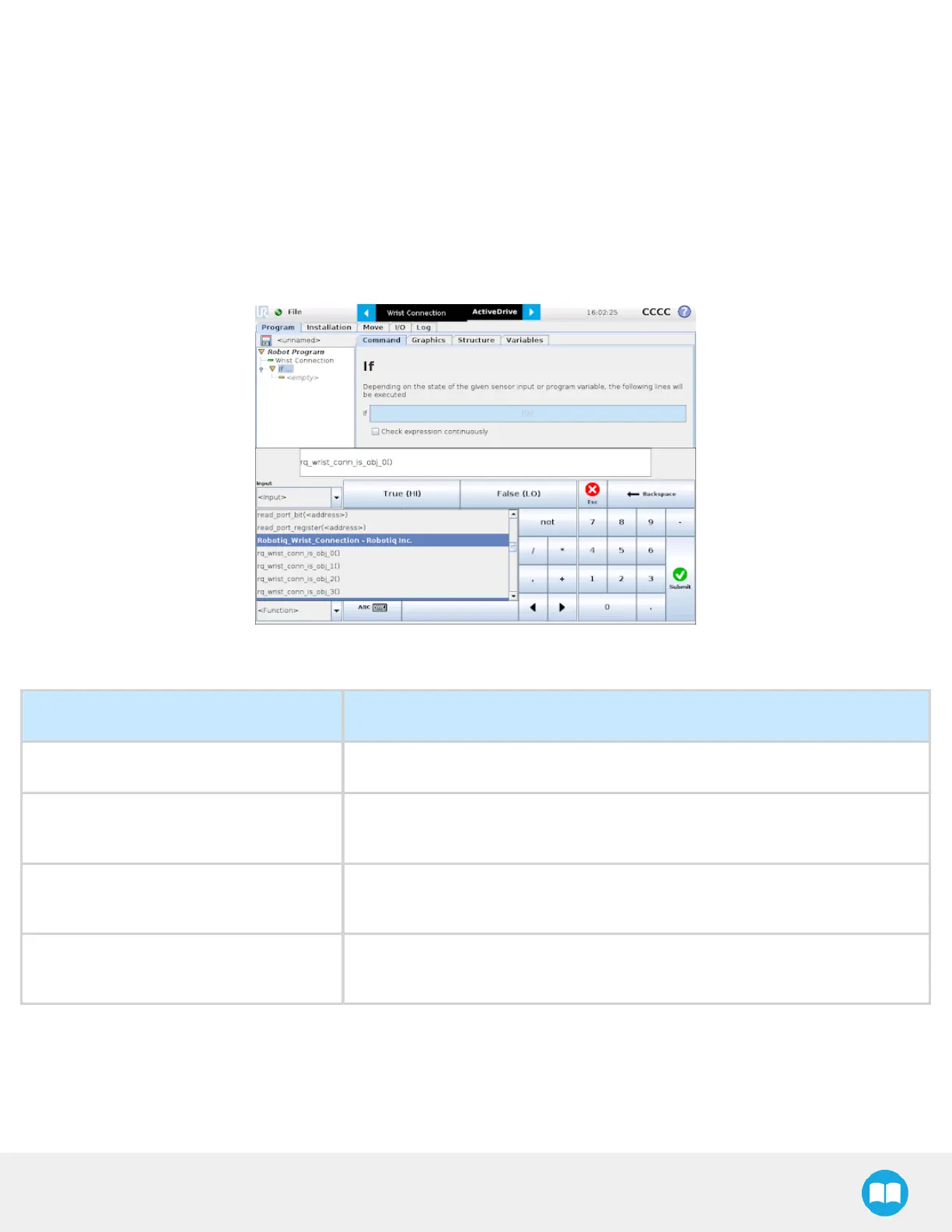
To use the Object Detection feature, the Tool Inputs can be used.
Fig. 4-29: Command window
Tool Inputs configuration and Object Detect status are:
Name Description
rq_wrist_conn_is_obj_0( ) Fingers are in motion towards requested position. No object detected.
rq_wrist_conn_is_obj_1( )
Fingers have stopped due to a contact while opening before requested position.
Object detected opening.
rq_wrist_conn_is_obj_2( )
Fingers have stopped due to a contact while closing before requested position.
Object detected closing.
rq_wrist_conn_is_obj_3( )
Fingers are at requested position. No object detected or object has been lost /
dropped.
97



 To Next Page