26
CHAPTER 6 Cassette Tape System
If you have the MP3 Player Option on your robot, you will not have a cassette player.
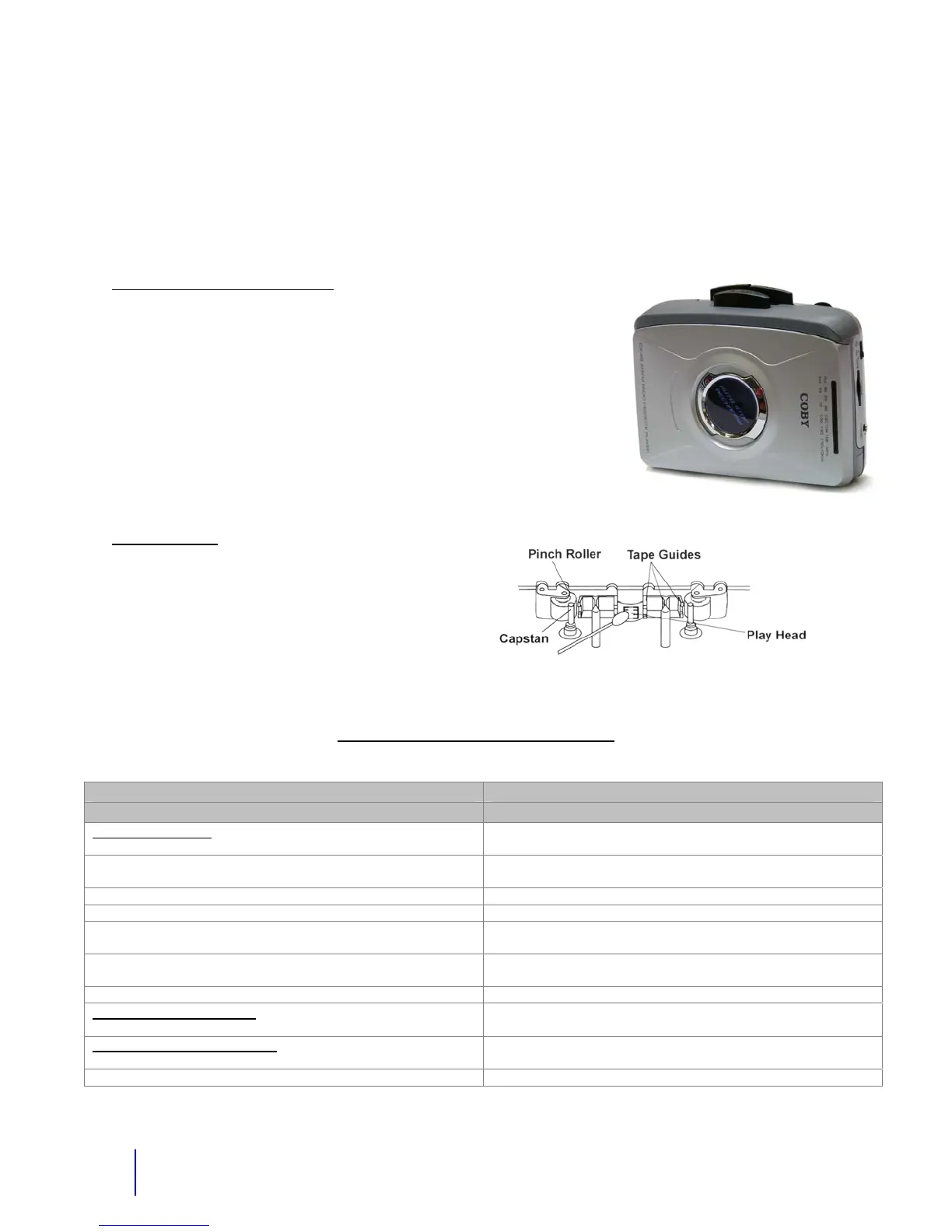
The cassette tape system is located inside the robot on the metal electronics box. The system
is activated by remote control from the remote control box. (Additional instructions are on the
next page.)
How to Play a Cassette Tape
1. Insert a regular type cassette tape into the player.
2. Depress the play button on the cassette player.
3. Move the radio tape select switch to the tape position.
4. Activate the tape from the control box.
5. Adjust the volume to desired level.
6. Press F FWD to move the tape to the next song.
The tape head of the cassette player should be cleaned after
every 25 to 30 hours of use. Always remove the cassette tape
when not in use. This will prevent flat spots on the capstan roller.
Specifications
Output Jack- 3.5mm stereo
Power Input- DC 3V Center negative
Troubleshooting - Cassette Player
Problem/Cause Action
Cassette Player
No tape operation
1. Tape player not on tape mode or volume not turned up.
1. Put mode select to tape and turn volume up.
2. Play button not pushed 2. Must push play button before hitting the switch on the radio
control.
3. Bad Tape. 3. Check tape in other tape player.
4. Tape is too tight. 4. Loosen with a pencil by spinning tape.
5. Player is not getting power because power wire or plug is
broken.
5. Check for 3 Volts at power plug. Replace plug or repair the
wire.
6. Power or audio wire has come disconnected from the main
board.
6. Open the main box and re-connect to board.
7. Radio control or tape circuit not working 7. Contact Robotronics for help.
No siren, or voice either.
1. Audio fuse blown.
1. Replace the fuse. See fuse block diagram.
Poor quality sound or slow.
1. Belts worn out and slipping.
1. Replace cassette player or belts.



 To Next Page