26
DGM001519.01 UM Sirius CE/ROTW
/E^dZhd/KE^&KZh^
Warning: Use of controls or adjustments or performance of procedures other than those
specified herein may result in hazardous radiation exposure.
This section describes the use instructions of the Sirius device. They include:
x Start-up procedure
x Operating instructions
x Description of possible Error messages
x Shut down procedure and protection from unauthorized use
Start-up procedure
Before proceeding with the start-up procedure of the device, verify the proper connection of the following
accessories:
x Power supply cable
x Interlock connector
x Key switch
x Footswitch
Also, make sure that the emergency red button is not pushed.
To turn the device ON:
x Set the main switch to the I configuration on the rear panel. At the start-up, the LED bar on the front
panel turns blue.
x Turn the key switch in the configuration (clockwise) to turn on the system.
x Push the ON/OFF frontal button. If the laser fails to start, check that the emergency push button is not
pressed. If the emergency push button is pressed, twist it to allow its release, turn the key and push the
frontal ON/OFF button to start the laser.
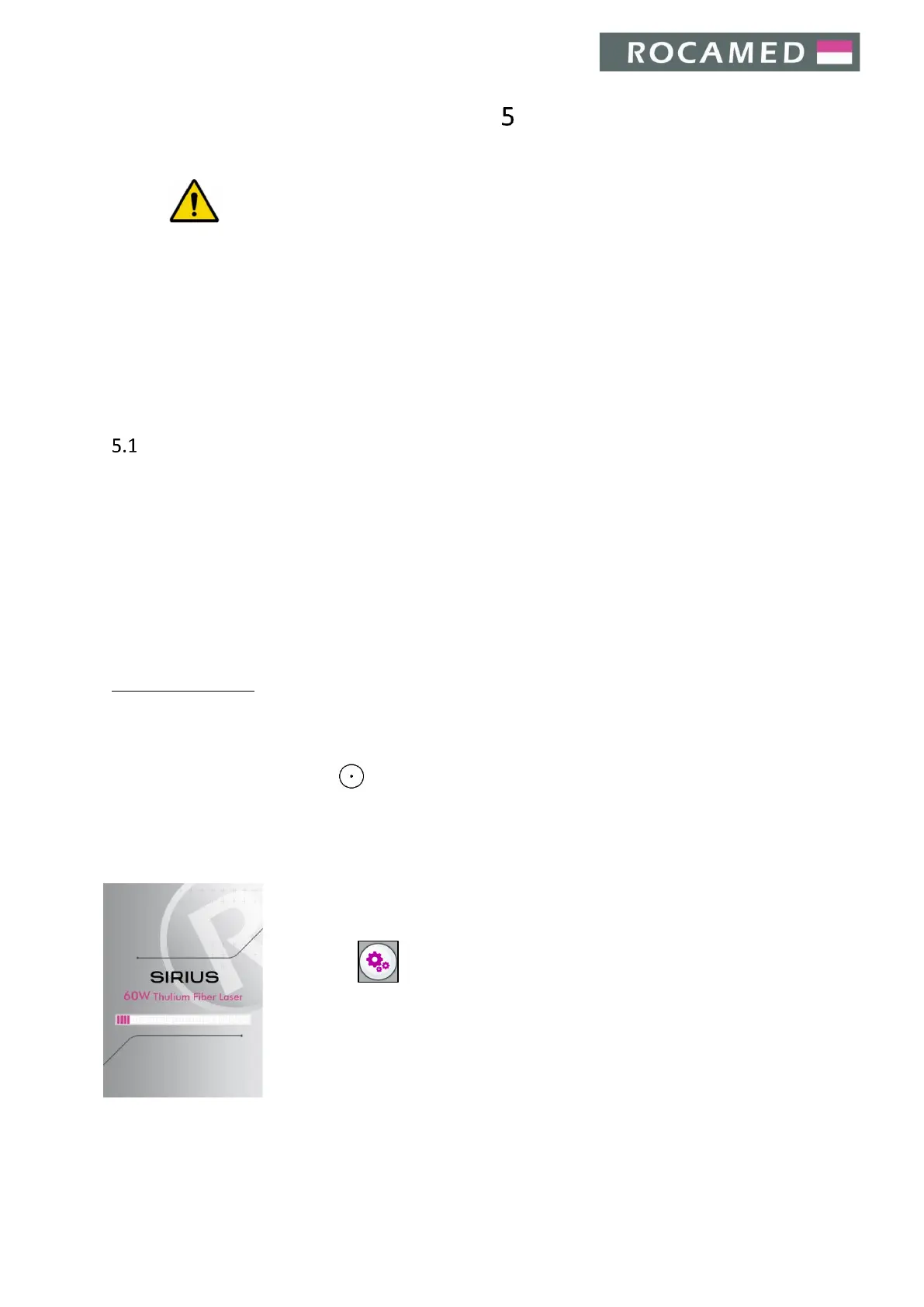
The Loading screen will appear.
Once the system has checked for the proper functioning and status of device
elements, the Main screen will appear (see section 5.2.1 Main Screen).
Through the , the Settings screen is reachable (see section 5.3 Settings).


 To Next Page