15
CRESC
SET
MODE
• SETTING THE ORCHESTRAL CRESCENDO SEQUENCE:
1.
Press the
aRCH
CRESC piston located under the Swell manual to the right.
2.
Press and hold the SET piston, and press the
aRCH
CRESC piston again. The
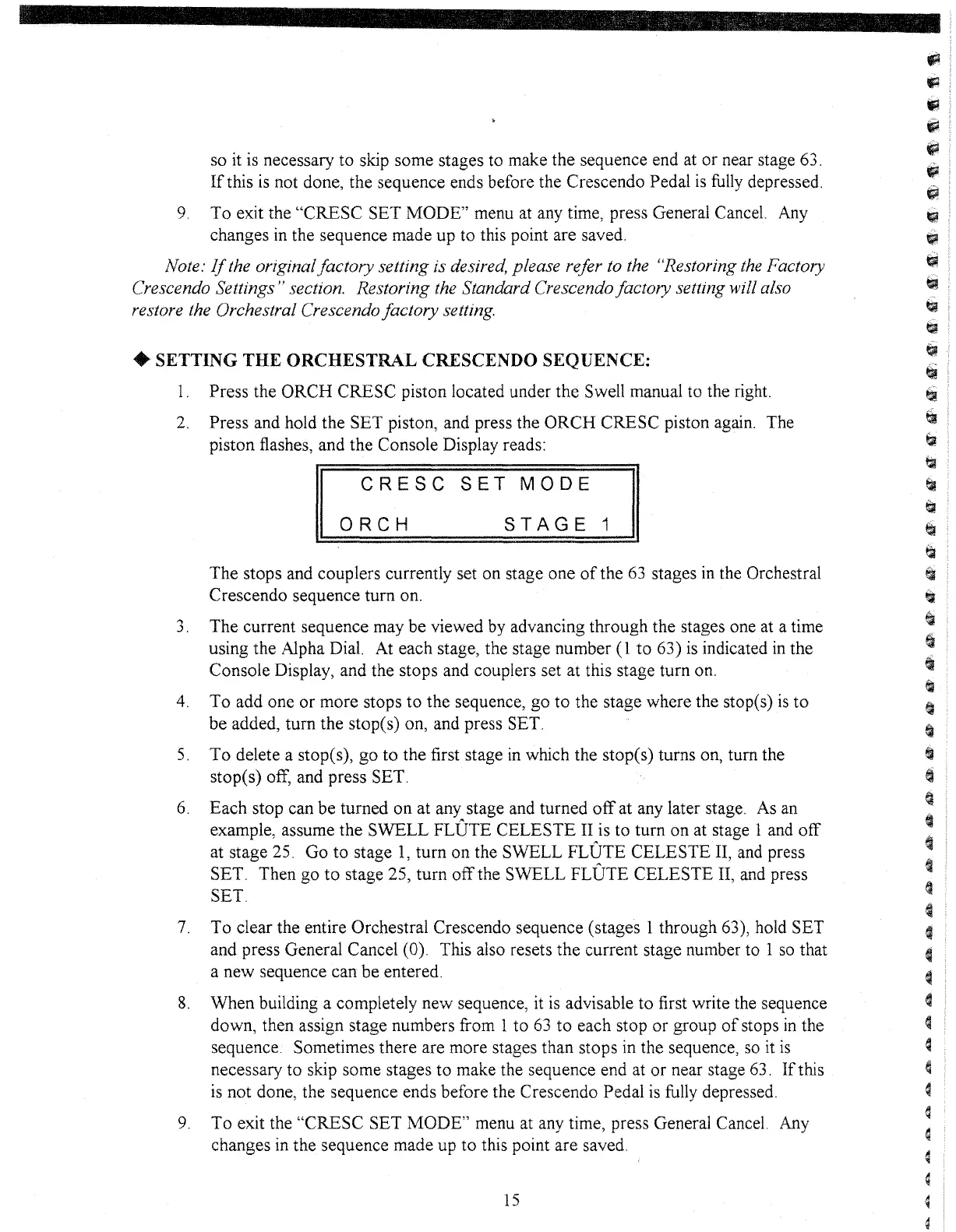
piston flashes, and the Console Display reads:
STAGE
1
ORCH
The stops and couplers currently set on stage one
of
the
63
stages
in
the Orchestral
Crescendo sequence turn on.
3.
The current sequence may be viewed by advancing through the stages one at a time
using the Alpha Dial.
At
each stage, the stage number
(1
to 63)
is
indicated
in
the
Console Display, and the stops and couplers set at this stage turn on.
4.
To
add one or more stops to the sequence, go
to
the stage where the stop(s)
is
to
be added, turn the stop(s) on, and press SET.
5.
To
delete a stopes), go
to
the first stage
in
which the stope
s)
turns on, turn the
stop(s) off, and press SET.
6.
Each stop can be turned on at any stage and turned
off
at any later stage. As an
example, assume the SWELL
FLUTE CELESTE II is to turn on at stage 1 and off
at stage 25. Go to stage
1,
turn on the SWELL FLUTE CELESTE II, and press
SET. Then go
to
stage 25, turn
off
the SWELL FLUTE CELESTE II, and press
SET.
7.
To clear the entire Orchestral Crescendo sequence (stages 1 through 63), hold SET
and press General Cancel (0). This also resets the current stage number to 1
so
that
a new sequence can be entered.
8.
When building a completely new sequence, it
is
advisable to first write the sequence
down, then assign stage numbers from 1 to
63
to
each stop
or
group
of
stops
in
the
sequence. Sometimes there are more stages than stops
in
the sequence,
so
it
is
necessary to skip some stages to make the sequence end at or near stage 63.
If
this
is
not done, the sequence ends before the Crescendo Pedal
is
fully depressed.
9.
To exit the "CRESC SET MODE" menu at any time, press General Cancel.
Any
changes
in
the sequence made up
to
this point are saved.
so
it
is necessary to skip some stages to make the sequence end at or near stage 63.
If
this
is
not done, the sequence ends before the Crescendo Pedal
is
fully
depressed.
9.
To exit the "CRESC SET MODE" menu at any time, press General Cancel. Any
changes
in
the sequence made up to this point are saved.
Note:
If
the originalfactory setting is desired, please refer to the "Restoring
the
Factory
Crescendo Settings" section. Restoring the Standard Crescendo factory setting
will also
restore the Orchestral Crescendo factory setting.



 To Next Page