MIDI
(Musical
Instrument
Digital Interface)
Rodgers organs have some
of
the most advanced MIDI capabilities
in
the world, offering a
great variety
of
sound possibilities. These sounds are accessed by the MIDI coupler pistons
located on the piston rails. Two MIDI sounds can be played simultaneously from each manual
(Great, Swell, Choir and Pedal).
The
MIDI
coupler pistons control the following MIDI channels:
Great Manual
Great Manual
Swell Manual
Swell Manual
Choir Manual
Choir Manual
Pedal Manual
Pedal Manual
Channel 1
*
Channel 5
Channel 2
Channel 6
Channel 4
Channel 8
Channel 3
Channel 7
MIDI GT A
MIDI GT B
MIDI SW A
MIDI
SWB
MIDI
CH
A
MIDI
CHB
MIDI PED A
MIDI PED B
* May be changed
to
any
of
the sixteen MIDI channels.
•
SELECTING
A
MIDI
SOUND:
Selecting a
MIDI
sound
is
also known as Sending a Program Change:
1.
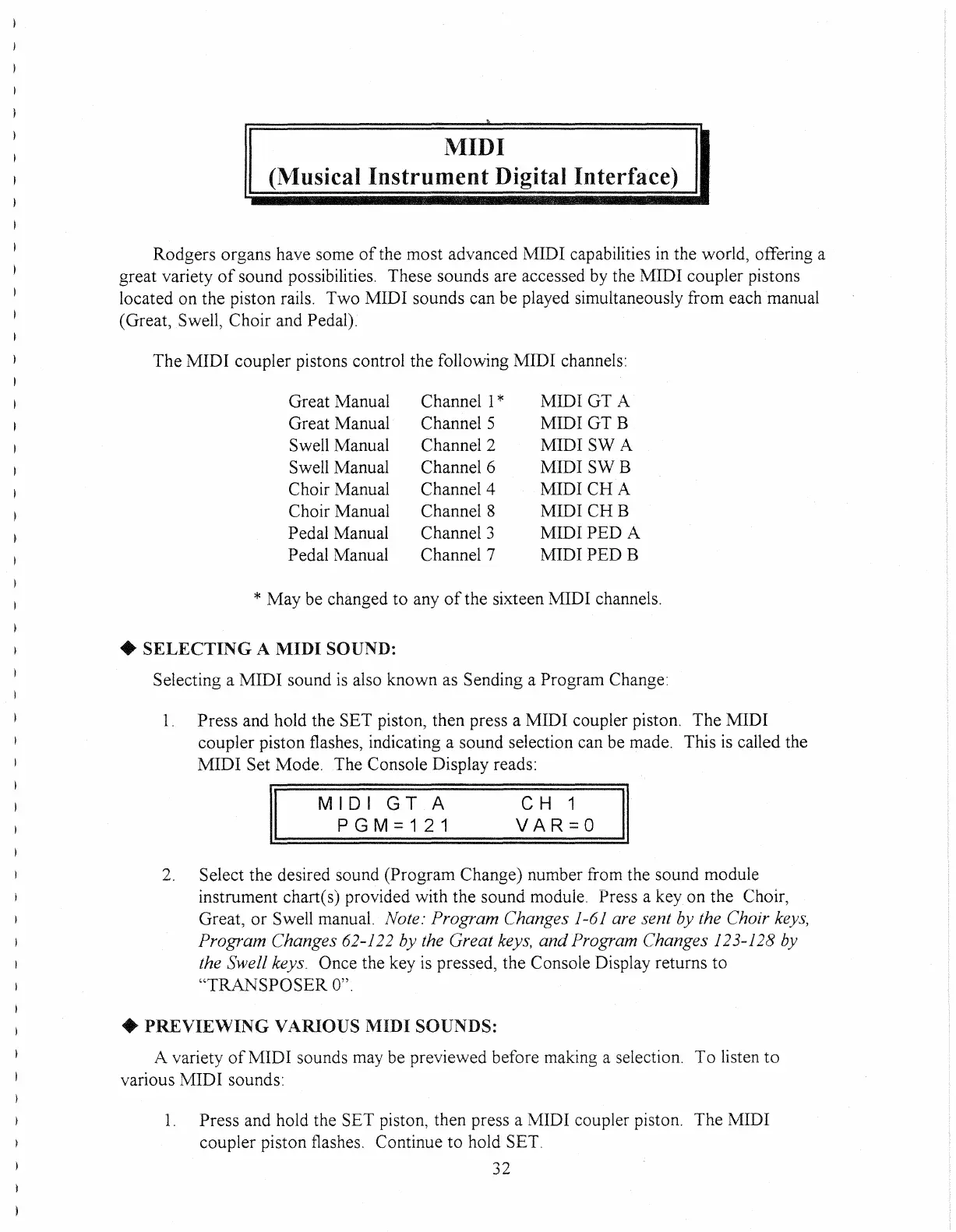
Press and hold the SET piston, then press a MIDI coupler piston. The MIDI
coupler piston flashes, indicating a sound selection can be made. This is called the
MIDI
Set Mode. The Console Display reads:
II
MIDI
GT
A
PGM=121
C H 1
VAR=O
II
2.
Select the desired sound (Program Change) number from the sound module
instrument chart(s) provided with the sound module. Press a
keyon
the Choir,
Great,
or
Swell manual. Note: Program Changes 1-61 are sent by the Choir keys,
Program Changes
62-122 by the Great keys,
and
Program Changes 123-128 by
the Swell keys.
Once the key
is
pressed, the Console Display returns
to
"TRANSPOSER
0".
•
PREVIEWING
VARIOUS MIDI SOUNDS:
A variety
of
MID
I sounds may be previewed before making a selection.
To
listen
to
various MIDI sounds:
1.
Press and hold the SET piston, then press a MIDI coupler piston. The MIDI
coupler piston flashes. Continue
to
hold SET.
32



 To Next Page