24
MODEL SOLU COMP II SECTION 5.0
PROGRAMMING THE ANALYZER
5.6.3 Procedure.
To choose a menu item, move the cursor to the item and press ENTER.
To store a number or setting, press ENTER.
1. Press MENU. The main menu screen appears. Choose Program.
2. Choose >>.
3. Choose Temp.
4. Choose °C/F to change temperature units. Choose Live/Manual to turn
on (Live) or turn off (Manual) automatic temperature compensation.
a. If °C/F is chosen, select °C or °F in the next screen.
b. If Live/Manual is chosen, select Live or Manual for sensor 1 in the
next screen.
c. If Manual is chosen, enter the temperature in the next screen. The
temperature entered in this step will be used in all subsequent meas-
urements, no matter what the process temperature is.
d. The display will return to the Live/Manual screen for sensor 2. Make
the desired selections for sensor 2.
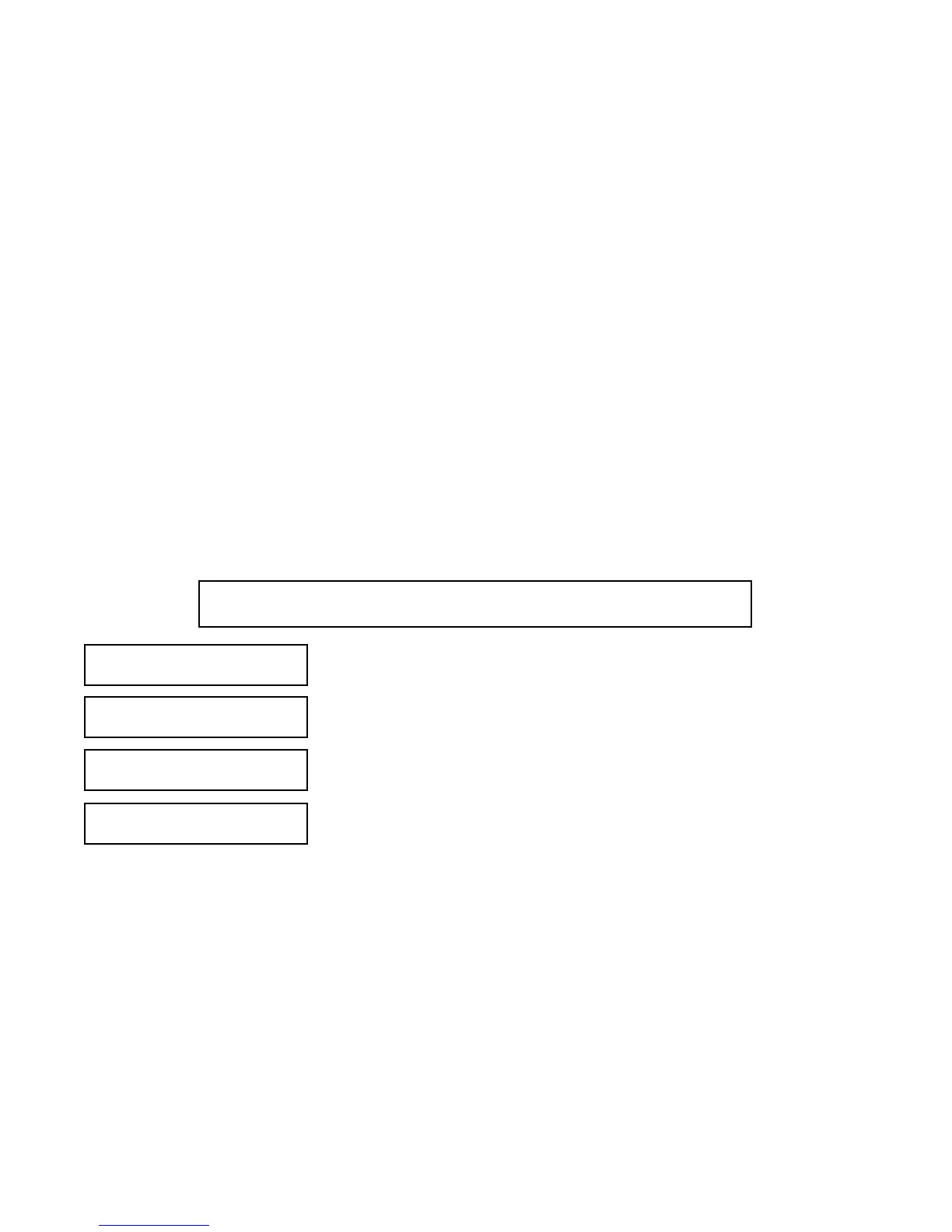
Calibrate Hold
PPrrooggrraamm
Display
Config Temp?
°
CC//FF
Live/Manual
TTeemmpp
Security
#Sensors >>
Outputs Alarms
Measurement
>>>>
5.6 CHOOSING TEMPERATURE UNITS AND MANUAL OR AUTOMATIC TEMPERATURE
COMPENSATION
5.6.1 Purpose
This section describes how to do the following:
1. Choose temperature display units (°C or °F).
2. Choose automatic or manual temperature compensation.
3. Enter a temperature for manual temperature compensation
5.6.2 Definitions
1. AUTOMATIC TEMPERATURE COMPENSATION. The analyzer uses a temperature-dependent factor to con-
vert measured cell voltage to pH. In automatic temperature compensation, the analyzer measures the tem-
perature and automatically calculates the correct conversion factor. For maximum accuracy, use automatic
temperature compensation.
2. MANUAL TEMPERATURE COMPENSATION. In manual temperature compensation, the analyzer converts
measured voltage to pH using the temperature entered by the user. It does not use the actual process tem-
perature.Do NOT use manual temperature compensation unless the process temperature varies no more than
about ±2°C or the pH is between 6 and 8. Manual temperature compensation is useful if the sensor tempera-
ture element has failed and a replacement sensor is not available. If manual temperature correction is select-
ed, the display will not show the measured temperature. It will show the manually entered value.


 To Next Page