63/74
KEYS COMBINATIONS toggling special functions
When an USB 2.0 dongle is plugged into the UAB-A port, pressing SPECT and BARSCAN
buttons simultaneously will result in taking a screenshot of the Meter actual screen and store it
on the USB device. If no USB device is connected, this function is disabled.
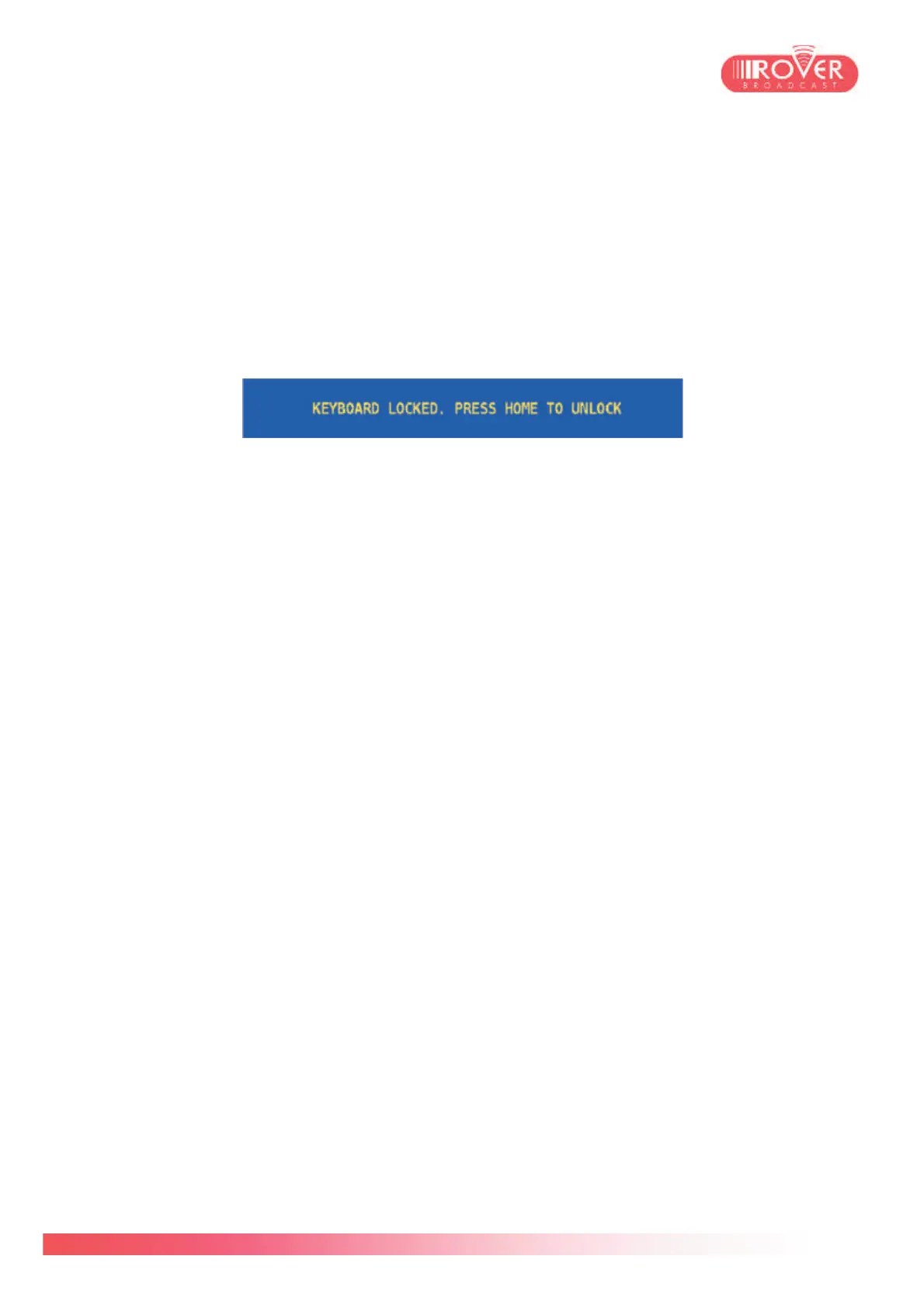
Pressing the VOLUME button for 5 seconds will result in locking the Meter’s keyboard and the
following message will appear on the screen:
In this situation, neither the keyboard nor the touch screen are enabled. Press HOME to go
back to normal operation.



 To Next Page