8/74
Getting Started
1. Unpacking and inspection
Before unpacking the unit, inspect the outer carton for shipping damage. If the carton
shows damage, inspect the unit in those areas.
Several essential items are provided with the unit, including:
- Power cords for use in Continental Europe or United States
- 110V-240V AC to 12 VDC Power Adapter (Use AC / DC power with DC cable shorter
than 3m)
- Composite A/V cables
- A CD•R containing the S.M.A.R.T. application and its documentation, Meter’s USB
driver and MIB file.
- Warranty and After Sale Support information
Note: To maintain your eligibility for software upgrades, register your product on the
software upgrades page at
www.roverinstruments.com.
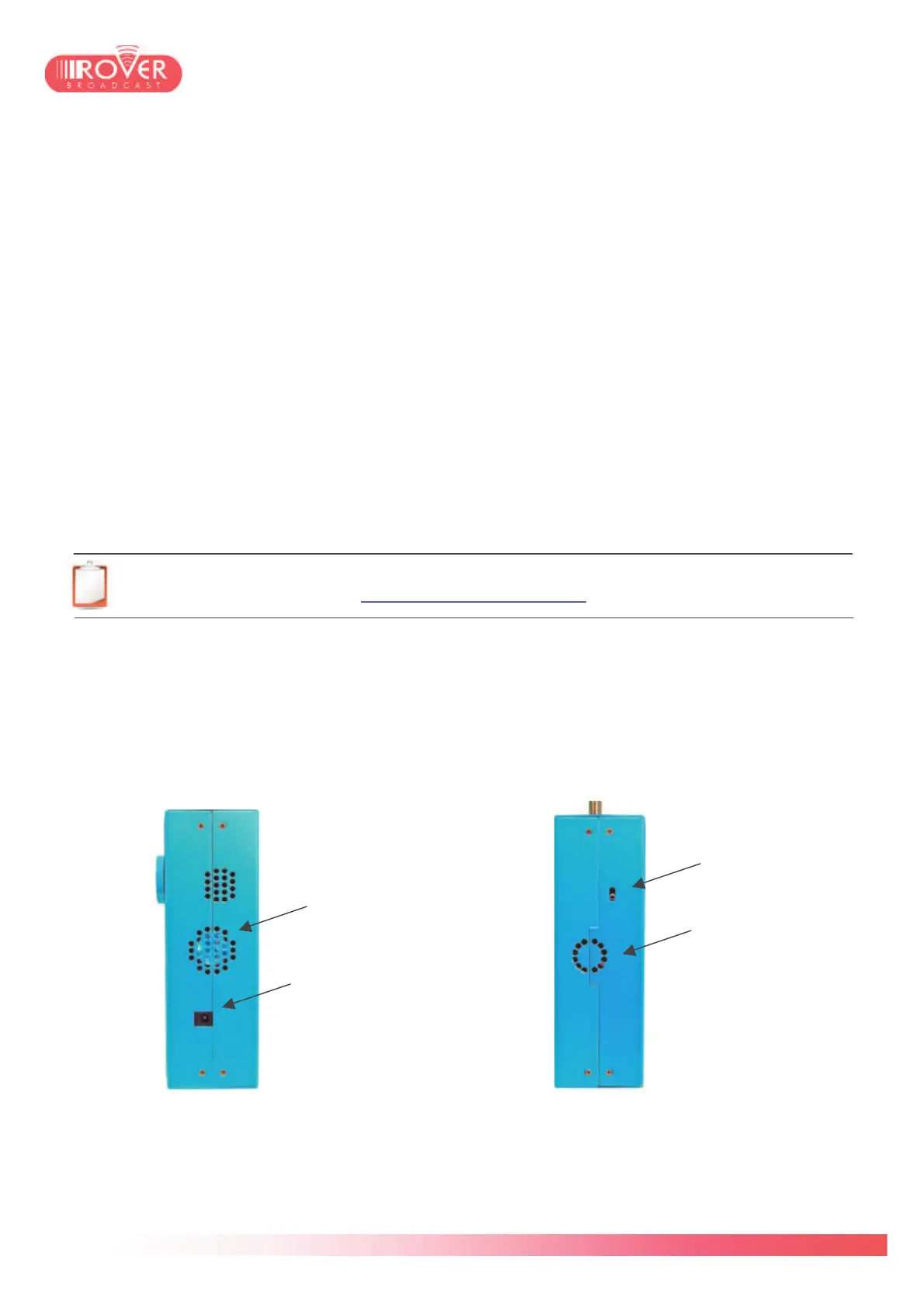
2. Right and Left panels
Right Panel Left Panel
DC@RF input switch
(see #3.5 below)



 To Next Page