66/74
Appendix 1: HD PRO TAB firmware and channel plans upgrade
HD PRO TAB can be upgraded via the micro-USB connector on the left panel.
To perform the firmware upgrade it is necessary to install on a Personal
Computer the S.M.A.R.T. software that can be downloaded from the corporate
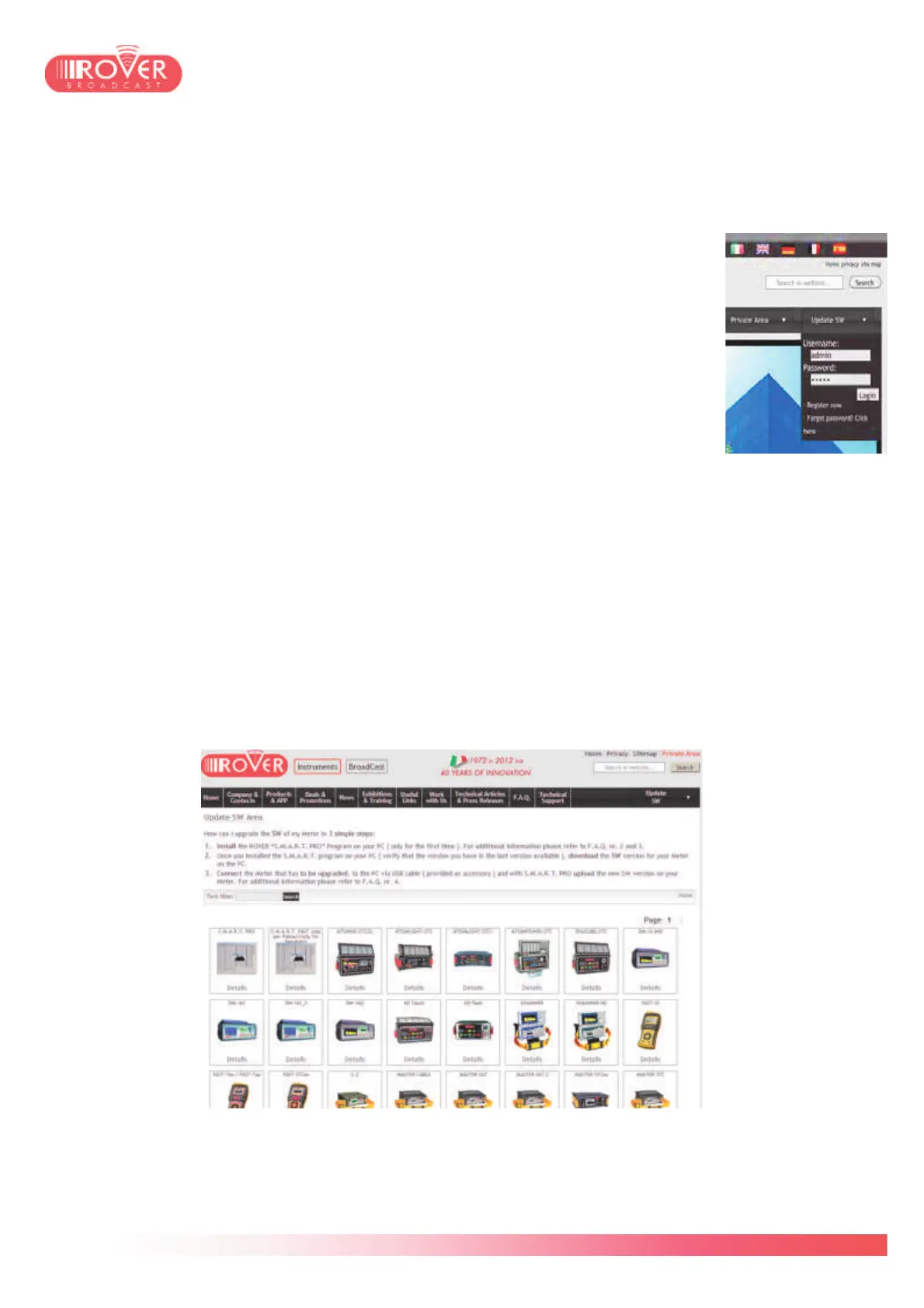
website www.roverinstruments.com registering in the Update SW area.
The S.M.A.R.T. software is available in two versions:
• The STANDARD version allows only the firmware upgrades
• The PRO version beyond firmware upgrade allows also to upload
Canalization
Plans (file mem), to manage the meter's internal memory (MANU FILE,
AUTOMEMORY , LOGGER etc.) and to export the data-loggers in XLS
format.
Once installed, the S.M.A.R.T. software will work in PRO version for a trial period of 30 days, after
which it will continue to work in STANDARD version. To purchase the PRO license for your
S.M.A.R.T. copy, please contact RO.VE.R. After Sales Support at (+39) 03 09 19 82 99 and ask
for the S.M.A.R.T. PRO license.
Firmware Upgrade procedure
Login into the Update SW area and find your meter among those appearing on the screen:
Clicking on the meter's icon, will pop-up an information box, with product description and the list of



 To Next Page