36/74
6.5. Performing Cable measurements
From the HOME page, the user should touch the screen over the CATV icon or press
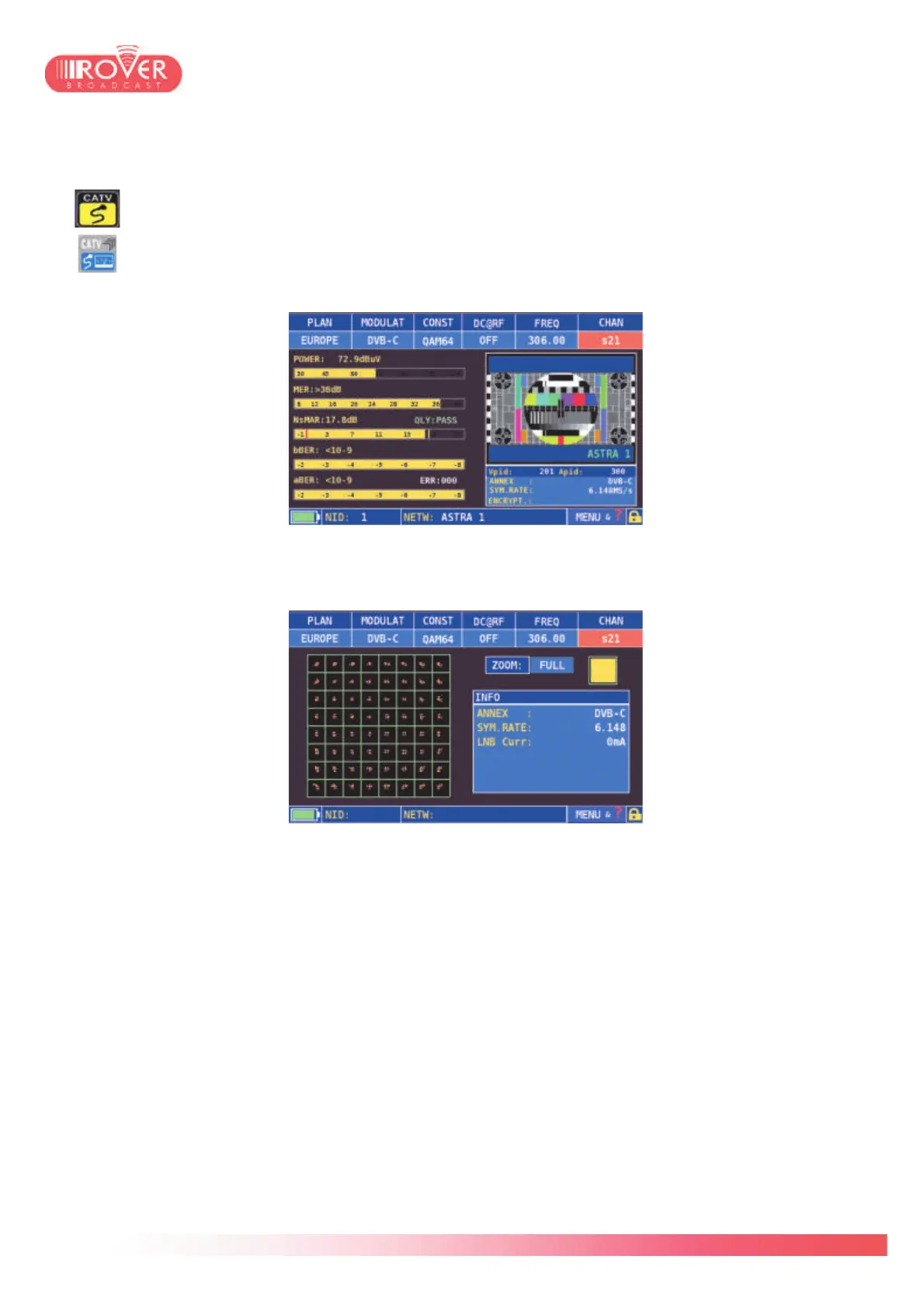
the CATV button on the keyboard. The Cable measurement interface is identical to the
terrestrial and satellite ones; it is composed by two screens: the first for the RF
measurements and A/V decoding; the second for constellation diagram and modulation
parameters view.
To pass from the first to the second measurement screen, the user should touch the screen
over the measurement bars or press again the CATV button on the keyboard.
The HD PRO TAB provides other measurements for CATV networks, such as the INGRESS
TEST and LEAKAGE TEST, to verify the conformance of cables. See chapter XX for detailed
information on these tests.



 To Next Page