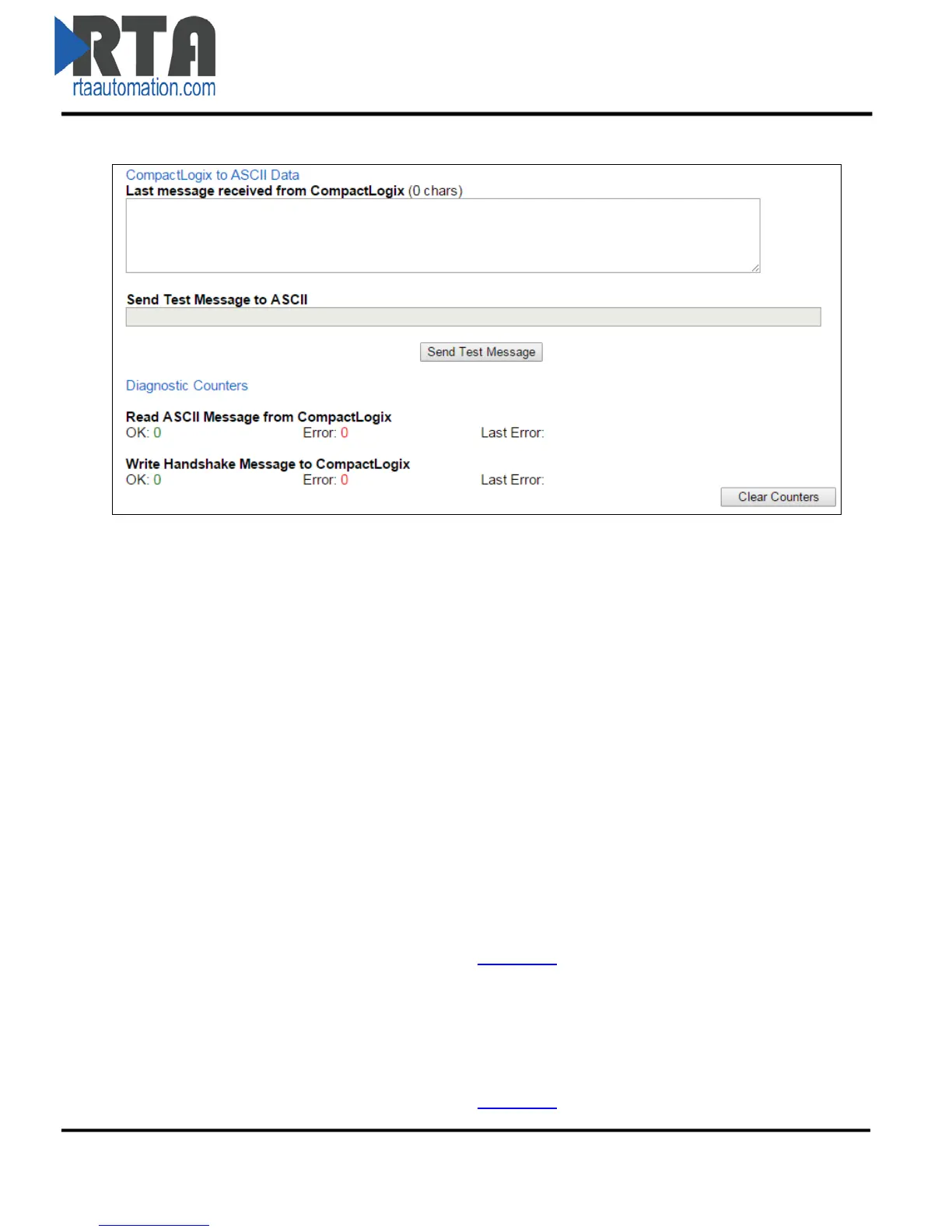
Diagnostics and Troubleshooting – PLC to ASCII
Last message received from PLC (bytes):
This buffer shows the last message that was sent to the ASCII device. Data portion should be
filled in first and then the Length field. When the Length is non-zero, the gateway will process it
and then set to 0, indicating another message can be sent.
-When using String Data Type, length is set using the .LEN field.
-When using INT Data Type, the length is the 1st array index [0].
-When using SINT Data Type, the length is the 1st and 2nd array index [0] & [1].
Send Test Message to ASCII:
Use this field to bypass the PLC and send a test message out to the ASCII device from the
gateway. All delimiter information configured in the ASCII Configuration section will be applied
when a message is sent.
NOTE: PLC and Port must be configured to use this feature.
Diagnostic Counters
Read ASCII Message from PLC:
OK:
Increments with every read request for the length field from the gateway.
Error:
Increments when there is an error with the Tag/File Name in the PLC.
Last Error: This will report the most recent error found.
Note: Errors that show up here are reported from either the 490NBX or the PLC. For
detailed errors and explanations, please see Appendix A
.
Write Handshake Message to PLC:
OK:
Increments with every successful message sent from PLC to the ASCII device.
Error:
Increments when there is an error with the Tag/File Name in the PLC.
Last Error: This will report the most recent error found.
Note: Errors that show up here are reported from either the 490NBX or the PLC. For
detailed errors and explanations, please see Appendix A
.
Real Time Automation, Inc. 23 1-800-249-1612



 To Next Page