Device Configuration
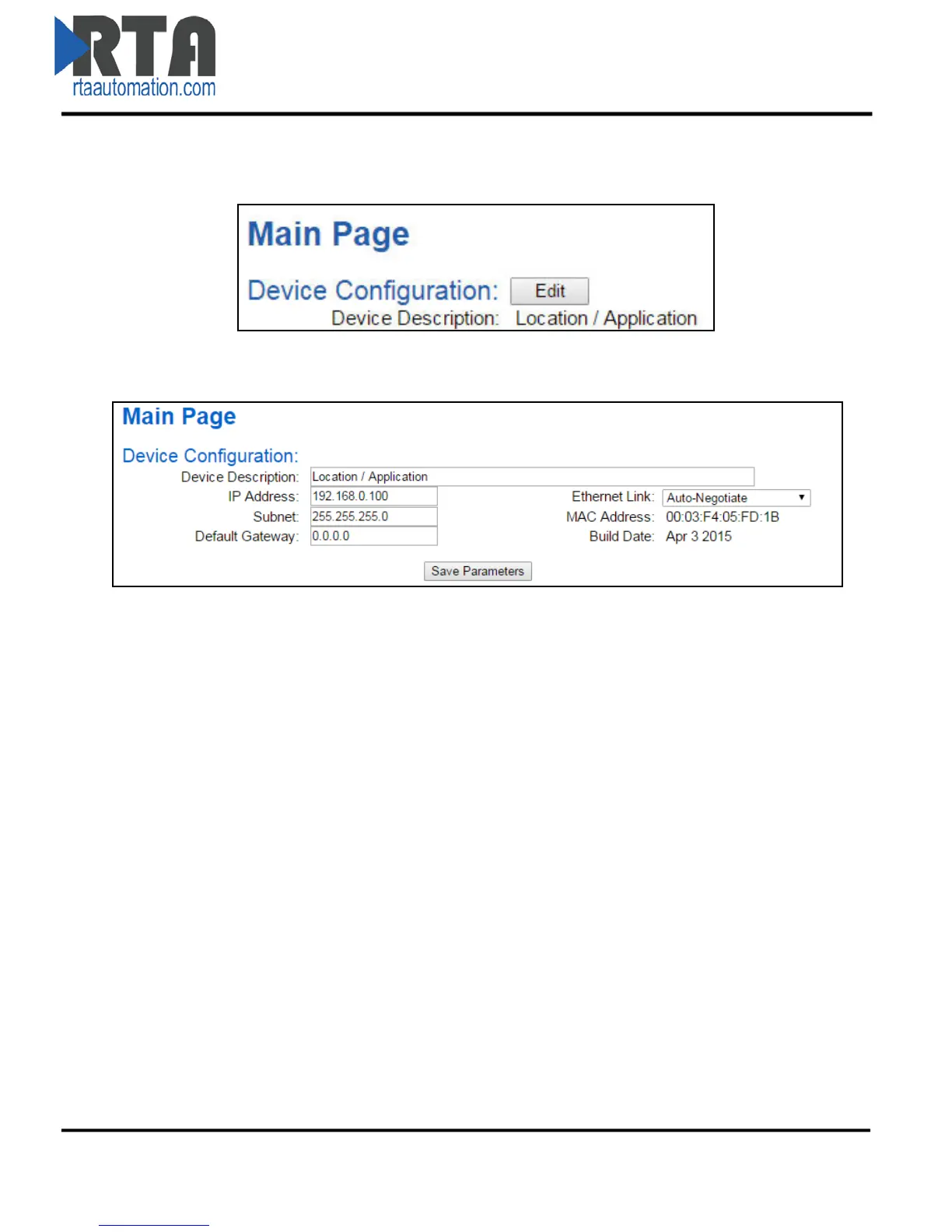
1) From the main page, click the Edit button which is located next to Device Configuration.
2) This allows you to edit the Device Description, IP Address, Subnet, Default Gateway and
Ethernet Link settings.
3) To save all values, click the Save Parameters button.
Real Time Automation, Inc. 11 1-800-249-1612



 To Next Page