Accessing the Main Page
The following steps will help you access the browser based configuration of the 490NBX.
1) Insert the provided CD-ROM into a computer also on the network.
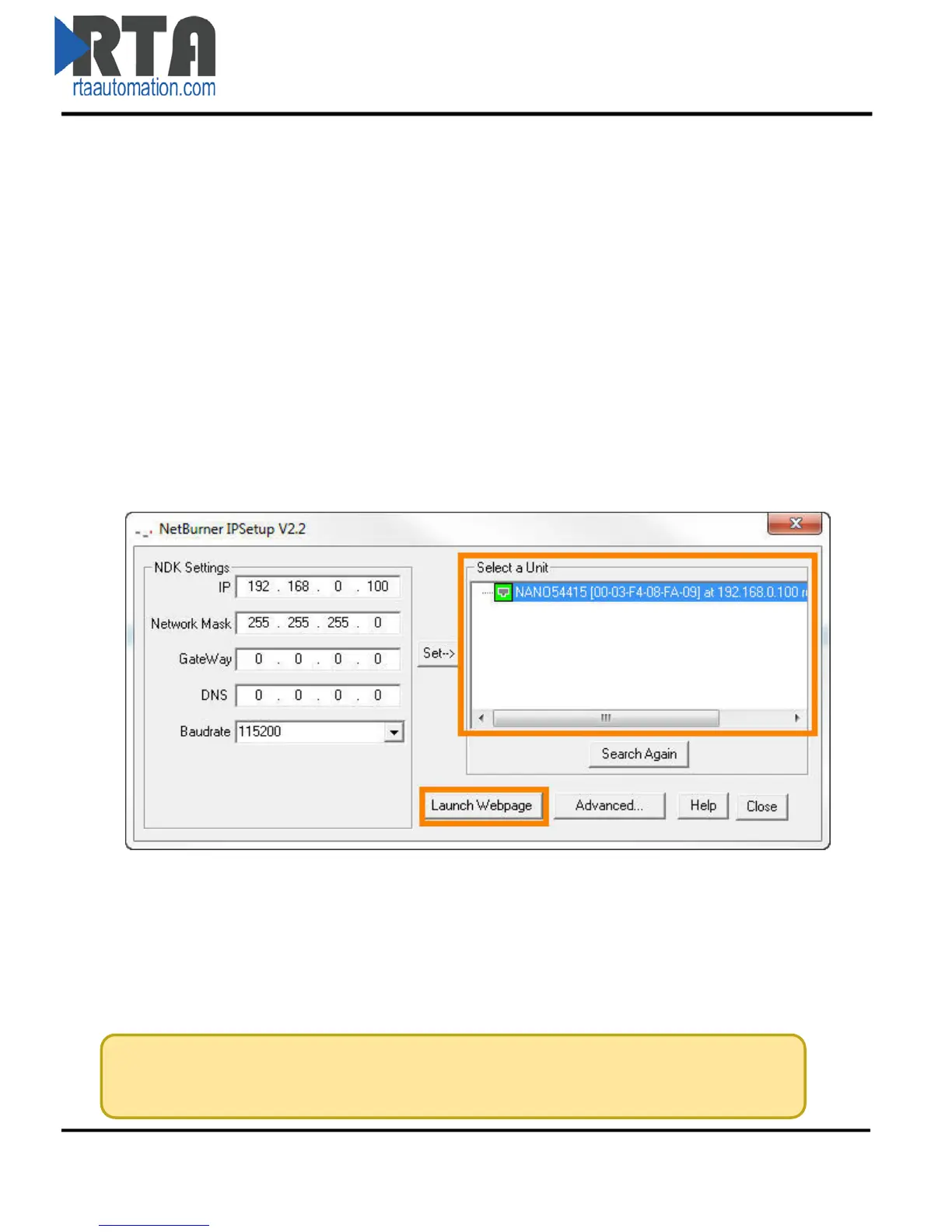
2) Run the IPSetup.exe program from the CD-ROM.
3) Find unit under “Select a Unit”.
a. Change IP address to match that of your PC and click the Set button.
b. NOTE: If your unit does not appear here, follow the troubleshooting steps on the
next page.
4) Click Launch Webpage. The 490NBX page should appear.
Default IP Address is 192.168.0.100
Default Subnet of 255.255.255.0.
Real Time Automation, Inc. 7 1-800-249-1612



 To Next Page