Diagnostics and Troubleshooting
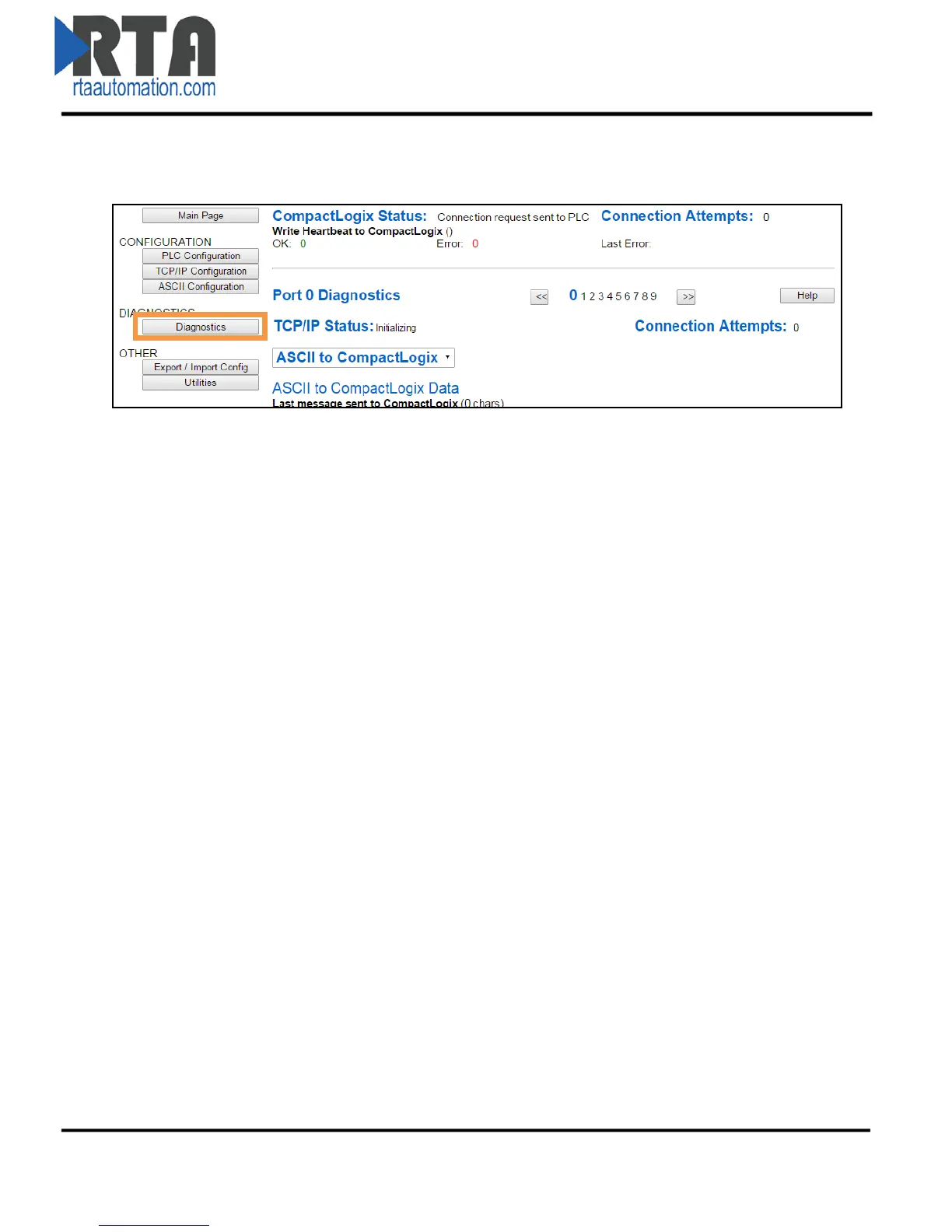
From any page, click the Diagnostics button under the DIAGNOSTICS section.
PLC Information
PLC Status:
Disabled: PLC is not enabled in the PLC Configuration web page.
Connection Retry Delay: Connection is not established.
i. Verify that the 490NBX and PLC are on the same network.
Connected: Good communication with the PLC.
Connection Attempts: This value increments every time the 490NBX loses connection to the PLC and
attempts to reconnect.
Write Heartbeat to PLC:
OK: Number of successful write messages to heartbeat Tag/File Name.
Error: Number of failed write messages to heartbeat Tag/File Name.
Last Error: Specific error information pertaining to the last failed heartbeat message to the PLC.
Port & Direction Selection
Port Selection: Use the << and >> buttons to navigate to the desired port diagnostics.
Direction Selection: Use the ASCII to PLC / PLC to ASCII dropdown menu to select the direction you
want to view.
TCP/IP Information
TCP/IP Status:
Disabled: The selected port is not enabled.
Initializing: The gateway is the Client and we have sent a TCP/IP connection request to the
TCP/IP Server device and we are waiting for a response.
Listening: The gateway is the Server and we are listening for a connection request from the
TCP/IP Client device.
Connected: Good communication with the TCP/IP device.
Connection Attempts: This value increments every time the 490NBX loses connection to the TCP/IP
device and attempts to reconnect.
Real Time Automation, Inc. 20 1-800-249-1612



 To Next Page