Committing Changes to the Settings
• Changes made to the settings of the gateway will not take effect until the gateway is restarted.
a) Changes will not be stored if the gateway’s power is removed prior to rebooting.
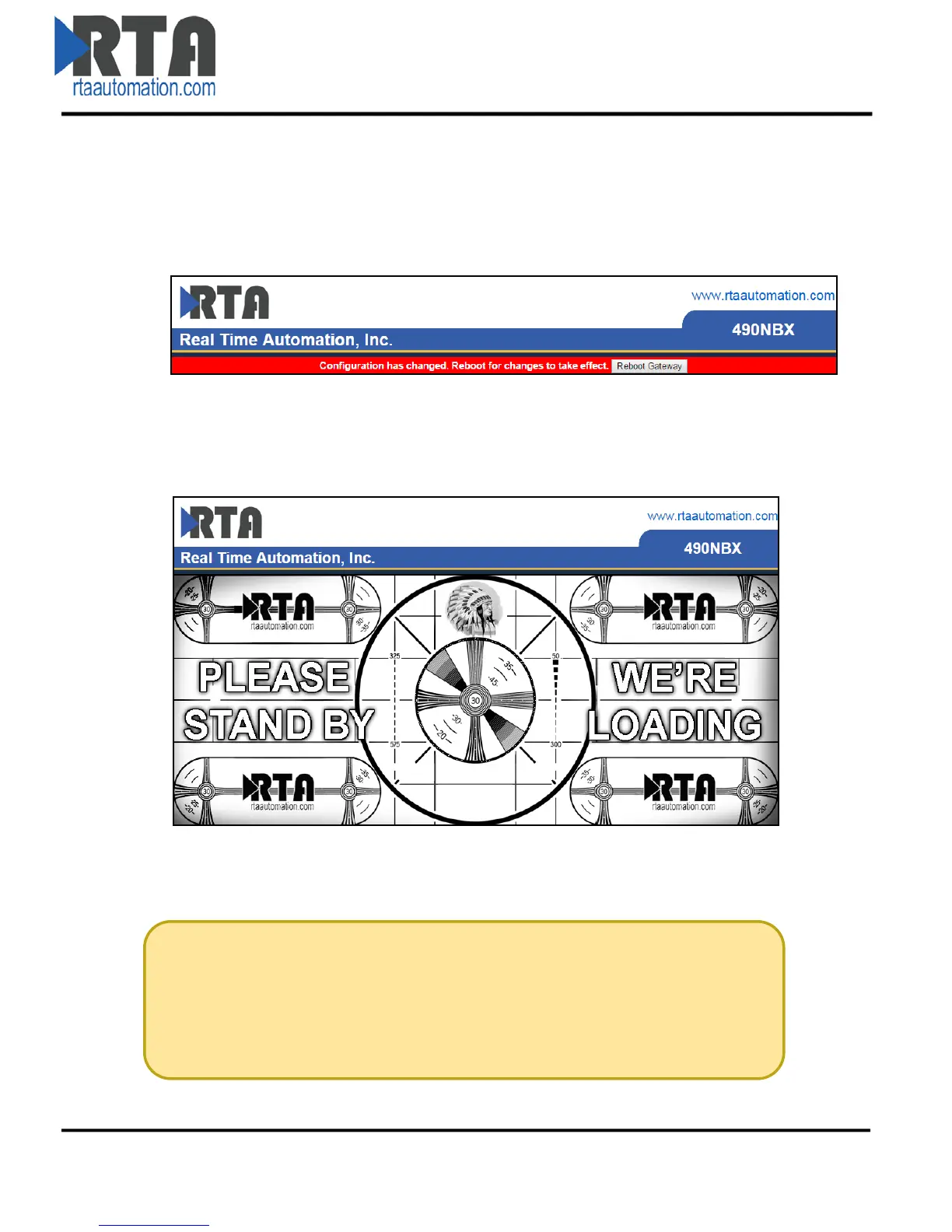
b) The gateway detects changes and will prompt you with a red notice box to restart the gateway
after change.
• NOTE: The gateway does not need to be restarted after every change. Multiple changes can be
made before a restart, but they will not be committed until the gateway is restarted.
• When all desired changes have been made, press the Reboot Gateway button.
• The webpage will redirect to our rebooting page shown below.
• After the gateway has restarted, which can take up to 20 seconds, the gateway will automatically
redirect to the main page. You will know the save was successful if the red box is no longer present.
The load screen pays homage to the RCA Television test pattern used from
1939-1970. The Native American head was used to check brightness and
contrast, the corner circles check beam focus on the edges of the screen, the
bars for low frequency response and the large circle to test height.
Real Time Automation, Inc. 9 1-800-249-1612



 To Next Page