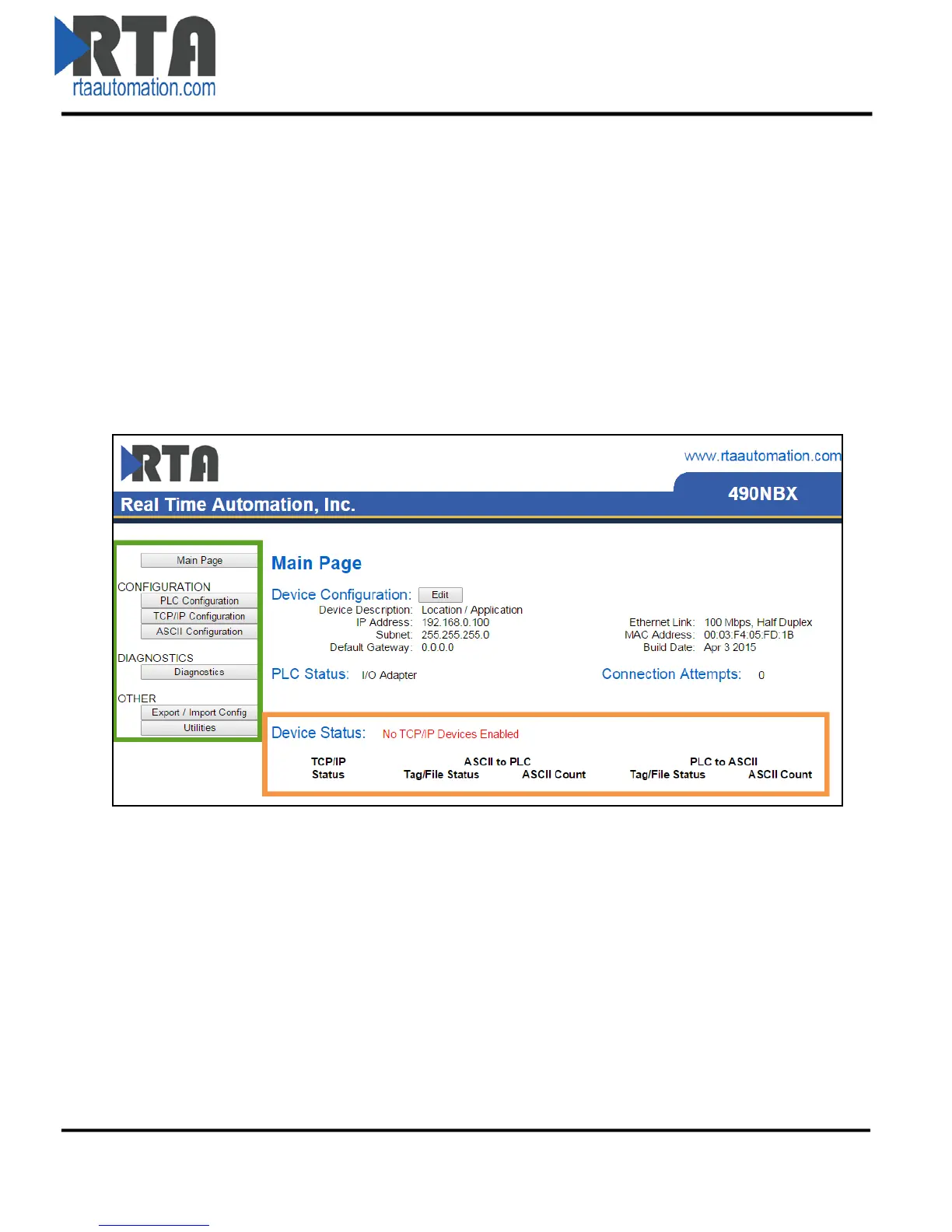
Main Page
The main page is where important information about your gateway and its connections are displayed.
Navigation (green box below):
You can easily navigate between pages (Main, Configuration, Diagnostics, and Other pages)
using the buttons on the left hand side.
Device Status (orange box below):
This quickly shows the high-level status of any TCP/IP ports that are enabled in the TCP/IP
Configuration. The values on this page mimic the same values that are displayed on the
Diagnostics Page.
Real Time Automation, Inc. 10 1-800-249-1612



 To Next Page