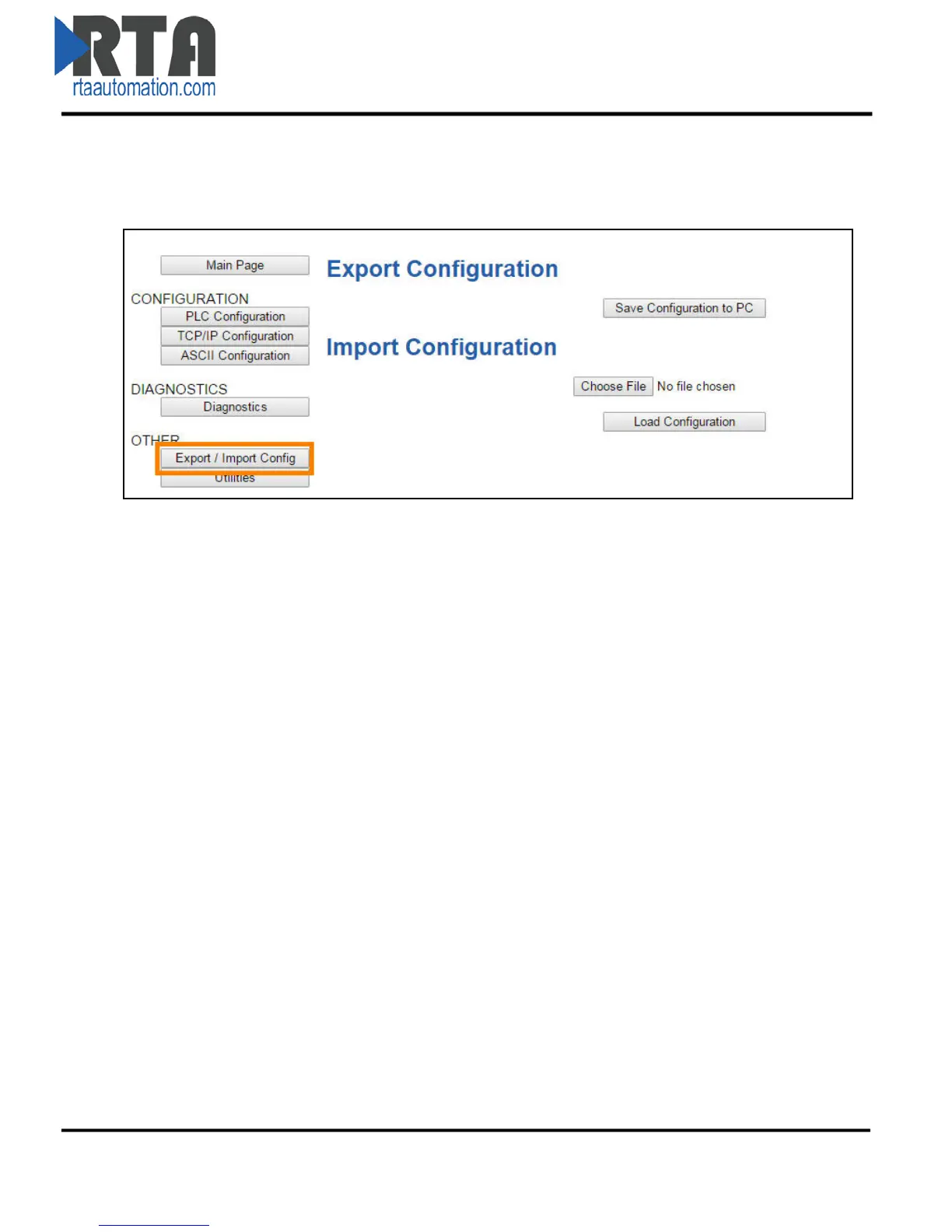
Save/Load the Configuration
Click the Export/Import Config button under the OTHER section.
Save the Configuration
1) Click the Save Configuration to PC button.
2) A prompt will then ask the type of file to save as. Any type will suffice.
3) This will save all of the configuration except for the Gateway’s IP Network Settings, since this
must be unique.
4) Save this file to the PC.
Load the Saved Configuration
1) Click Choose File and search for the configuration to load to the 490NBX.
2) Click Load Configuration. If successful, you will be redirected to the main page and be forced to
reboot the gateway.
a. If the load failed, you will be prompted with an error.
Real Time Automation, Inc. 25 1-800-249-1612



 To Next Page