Main Page Does Not Launch
If the Main Page does not launch please verify the following:
1) Check that the PC is set for a valid IP Address
a. Open a MS-DOS Command Prompt
b. Type “ipconfig” and press enter
c. Note the PC’s IP Address, Subnet, and Default Gateway
i. An invalid IP Address would be: 169.254.x.x
2) The gateway must be on the same Network/Subnet as the PC
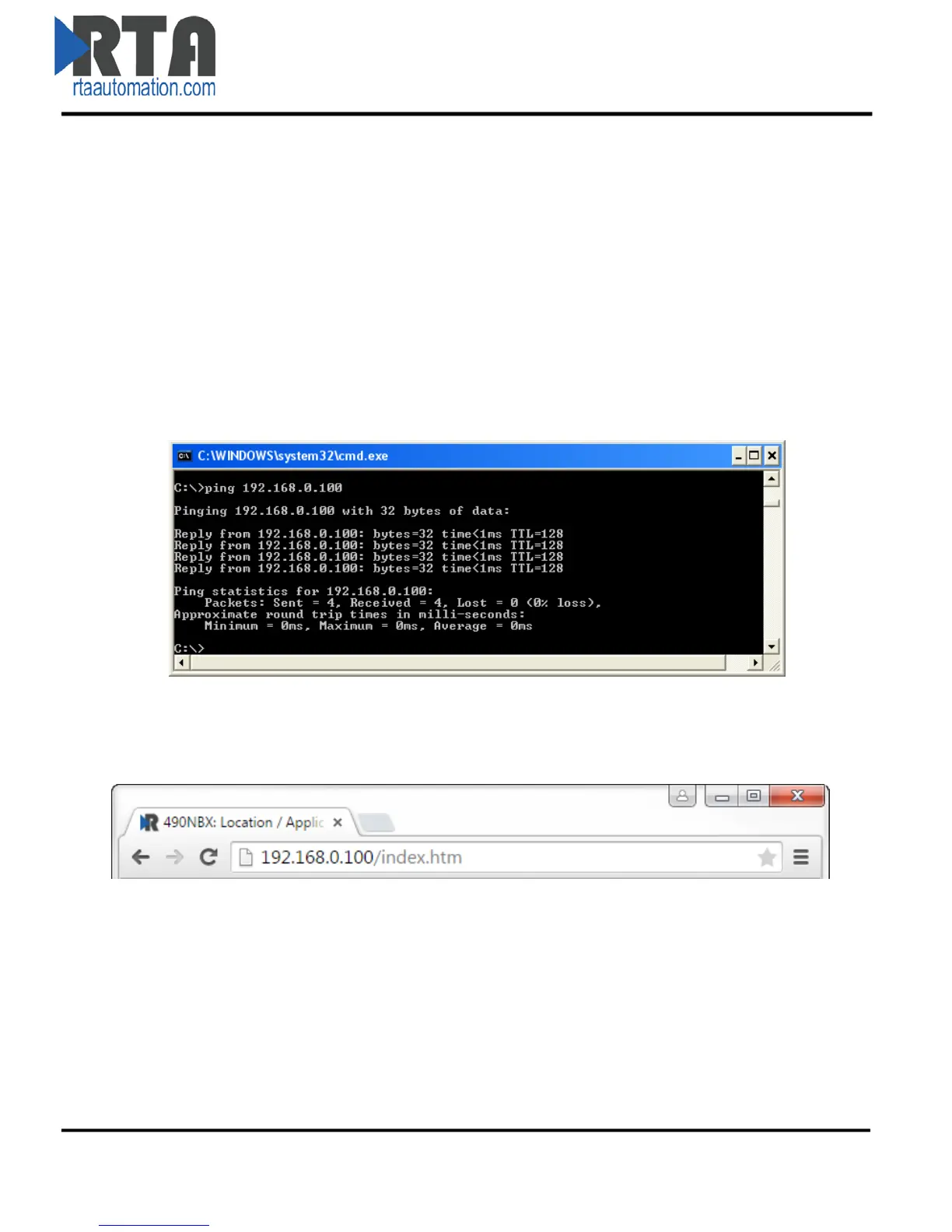
Once you have both devices on the same network, you should be able to ping the 490NBX using a MS-
DOS Command Prompt.
If you are able to successfully ping your gateway, open a browser and try to view the main page of the
gateway by entering the IP Address of the gateway as the URL.
Real Time Automation, Inc. 8 1-800-249-1612



 To Next Page