EN-63Manual | TM3-Primus 4 | Instruments
EN
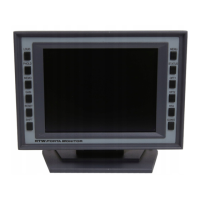
1. Touch and hold the screen for more than 2 seconds. The Main menu
appears.
2. Touch the Addnl. parameter option.
3. The Keys menu page appears. Set the Monitoring keys option to on,
if you want to control the Dim and Mute function with onscreen keys.
Touch Confi rm.
4. The RTA Parameter may appear. If so, touch Confi rm.
5. The Monitoring menu page appears. Set the Monitoring Downmix
option to on, if you want to output the signal as 2-channel Stereo
downmix. Touch Confi rm. You will get back to the main menu.
6. Touch Store to transfer the changes to the system. The unit gets back
to normal operation using the new settings.


 To Next Page