107
Managing the Access Point
Viewing Current Internet Connection Settings
Viewing Current Internet Connection
Settings
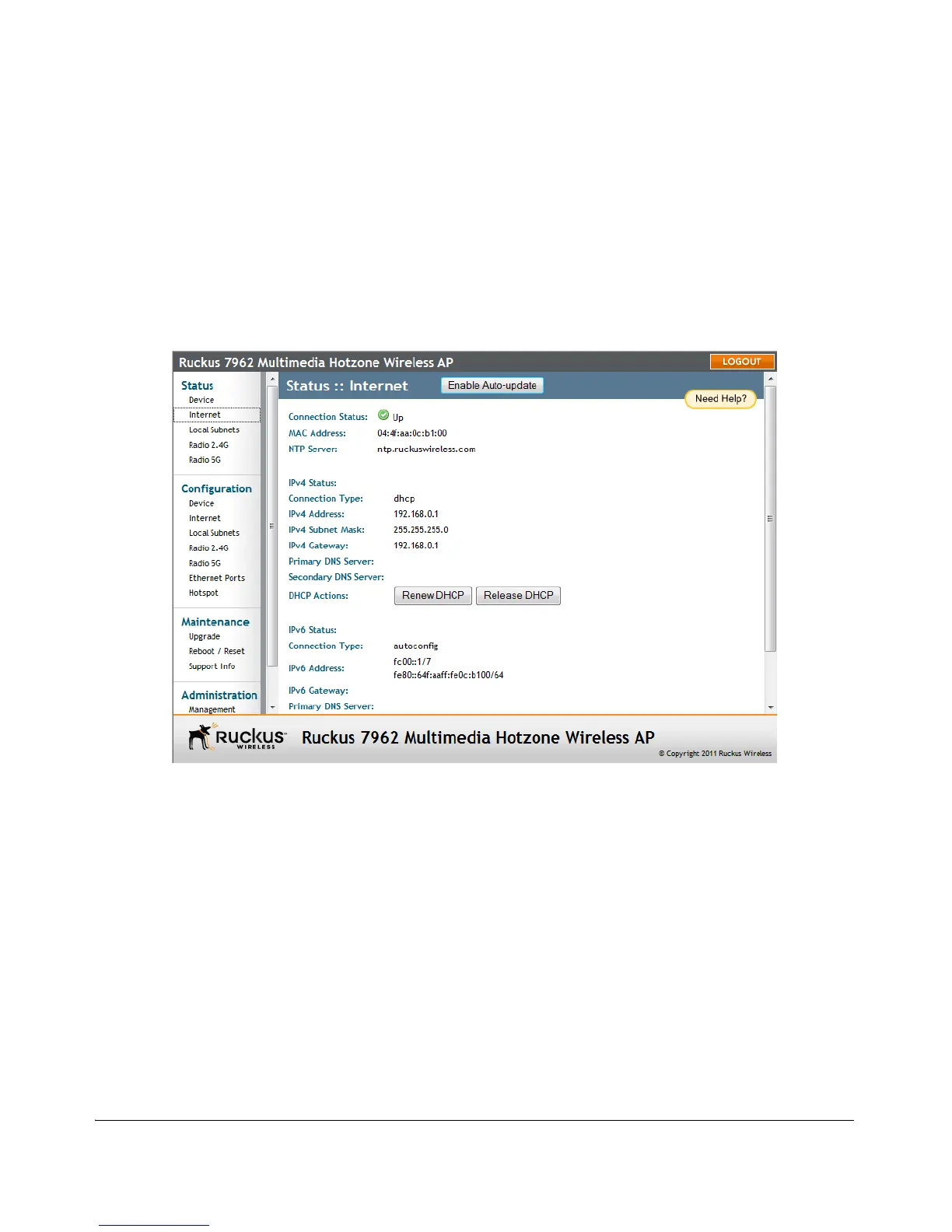
The Status > Internet page displays information on the AP’s network settings; i.e., the
settings that allow the AP to communicate with your local network and the Internet.
Information includes IP address, gateway, DNS server, NTP server and connection type
(method of obtaining an IP address -- DHCP or static IP).
Figure 56. The Status > Internet page












 To Next Page