123
Managing the Access Point
Resetting the Access Point to Factory Defaults
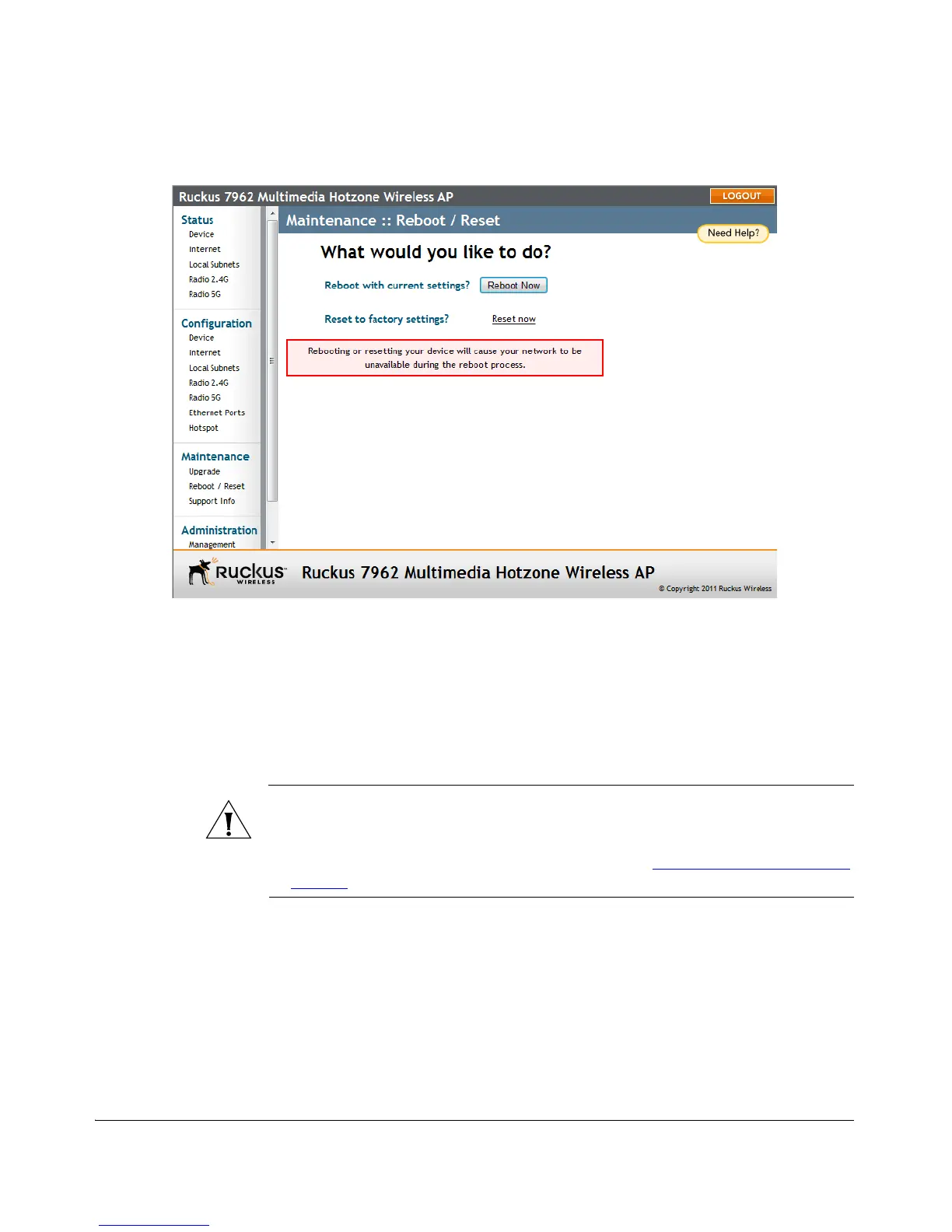
Figure 65. The Maintenance > Reboot/Reset page
After approximately one minute, you should be able to log back into the AP, which
verifies that the reboot was successful. You can also check the LEDs on the AP to verify
the status of the device.
Resetting the Access Point to Factory
Defaults
WARNING: DO NOT reset the Access Point to factory defaults unless you are
directed to do so by Ruckus Wireless support staff or by a network administrator. Do
this only if you are able to immediately reconnect the restored AP to your computer,
to reconfigure it for Wi-Fi network use — as detailed in “
Installing the Access Point”
on page 35
.
You can use the Web User interface to restore an inoperative AP to its factory default
settings, which will completely erase the configuration currently active in the device.
Note, too, that this will disrupt all wireless network communications through this
device.
To reset the Access Point to factory defaults
1. Go to Maintenance > Reboot/Reset. The Maintenance > Reboot/Reset page
appears.












 To Next Page