18
Introducing the ZoneFlex Access Point
Getting to Know the Access Point Features
ZoneFlex 7341 Access Point
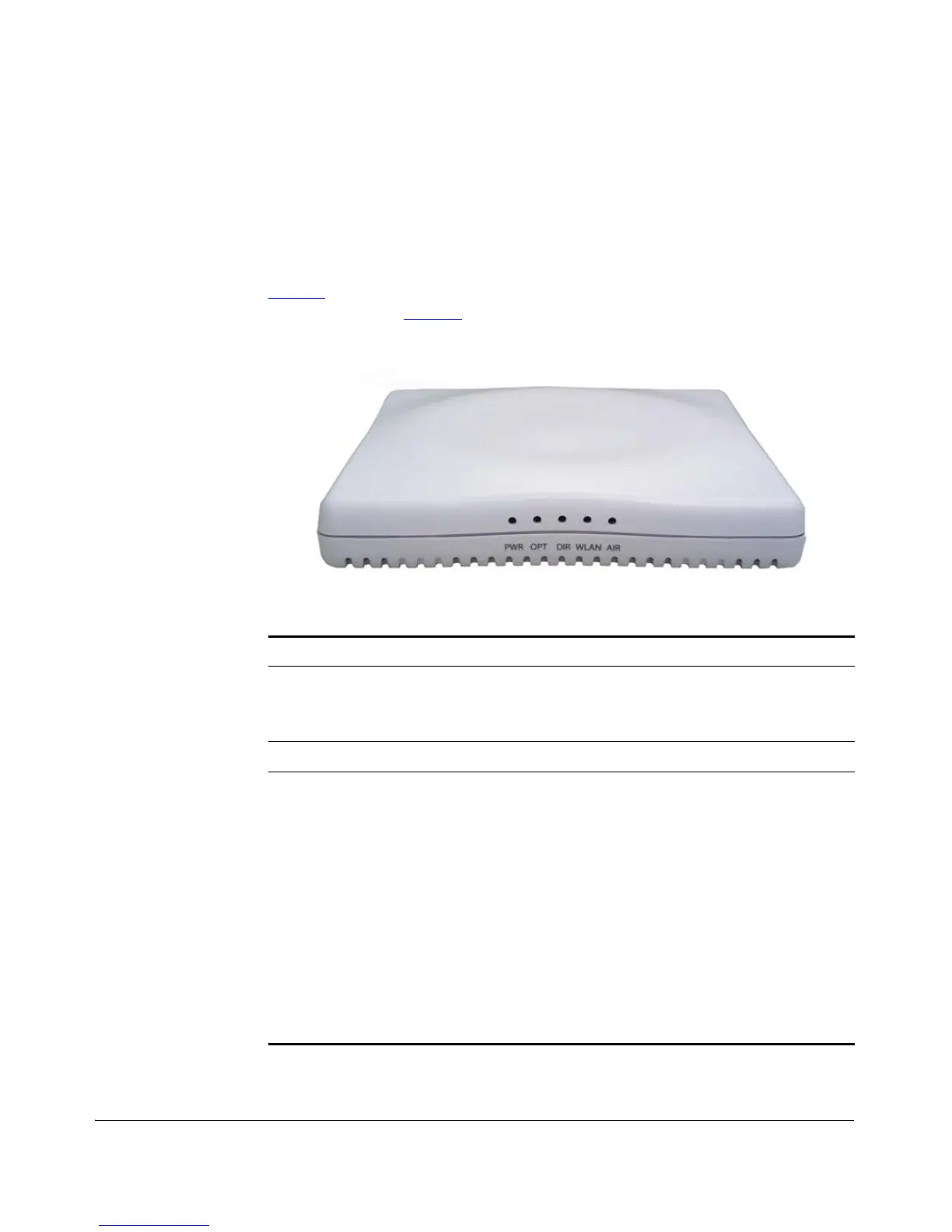
ZoneFlex 7341 features five LEDs on its front panel and buttons and connectors on
its rear panel.
Front Panel
Figure 9 shows the front panel of the ZoneFlex 7341. For a description of each front
panel part, refer to Table 13
.
Figure 9. ZoneFlex 7341 front panel
Table 13. ZoneFlex 7341 front panel elements
LED Description
PWR LED • Off: Off.
• Red: Boot up in process.
• Green: On.
OPT LED Not used in this model
DIR LED • Off: The Access Point is not being managed by
ZoneDirector (standalone mode).
• Green: The Access Point is being managed by
ZoneDirector.
• Slow flashing green (one flash every two
seconds): The Access Point is being managed
by ZoneDirector, but is currently unable to
communicate with ZoneDirector.
• Fast flashing green (two flashes every second):
The Access Point is being managed by
ZoneDirector and is currently receiving
configuration settings (provisioning) or a
firmware update.












 To Next Page