110
Managing the Access Point
Viewing Associated Wireless Clients
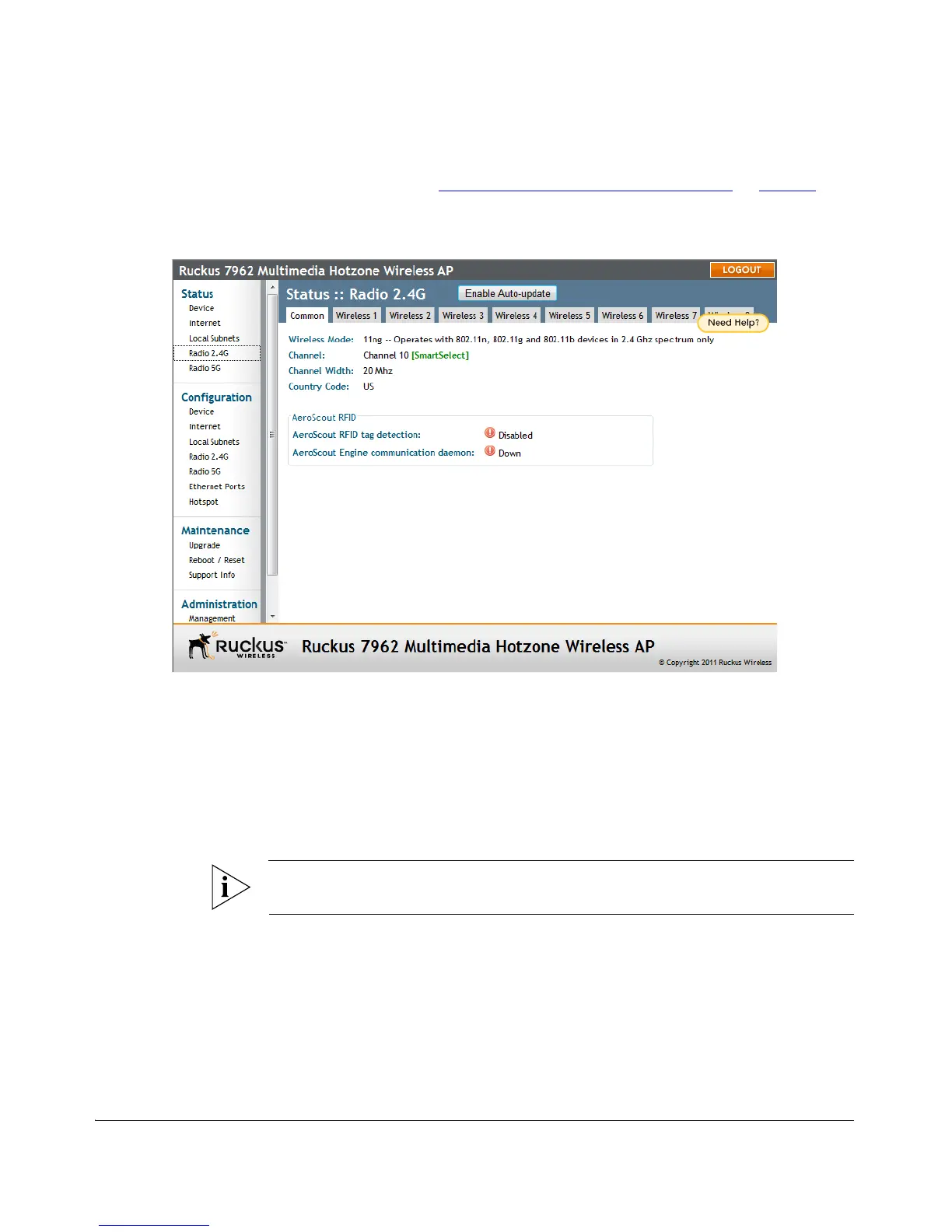
If you want to make changes to any of these settings, go to the Configuration >
Wireless page. Refer to “
Configuring Common Wireless Settings” on page 71 for
more information.
Figure 58. The Status > Wireless (Radio 2.4G/5G) page
Viewing Associated Wireless Clients
A usage-monitoring capability has been built into the Access Point to help you
monitor wireless clients that are associated with your wireless network.
To view associated wireless clients
1. Go to Status > Wireless. The Status > Wireless page appears.
NOTE: If you are using a ZoneFlex 7363/7962/7982 AP, go to Status > Radio 2.4G
or Status > Radio 5G.
2. Click any of the Wireless # tabs. Wireless clients that are associated with this
particular wireless network appear under Connected Devices.












 To Next Page