72
Configuring the Access Point
Configuring Wireless Settings
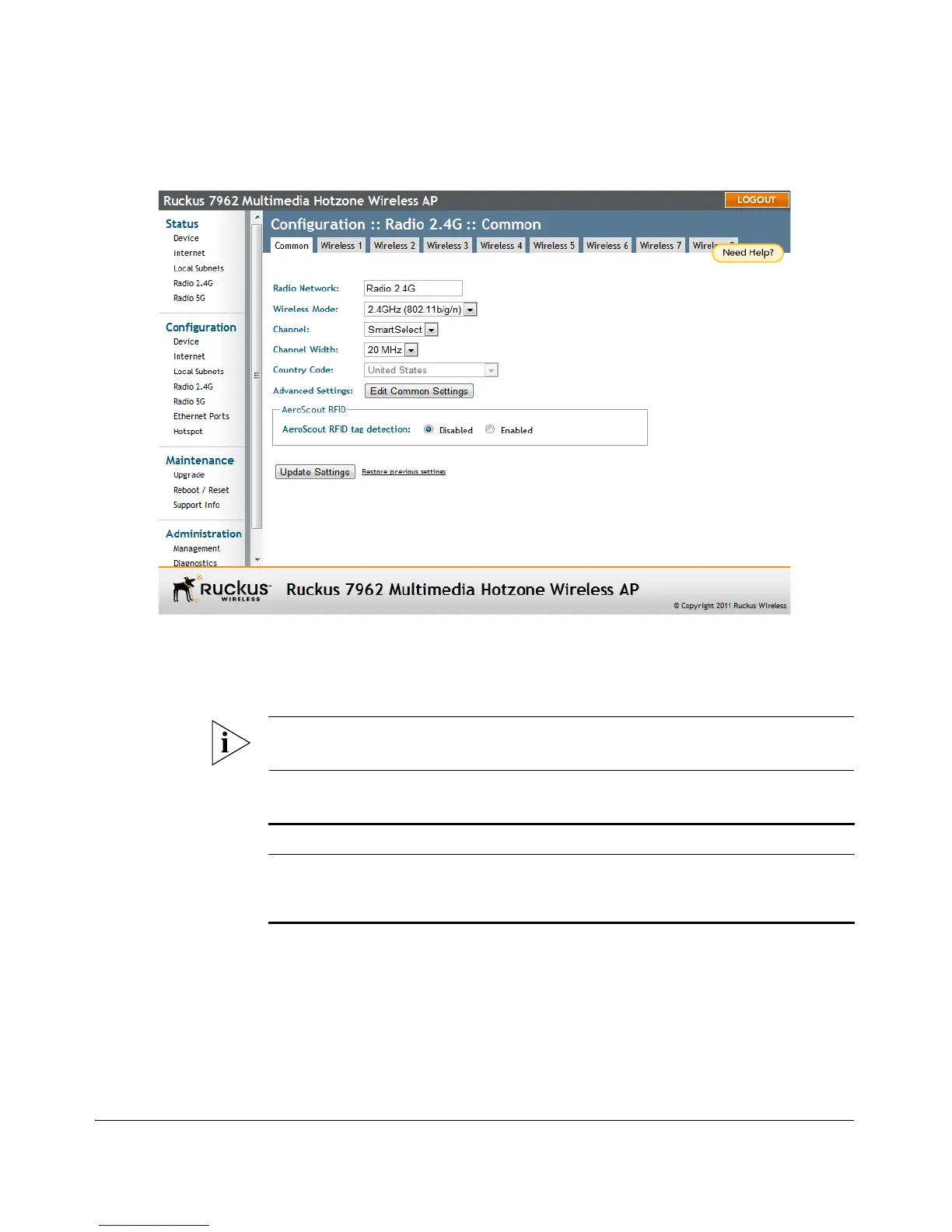
Figure 40. The Configuration > Wireless > Common page
To configure the wireless settings common to all WLANs
1. Go to Configuration > Wireless. The Configuration > Wireless > Common page
appears.
NOTE: If you are using a ZoneFlex 7363/7962/7982, go to Configuration > Radio
2.4G or Configuration > Radio 5G.
2. Make changes to the common wireless settings listed in the table below.
Setting Description
Radio Network (Dual radio APs only) Allows you to change the
name of the 2.4GHz and 5GHz radios (default:
“Radio 2.4G” and “Radio 5G”).












 To Next Page