76
Configuring the Access Point
Configuring Wireless Settings
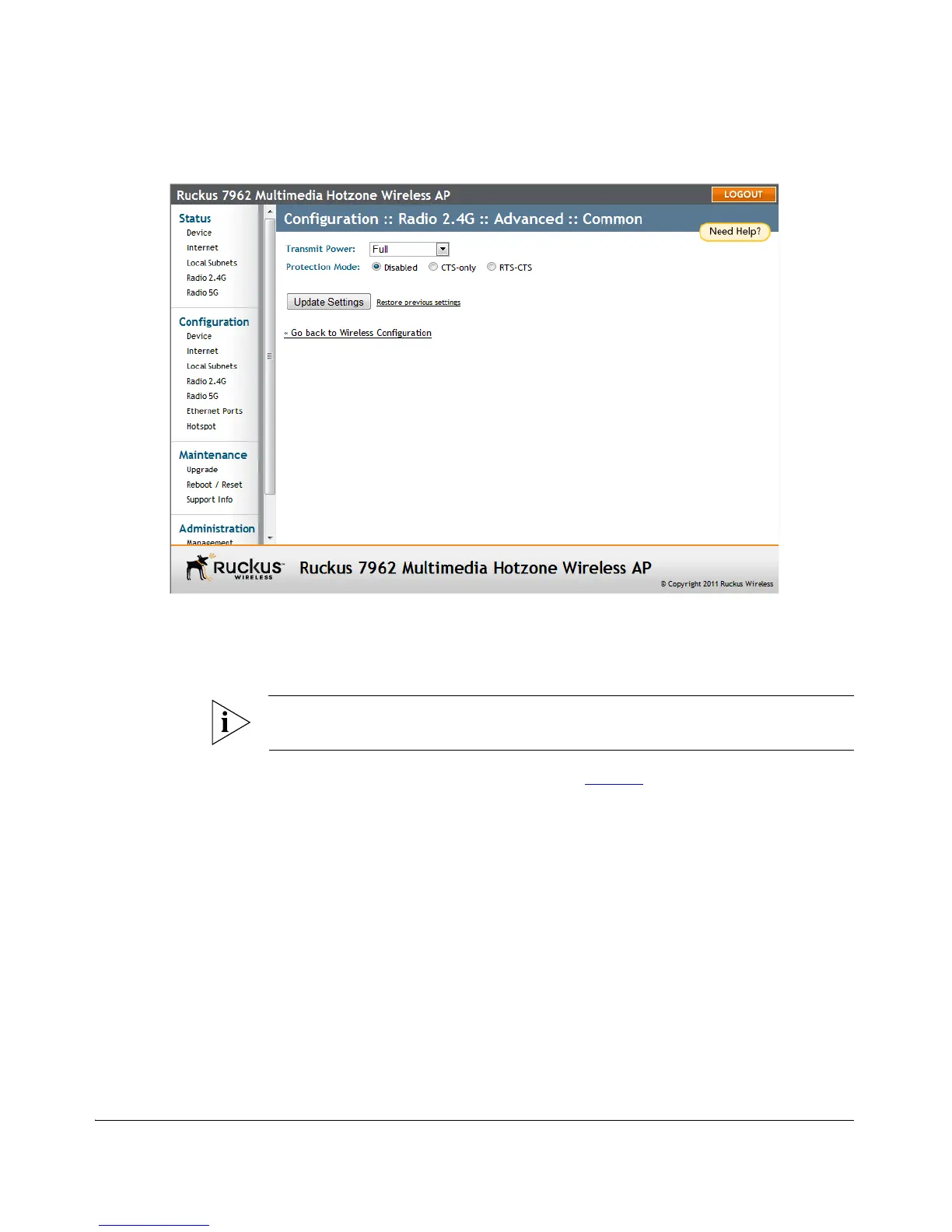
Figure 42. The Configuration > Wireless > Advanced > Common page
To configure the advanced common options
1. On the Configuration > Wireless page, click Edit Common Settings. The
Configuration > Wireless > Advanced > Common page appears.
NOTE: If you are using a ZoneFlex 7363/7962/7982 AP, go to Configuration > Radio
2.4G or Configuration > Radio 5G > Edit Common Settings.
2. Configure the advanced settings listed in Table 2 9 as required.












 To Next Page