EasyManua.ls Logo

RUKO F11PRO 2 - Page 58

RUKO F11PRO 2
72 pages
Print Icon
To Next Page IconTo Next Page
To Previous Page IconTo Previous Page
Loading...
F11PRO
2
User
Manual
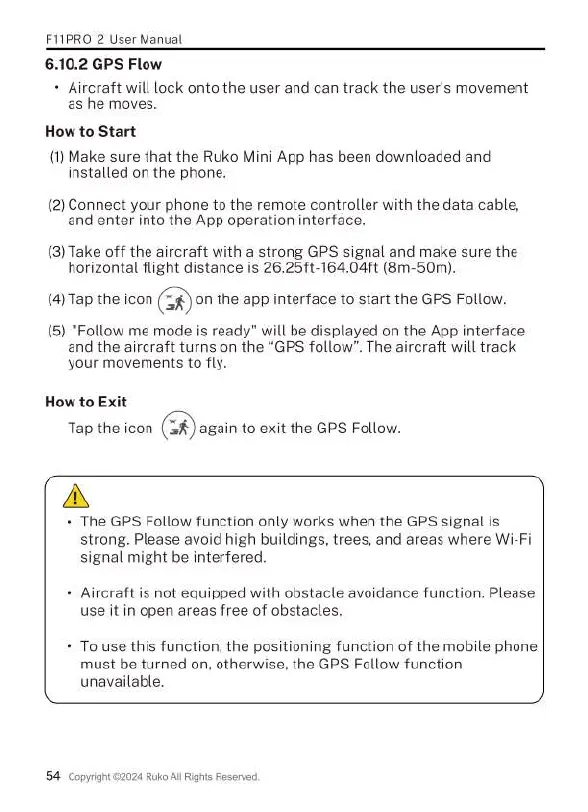
6.10.2
GPS
Flow
«
Aircraft
will
lock
onto
the
user
and
can
track
the
user's
movement
as
he
moves.
How
to
Start
(1)
Make
sure
that
the
Ruko
Mini
App
has
been
downloaded
and
installed
on
the
phone.
(2)
Connect
your
phone
to
the
remote
controller
with
the
data
cable,
and
enter
into
the
App
operation
interface.
(3)
Take
off
the
aircraft with
a
strong
GPS
signal
and
make
sure
the
horizontal
flight
distance
is
26.25ft-164.04ft
(8m-50m).
(4)Tap
the
icon
on
the
app interface
to
start the
GPS
Follow.
(5)
"Follow
me
mode
is
ready”
will
be
displayed
on
the
App
interface
and
the
aircraft
turns
on
the
“GPS
follow”.
The
aircraft
will
track
your
movements
to
fly.
How
to
Exit
Tap
the
icon
again
to
exit
the
GPS
Follow.
A
«
The
GPS
Follow
function
only
works
when
the
GPS
signal
is
strong.
Please
avoid
high
buildings,
trees,
and areas
where
Wi-Fi
signal
might
be
interfered.
-
Aircraft
is
not
equipped
with
obstacle
avoidance
function.
Please
use
it
in
open
areas
free
of
obstacles.
+
To
use
this
function,
the
positioning
function
of
the
mobile
phone
must
be
turned
on,
otherwise,
the
GPS
Follow
function
unavailable.
54
Copyight
22024
Ruko
All
Rights
Reservec.

Related product manuals