9
1.4.3 CHECKING THE BATTERY LEVEL
There are five ways to check the battery level on the
smartwatch.
1) Swipe down from the top of the watch home screen
to check the battery level.
2) Charge the smartwatch and check the battery level
on the charging screen.
3) View the battery level on a watch face that displays
the battery level.
4) View the battery level from the device menu with the
Ryze Connect App.
5) Go to watch Settings > Battery Level.
1.5 PAIRING AND SETUP
With the Ryze Connect App installed on your
smartphone, you can set-up, manage and access the
full features of the smartwatch easily and conveniently.
The App is compatible for use with iPhones using iOS 9.0
or later, and with Android smartphones using Android
6.0 or later.
To use the smartwatch, you will first need to download
the App and then pair it with your smartwatch. Please
follow the steps below.
1) Fully charge and power up the smartwatch. It is
now ready for pairing with the App via Bluetooth
connection.
2) Enable Bluetooth and Location services on your
smartphone.
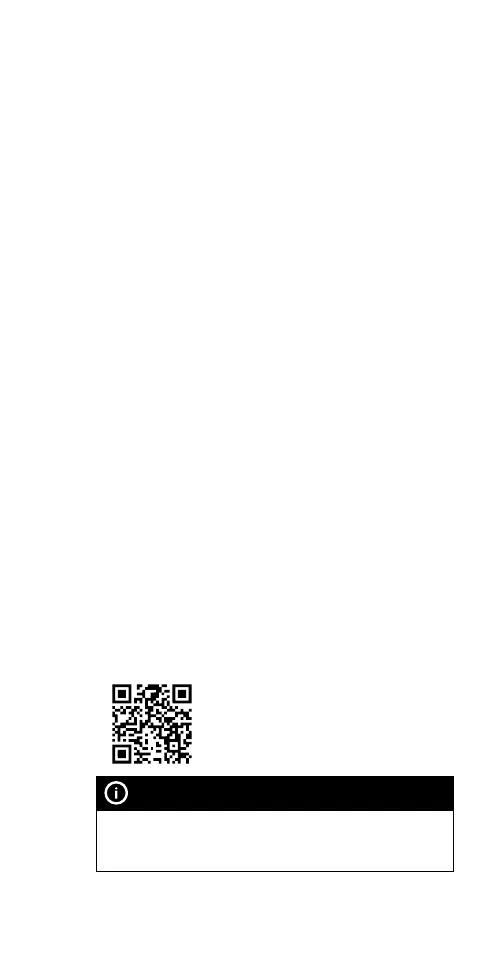
3) Download the Ryze Connect App from the iOS App
Store or the Google Play Store. Alternatively, you can
scan the QR code below to download the App.
NOTE
If you have already installed the App on your smartphone,
check that it is the latest version. If necessary, update the App
through the Google Play Store or the Apple App Store.



 To Next Page