38
2.16 EVENT REMINDER
Set up a reminder and receive an alert with your
smartwatch.
Adding a reminder via the Ryze Connect App
Open the Ryze Connect App and go to the Device tab.
Tap Event Reminder. Tap
at the upper right. Follow
the on-screen instructions and complete the details
and timing setting. Tap Done to save the setting. Tap
to return to the Device tab. Return to the Home tab
and swipe screen to synchronise the setting with the
smartwatch.
Deleting a reminder via the Ryze Connect app
Open the Ryze Connect app and go to the Device
tab. Tap Event Reminder. Swipe a set reminder to the
left to reveal the bin icon. Tap the bin icon to delete
the reminder. Tap
to return to the Device tab.
Return to the Home tab and swipe down the screen to
synchronise the setting with the smartwatch.
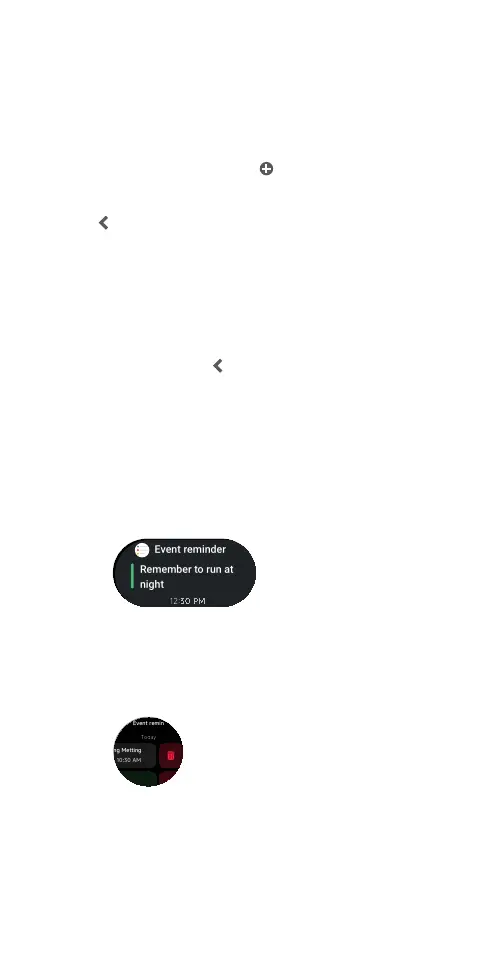
Viewing Event Reminder on the watch
The smartwatch provides several methods to view
event reminders.
1) View the event reminder in the watch home screen
from the Widgets list.
2) Open the Event Reminder application on the
smartwatch. Swipe up and down the screen to
browse through the list of all reminders. To delete a
reminder, swipe it to the left and tap on the bin icon.
To read more about a reminder, tap on it.
Morning Metting
29/10 10
30 AM
Running
29/10 07
30 AM
Mon Tue Wed Thu Fri
2020202020
Morning Metting
29/10 10
30 AM
Running
29/10 07
30 AM
Mon Tue Wed Thu Fri
2020202020



 To Next Page