25
2.8 WORKOUT
The Workout application on the smartwatch allows
you to manage individual workout sessions. You can set
a specific goal, such as workout duration or calories
burned, and let the smartwatch track the progress
and provide a summary of the exercise session once
completed. You can review the workout history on the
smartwatch via the Workout Records application and
on your smartphone using the Ryze Connect App.
2.8.1 EDITING WORKOUT MODES
You can edit the Workout list of the smartwatch via the
Ryze Connect App. Open the App. Go to the Device
menu. Tap More Settings. Tap Training Mode. To
remove/add a workout mode, tap
/ . To rearrange
workout modes, hold and drag the
icon next to the
workout name. Tap
to save the changes.
2.8.2 EDITING WORKOUT DATA VIEW
You can edit the types of data displayed for a workout
via the Ryze Connect App. Open the app. Go to
the Device menu. Tap More Settings. Tap Exercise
data view. Select a workout and follow the prompt
instructions to complete settings. Tap
to save the
changes.
2.8.3 STARTING AND ENDING A WORKOUT
Starting and ending a workout with the smartwatch
1) Press the smartwatch button to open the
applications list on the home screen.
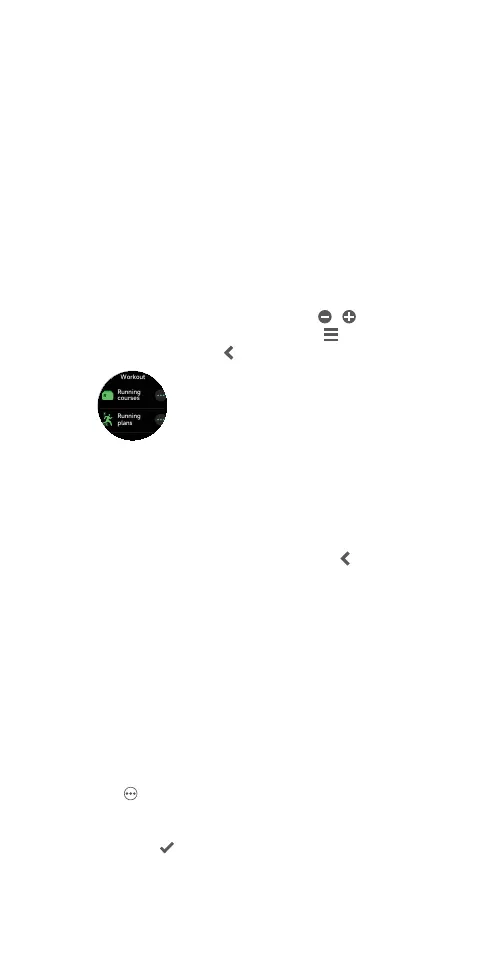
2) Tap Workout. Swipe the screen up/down to identify
an exercise or a running course from the workout list.
3) To start a workout session, tap the workout name.
To set a goal before starting a session:
Tap
next to a chosen workout to reveal goal setting
options. Depending on the type of workout, you can set
Duration, Calories, Distance, Open Goal or Laps as the
goal. Tap
to confirm a setting and start the workout
session.



 To Next Page