37
2.13 SLEEP MONITORING
To monitor sleep quality, enable the feature and wear
the smartwatch while you are sleeping. To enable the
feature, open the Ryze Connect App and go to the
Device tab. Tap Health. Tap Sleep Monitoring. Turn on
the switch for Sleep Monitoring.
Please take note that sleep monitoring will increase
battery consumption with your smartwatch.
The smartwatch provides several methods to check
sleep quality.
1) View the sleep data in the watch home screen from
the Widgets list.
2) Open the Sleep application on the smartwatch.
Swipe up/down the screen for a breakdown of sleep
duration across the awake, light sleep, deep sleep
and REM sleep stages.
3) View the Sleep Cycle card in the Home tab in the
Ryze Connect App. Sync the smartwatch data to the
App by swiping down the phone screen whilst in the
Home tab. Tap the card to view more analysis. The
sleep analysis provides a Sleep Score that indicates
your sleep quality. The higher the Sleep Score, the
better your sleep.
4) Open the App. Go to My tab. Tap My Data. Tap to
view activity data, health data and workout records.
2.14 BREATHING EXERCISE
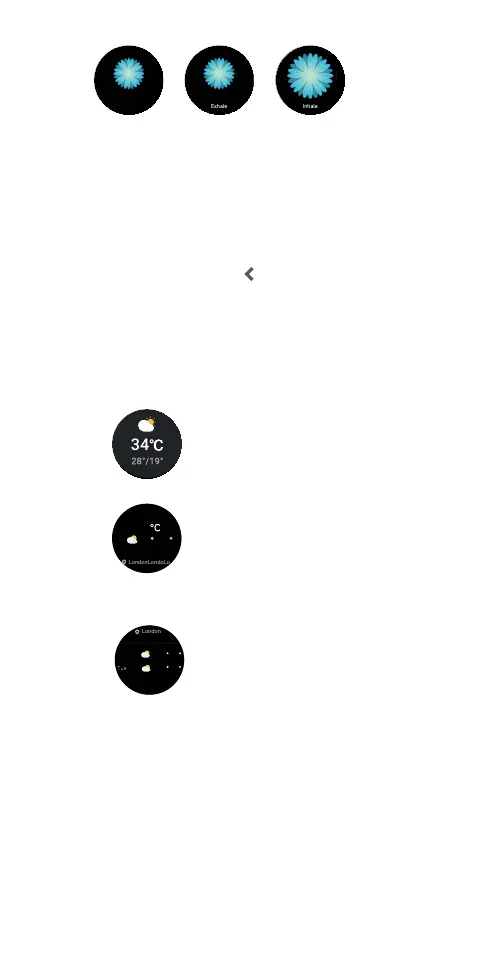
You can start a guided breathing session anytime on
the smartwatch. Inhale and exhale to a set rhythm to
help lower stress and practice mindfulness. To start a
breathing exercise, open the Breathe Training
application on the watch home screen. Follow the
prompt to complete settings. Tap
to start the session.
Follow the onscreen breathing instructions. To exit the
session, press the smartwatch button.
Shenzhen
Mon Tue Wed Thu Fri
6 25
h m
22 33 06 30
00 00 24 00
40
Shenzhen
Mon Tue Wed Thu Fri
6 25
h m
22 33 06 30
00 00 24 00
40
Relax and pay attention
to your breath.
Relax and pay attention
to your breath.
Relax and pay attention
to your breath.
2.15 WEATHER PUSH
When the feature is enabled and your smartwatch is
connected to the Ryze Connect App, the smartwatch
will receive periodic weather push. The feature requires
the App to be running in the background. To enable
weather push, open the Ryze Connect App and go to
the Device tab. Tap More Settings. Turn on the switch
for Weather Push. Tap
to save the setting. Return to
the Home tab and swipe down screen to synchronise
the setting with the smartwatch.
The smartwatch provides several methods to view
weather information.
1) View the weather push/information in the watch
home screen from the Widgets list.
2) View the weather push/information on the Weather tile.
3) Open the Weather application on the smartwatch.
Swipe down the screen to view the weather forecast.
20890
steps
34
Boss
07:20AM
98%
07:20AM
08:53



 To Next Page