39
2.17 MENSTRUAL TRACKER
Use this feature to help you manage and keep track of
menstrual cycle status.
To enable the tracker, open the Ryze Connect App
and go to the Device tab. Tap Health. Tap Menstrual
Tracker. Turn on the switch for Menstrual Cycle. Fill
up relevant cycle information and set up timings by
following the on-screen instructions. Tap
at the
upper right to save the settings. Return to the Home tab
and swipe down the screen to synchronise the setting
with the smartwatch.
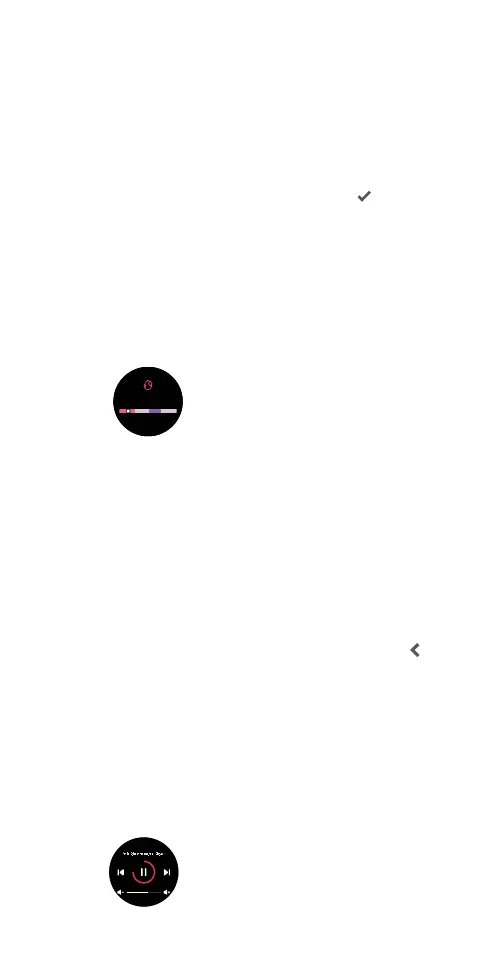
The smartwatch provides several methods of checking
menstrual cycle details.
1) Open the Menstrual Tracker application on the
smartwatch. Swipe up/down the screen to view
more details.
2) View the Menstrual Cycle card in the Home tab in
the Ryze Connect App. Tap the card to view more
analysis.
2.18 MUSIC CONTROL
You can control music playback on your connected
smartphone from your smartwatch. Ensure the Ryze
Connect App is running in the background.
Controlling music playback with your smartphone
1) Open the Ryze Connect Ap and go to Device tab.
Tap More Settings. Enable Music Control. Tap
to save the setting. Return to Home tab and swipe
down the screen to synchronise the setting with the
smartwatch.
2) Open a music app on your smartphone and
playback a song.
3) Press the smartwatch button to open the
applications list on the watch home screen. Tap
Music. Tap the on-screen buttons to pause, resume,
adjust volume and skip play.
Menstrual period
Day 2
5 days to end of
menstrual period.



 To Next Page