21
4) Disable Do Not Disturb (DND) mode.
For Samsung smartphone users
To allow the App to run in the background, go to phone
Settings > Apps > Ryze Connect > Battery and set the
permission level to Unrestricted.
2.6.3 SETTING CALL CONTACTS
Setting up frequent contacts on your smartwatch
1) Open the Ryze Connect App and go to the Device
tab. Tap Calls.
2) Turn on the switch for Call Alert.
3) Tap Frequent Contacts. Tap Add and select the
contacts you wish to add. Tap Done. Tap
to return
to the previous screen. The newly added contacts
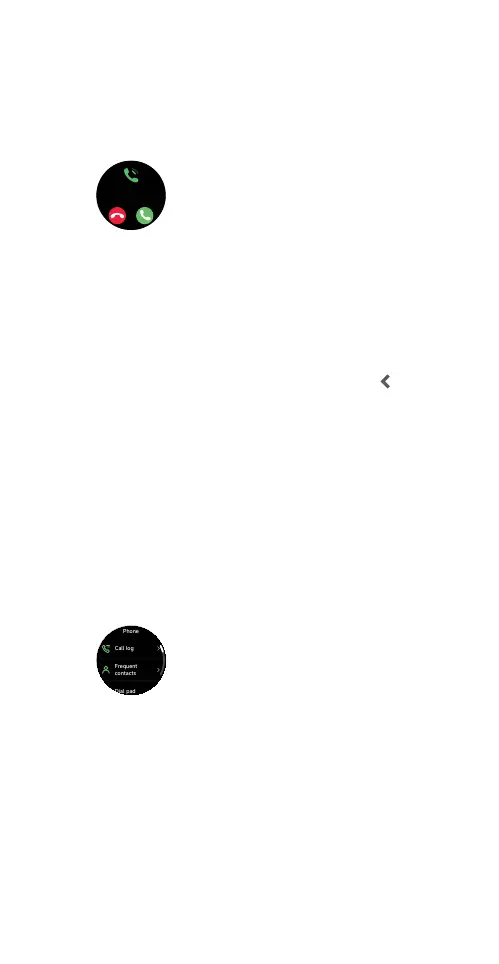
will be synced to the smartwatch under Phone >
Frequent Contacts.
2.6.4 CALLING A CONTACT
You can make a phone call from the smartwatch when
it is connected to your smartphone with the Ryze
Connect App running in the background. To make a
call, press the smartwatch button to open the
applications list on the watch home screen. Tap Phone
then dial the number using the Dial Pad or touch a
contact in Frequent Contacts or in the Call Log.



 To Next Page