Sacher Lasertechnik
Group
User Manual Laser Diode Controller PilotPC 24
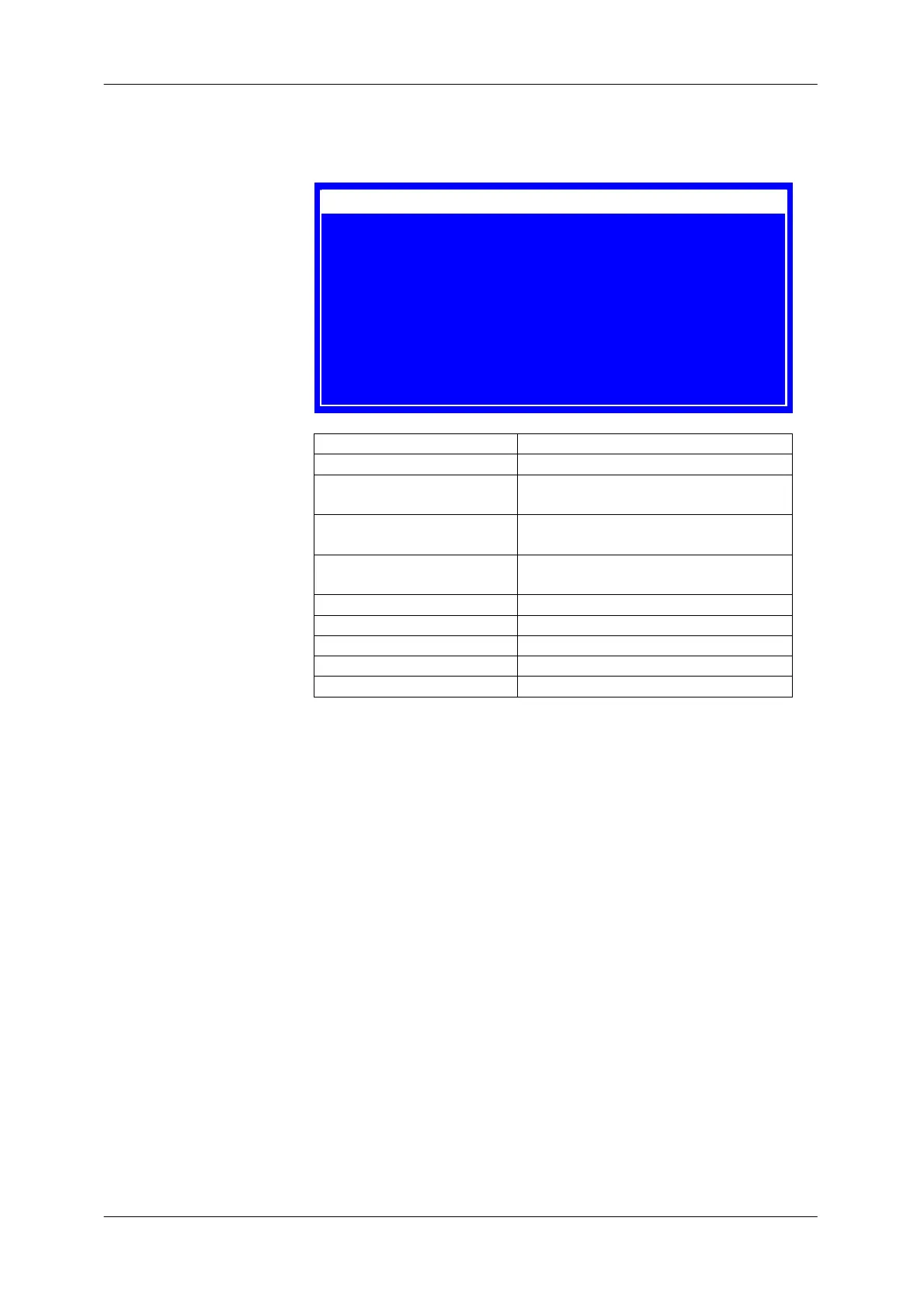
The following settings menu is displayed when the menu button is
pressed.
Label Description
Ext. Modulation Enables /disabled ext. monitor input
Ext. Monitor Switch ext monitor signal as current
or power indicator
PD Calibration Calibration table select to diplay true
LD Power value
Mode Sets constant power (P) or constant
current mode
Laser Setup Jump to laser setup menu
Piezo Scan Jump to piezo menu
Main Menu Jump to Main menu (Level I)
System Jump to system menu
Diagnosis Jump to diagnosis menu
Ext.Modulation On
Ext.Monitor LD-Curr
PD Calibtation Table none
IU Characteris. Off
Mode I
Laser Setup ?
Piezo Scan ?
Main Menu ?
System ?
Diagnose ?


 To Next Page