Sacher Lasertechnik
Group
User Manual Laser Diode Controller PilotPC 30
Scan - Menu
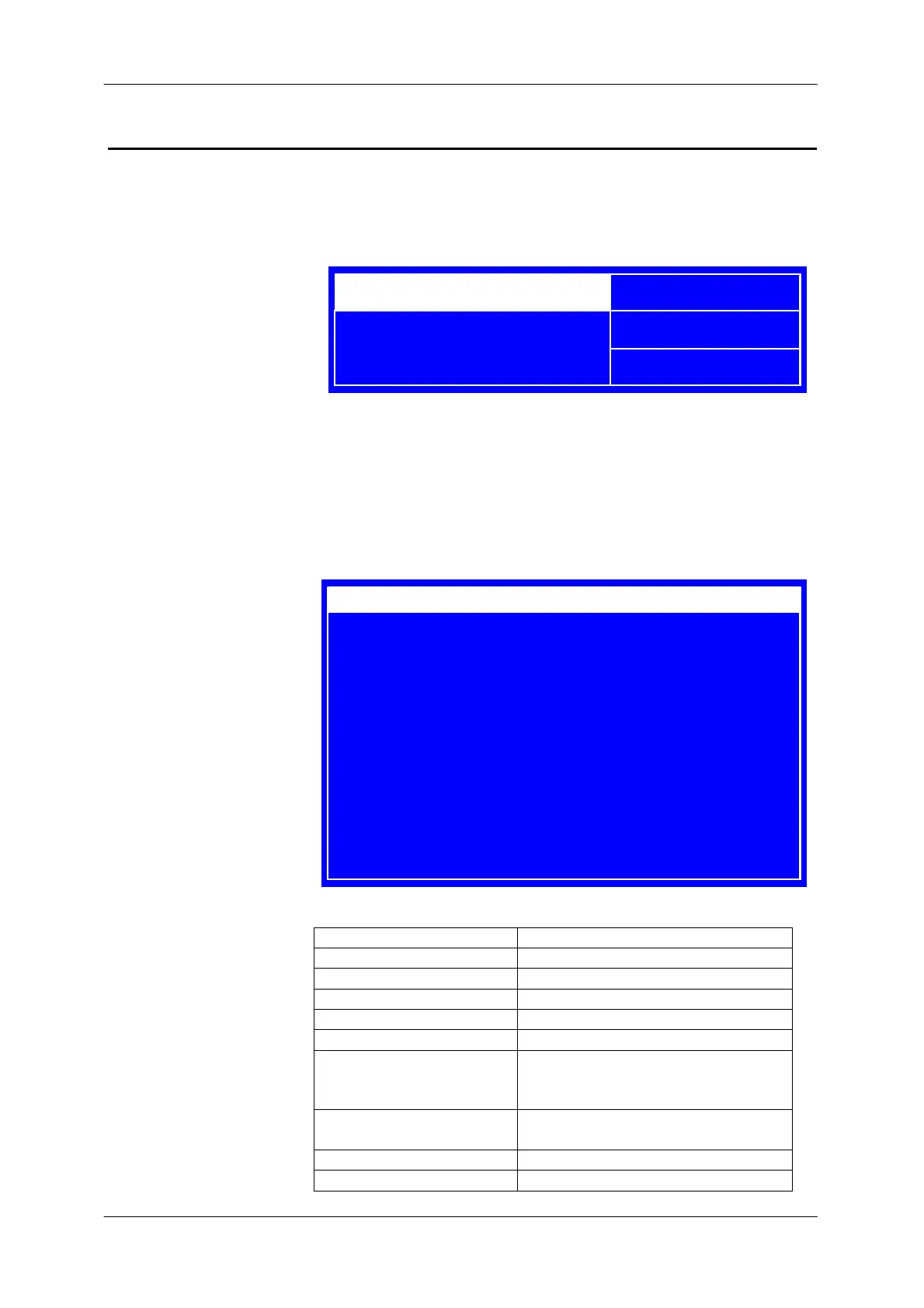
In this menu the piezo functions are configured . In case that there is no
piezo module installed only the current coupling settings are displayed.
Adjusting the Amplitude /Offset
- Press the jog dial until the set value is highlighted
- adjust the limit by turning the jog dial (I-limit is immediately changed)
- Press the jog dial until the set value is not highlighted
The following settings menu is displayed when the menu button is
pressed.
Label Description
Piezo Disables / enables the piezo driver
Offset Adjust Piezo DC Offset
Freq. Generator Disables / enables freq. generator
Frequency Sets the function generator frequency
Frequ. Ampl. Adjust Piezo Peak Amplitude
Frequ. Mode Sets function generator Output
to Piezo Driver or external FG.Out
Pin
Current - Coupling Disables / enables the current
coupling function
Gain Sets current coupling gain
Prescale Sets current coupling prescale
I-LD: 1234,5 mA
POS I-MODE LIM
TEC -4000 mA
PZ FG CC EM
RM STA 12345
Piezo [V]
Ampl. 13.500
Offset -13.500
Piezo On
Offset 10.000V
Frequ.Generator Sinus
Frequency 12.3 Hz
Frequ. Ampl. 13,00 V
Frequ.Mode Piezo/External
Curr-Coupling On
Gain 16.6 uA/V P-Mode
Prescale 6* ( 99.6 uA/V )
Direction Pos
Menu ?
System ?
Diagnose ?
Scan Settings


 To Next Page