Sacher Lasertechnik
Group
User Manual Laser Diode Controller PilotPC 6
Environmental Setting Up Conditions
The Laser Driver should placed in horizontal condition.
The user must take care that the Key Switch is not blocked (could easily
reached by the user)
The user must take care that the fan output on the rear side is not
blocked.
Rear Side ON/OFF Keyswitch
The key switch disconnects the main power supply from the driver.
The switch acts as security feature to prevent user for dangerous laser
light.
The key switch also acts as an general ON/OFF switch witch should be
used (opened) when the driver is not used.
The laserdiode current source should be shut down before the key
switch is opened. Otherwise load dump pulses could damage the
laserdiode
The key is only removable in “OFF” position.
Other Laser Safety Components
Acoustical warning
Before laser emission starts, an acoustical warning will happen.
A beep sound will come every second. The warning time is adjustable
by user . The minimum ON-delay is 2 seconds.
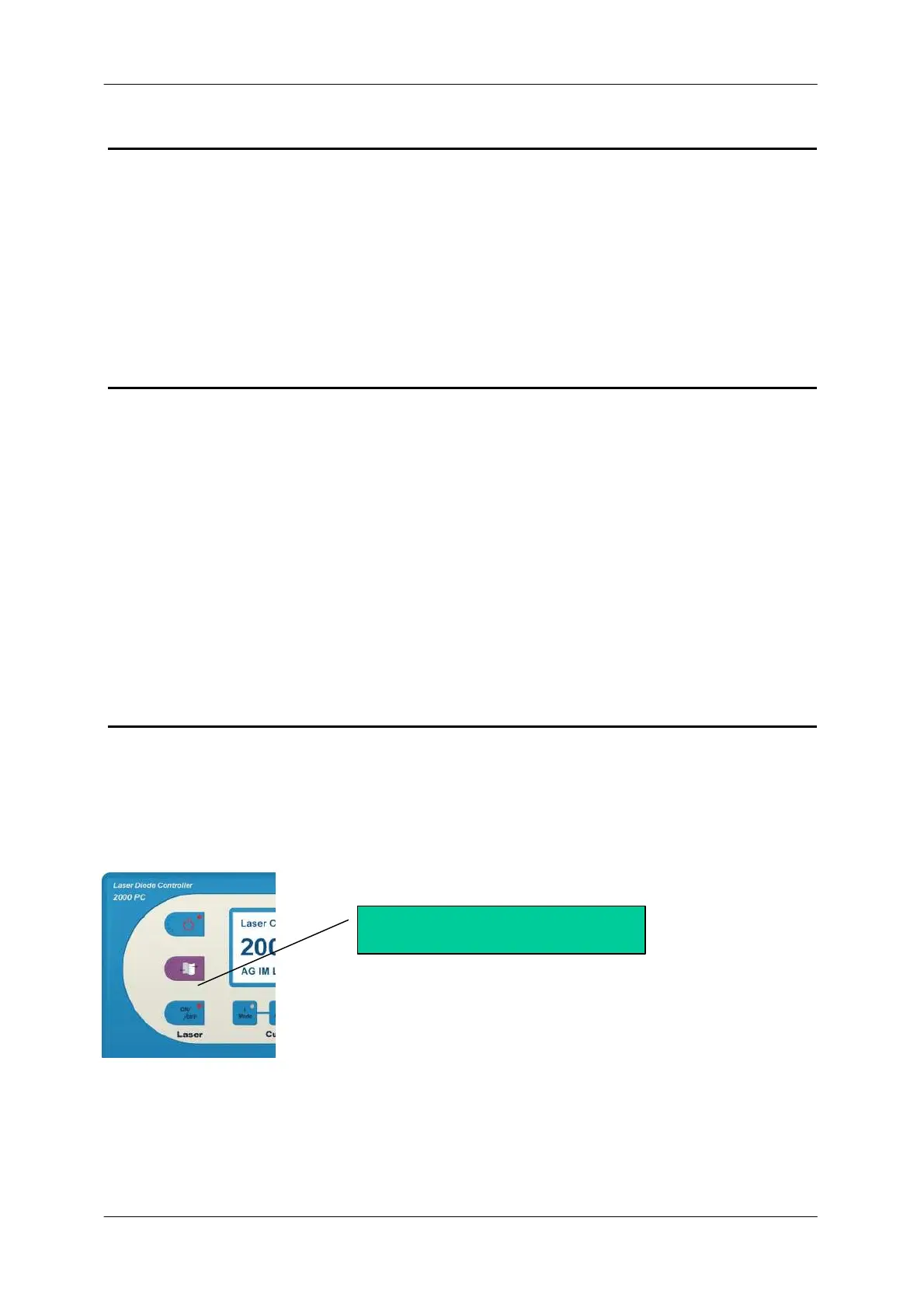
Laser Emission indicator lamp
A red LED indicator lamp on the front panel in the Laser ON/OFF
button will blink while the acoustical warning time is running and
will be switched ON when the laser is on.
When the PilotPC is switched ON a lamp test switch ON every
indicator lamp on the front panel.
Interlock Port
The interlock port acts as a security feature.
If the interlock loop is opened the laser current source will be disabled.
For a more detailed description see chapter interlock port.
Laser Emision indicator lamp


 To Next Page