Sacher Lasertechnik
Group
User Manual Laser Diode Controller PilotPC 33
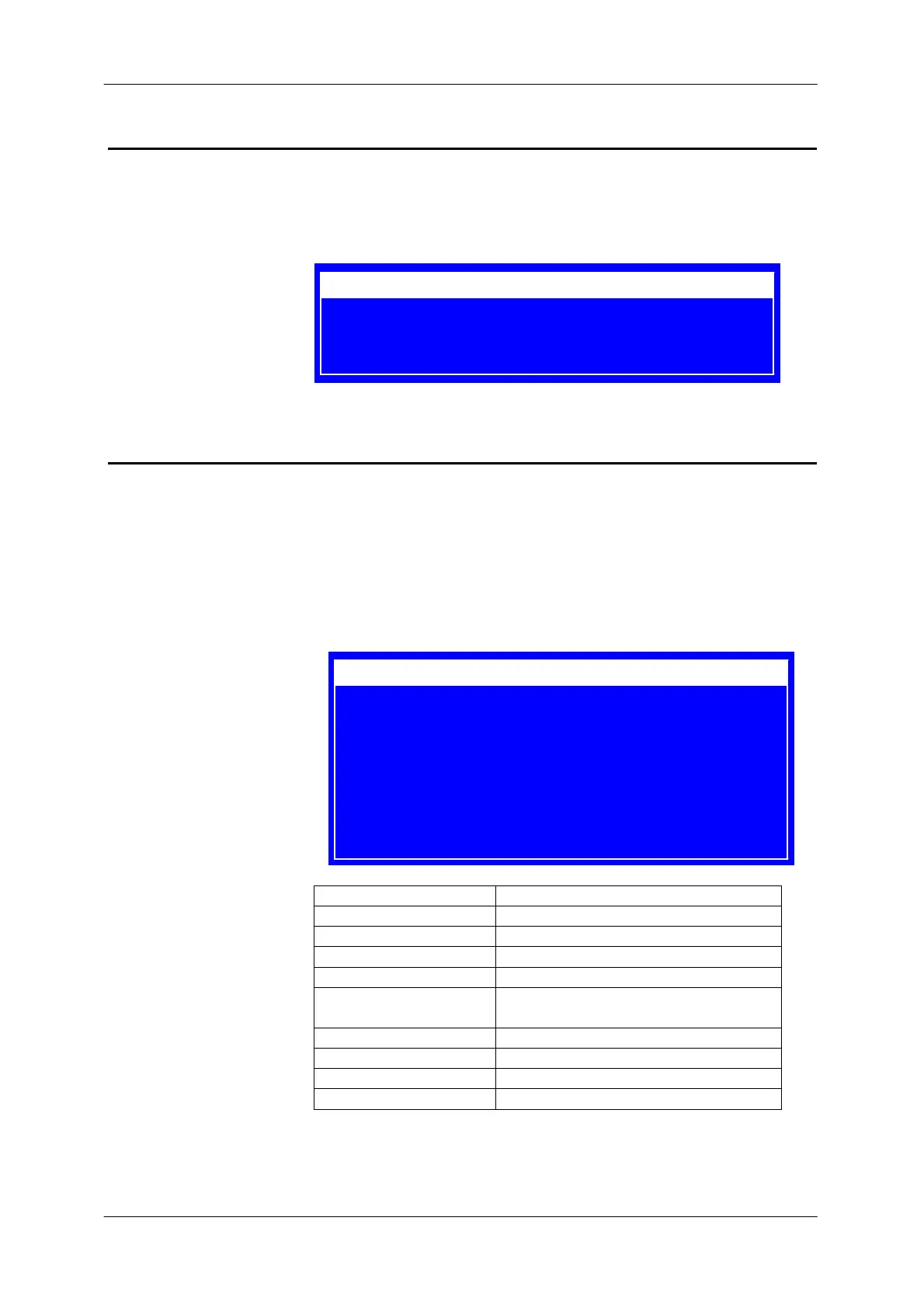
Diagnostic Menu
The diagnostic menu gives the user additional text information when an
error occurs. The menu will be permanent updated.
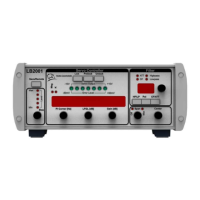
System Settings Menu
In this menu you could configure
- the remote interfaces
- Save /Recall User Settings
- adjust LCD Contrast
- disable/enable Beeper
Menu Description
Interface Sets serial Interface to RS232 or USB
Baudrate Sets baudrate for serial interface
GPIB Address Sets GPIB address
Recall Setting Recalls custom setting
Save Setting Saves all settings to one of 2 custom
settings
LCD Contrast Sets LCD contrast
Beeper Enables/Disables beeper
System Setup Jump to system menu
Diagnose Jump to diagnose menu
1 Laserhead Loop Open
10 TEC Loop Open
40 Temperature Out Of Range
Interface : RS232
Baudrate : 57600,8,1N
GPIB Address : 1
Recall Setting : 1
Save Setting : 1
LCD Contrast : 50
Beeper : enable
System Setup ?
Diagnose ?


 To Next Page