Sacher Lasertechnik
Group
User Manual Laser Diode Controller PilotPC 28
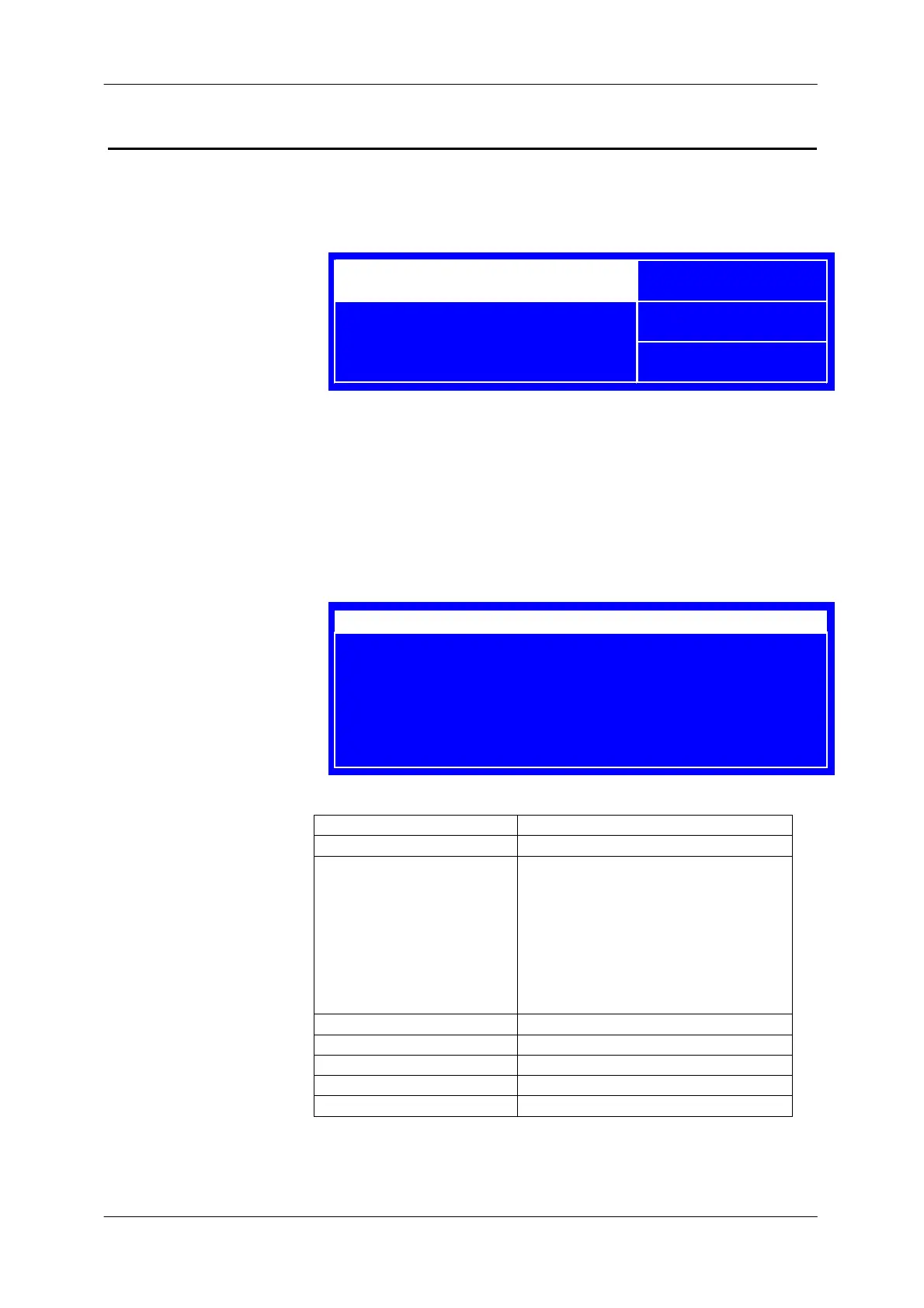
LD TEMP Menu
In this menu the laser temperature set point and the actual temperature
are displayed.
Adjusting the temperature:
- Press the jog dial until the set value is highlighted
- adjust the temperature by turning the jog dial (temp is immediately
changed)
- Press the jog dial until the set value is not highlighted
The following settings menu is displayed when the menu button is
pressed.
Label Description
TEC Enables/Disables the temp controller
T-Watch Enables/Disables “T-Watch” function
This function supervised the
temperature of the laserdiode and shut
down the LD current source and
disables the laser when the
temperature is not in the watch
window. When “T-Watch” is enabled
the indicator lamp is on
T-Watch Window Sets “T-Watch” window
Temp Setup Jump to Temp Setup menu
Menu Jump to main menu
System Jump to system menu
Diagnose Jump to Diagnose menu
I-LD: 1234,5 mA
POS I-MODE LIM
TEC -4000 mA
AD590 21,00
°
C
PZ FG CC EM
RM STA 12345
Temperature[°C]
ACT -20.000
SET -20.000
TEC On
T-Watch On
T-Watch Window 5000 mK
Temp. Setup ?
Menu ?
System ?
Diagnose ?


 To Next Page