English
8
27
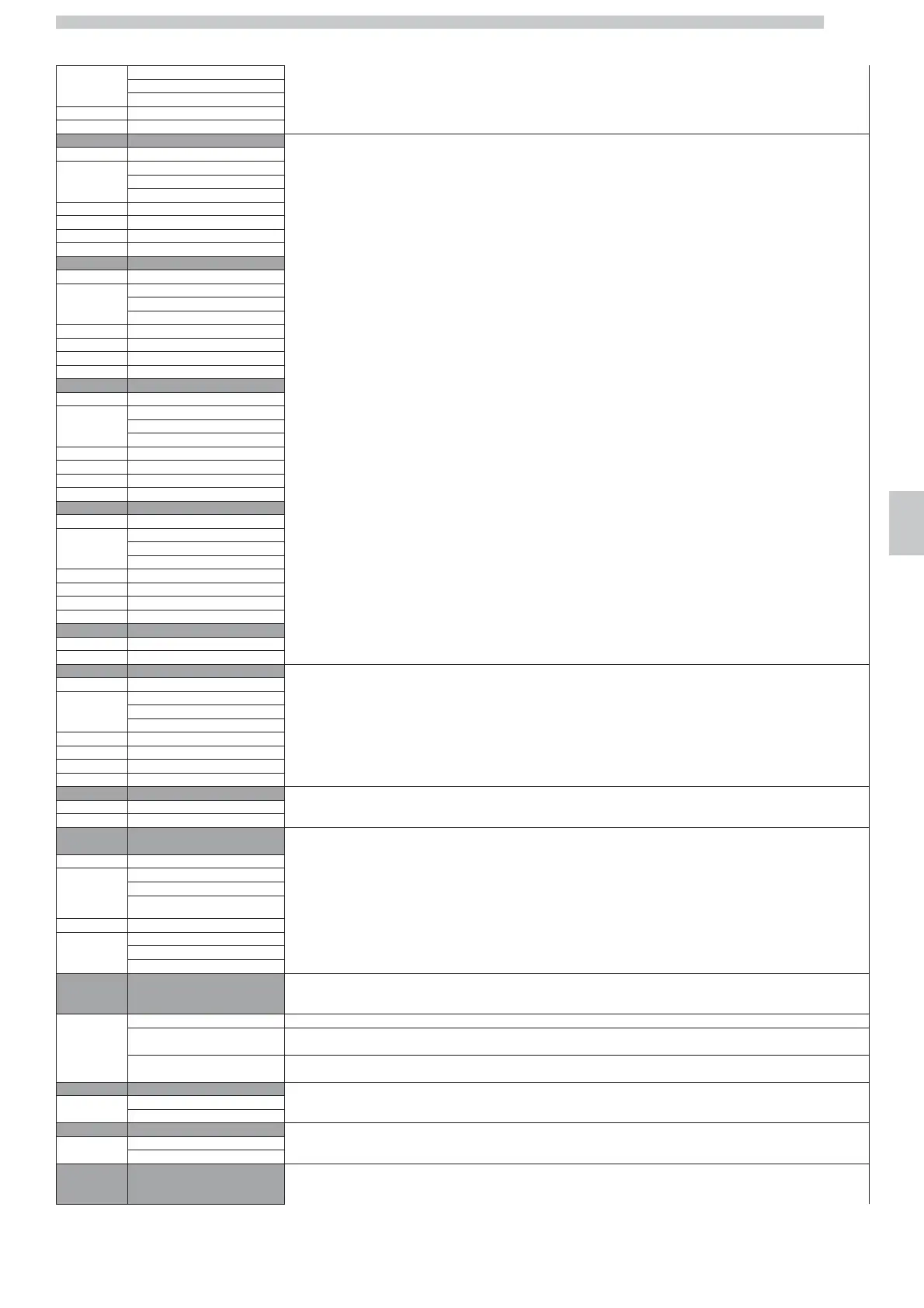
Low
Standard
High
6.2. WATER QUANTITY
27...2702
7 macchiato For beverages with coffee and milk it is possible to change the quantity of milk to be used during the dispensing process
7.1. GRINDER SETTING
Low
Standard
High
7.2. WATER QUANTITY
27...2702
7.3. MILK QUANTITY
3…180
8 Latte Macchiato
8.1. GRINDER SETTING
Low
Standard
High
8.2. WATER QUANTITY
27...2702
8.3. MILK QUANTITY
3…180
9 Cappuccino
9.1. GRINDER SETTING
Low
Standard
High
9.2. WATER QUANTITY
27...2702
9.3. MILK QUANTITY
3…180
10 Caffè Latte
10.1. GRINDER SETTING
Low
Standard
High
10.2. WATER QUANTITY
27...2702
10.3. MILK QUANTITY
3…180
11 milk
11.1. MILK QUANTITY
3…180
12 FLAT WHITE Not selectable
12.1. GRINDER SETTING
Low
Standard
High
12.2. WATER QUANTITY
27...2702
12.3. MILK QUANTITY
3…180
13 HOT WATER
13.1. WATER QUANTITY
24...2487
14 Temperature For each coffee brewed, it is possible to change the temperature of the water used during brewing and programmed during the installation phase.
14.1. Coffee
By selecting “LOW” the temperature decreases by 3°C.
Low
By selecting “HIGH” the temperature increases by 3 °C.
Standard
By selecting “STANDARD” the temperature will be the one programmed by the Maintenance Technician.
High
14.2. FIRST COFFEE
NOTE
Low
The temperature “first coffee” is used at the first brewing process, when the machine is switched on.
Standard
High
15 Prebrewing
This function allows a short break during the first brewing phase.
This can improve the quality of the coffee which, “blends” with the first part of water received during the break.
By confirming:
Off “OFF”, pre-brewing is not performed.
SHORT “SHORT”, the “pre-brewing” programmed by the Maintenance Technician is performed.
LONG “LONG”, the “pre-brewing” is extended by 1 sec.
16 Hot Water programm. This function allows changing the functioning of the hot water button.
Deact.
“OFF”; by pressing the button, hot water is continuously dispensed until the button is pressed again.
Act.
“ON”; by pressing the button, hot water is dispensed according to the pre-set doses and modes.
17 MILK BUTTON This function allows changing the functioning of the hot milk button.
Deact.
“OFF”; by pressing the button, hot milk is continuously dispensed until the button is pressed again.
Act.
“ON”; by pressing the button, hot milk is dispensed according to the pre-set doses and modes.
18 Hot Water mixing
While the different types of beverages are dispensed, the machine adds a certain amount of hot water, according to the set
programming.
By confirming:




 To Next Page