English
8
28
Deact.
“OFF”, NO hot water is added to the beverage.
Act. “ON”, the mixing is performed
NOTE
If the function is disabled the programmed values remain unchanged and can be used again when the function is re-activated.
19 Power Steam The steam dispensing end temperature can be set.
20…100
Maintenance
OPTION NO.
DISPLAY Description
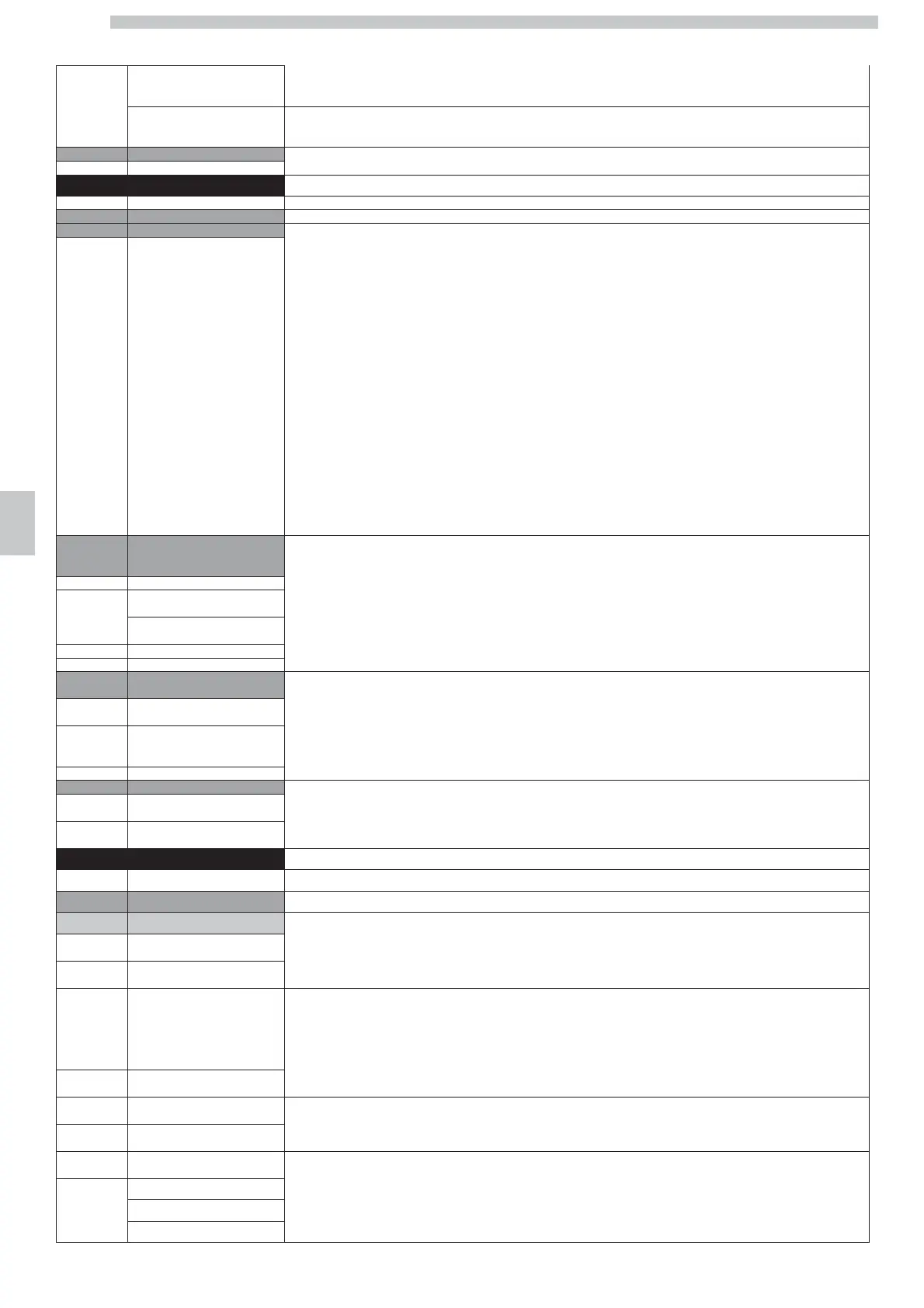
1. Cappuccinatore Rinsing This function allows dispensing a quantity of steam to avoid the building up of deposits in the Cappuccinatore.
2. GROUP RINSING This function allows to wash the brew group by using the special tablets
follow instructions
(contact an authorised service centre for detailed information on the tablets).
Procedure:
The process starts from “GROUP RINSING”
Press the "Enter" button;
the display shows “PUT THE TABLET INTO THE GROUP”
Remove the brew group;
the display shows “INS. BREW GROUP”
Insert the tablet into the brew group and put the brew group back in its place;
the display shows “CLOSE SERV. DOOR”
Close the door;
the display shows “RINSING”
The machine starts performing a wash cycle. When the cycle is complete the display shows “REMOVE THE GROUP AND RINSE IT WITH WATER”
Remove the brew group;
the display shows “INS. BREW GROUP”
Wash the group under running water.
Put the brew group back into place;
the display shows “CLOSE SERV. DOOR”
Close the door;
the display shows “RINSING COMPLETED PRESS OK”
Press the “OK” button to definitely quit the menu so that the machine is ready for use
3. CLEAN BREWING UNIT This function allows dispensing a minimum quantity of hot water (about 5 cc) to avoid the building up
of deposits in the coffee dispensing spout.
The wash cycle is performed automatically after the programmed time (20 - 240 minutes) from the last dispensing.
3.1. Cleaning enabling
By confirming:
Deact.
“DEACTIVATE”:
the machine does not perform the wash cycle
Act.
“ACTIVATE”:
the machine performs the wash cycle.
3.2. Cleaning delay
It sets the delay time of the dispensing spout wash from the last dispensing.
10….240
4. WATER FILTER The “Descaling” warning is intended for the maintenance of the descaling devices (resin softeners or others).
The installer or the company in charge of servicing the descaling device can program
4.1. ALARM THRESHOLD
the quantity of water necessary to perform the system regeneration.
Warning! In case ion-resin systems are used, it is extremely important to perform a proper maintenance
4.2. STOP THRESHOLD
since used resins can cause the treated water to become not-drinking.
The “DESCALING” warning is shown both when the machine indicates that descaling is required,
and when it blocks definitely.
4.3. ACTUAL COUNTER
In the last case the “DESCALING” warning is shown together with the “Descaling message”
5. Counters These two functions represent respectively the total of the coffee brewing cycles and the total of the hot water dispensing cycles.
5.1. TOTAL COFFEE
If the automatic dosing of hot water is disabled (see function “Hot water programm.”),
a cycle for each activation of the solenoid valve will be counted.
5.2. TOTAL WATER
NOTE:
Both functions are for reference purpose only and cannot be reset.
Technical
OPTION NO.
MENU ITEM
1 BEVERAGES SETUP
1.1 Espresso
1.1.1 Water quantity
The “WATER QUANTITY” option represents the amount of water necessary to brew coffee and is expressed in turbine pulses (flowmeter).
27…2702
Default:
95
1.1.2 Grinder 1 setting
The “GRINDER SETTING” option shows the amount of coffee necessary to brew it and is expressed in pulses of the sensor placed on the coffee grinder
motor.
In the “GRINDER SETTING” option, you can immediately check the programmed amount of coffee.
To do this, open the door and remove the group. After placing a suitable container under the coffee outlet sleeve, press the first button on the left, i.e. “1 strong
coffee”.
The set dose is ground and you can therefore check its weight.
40…500
Default:
60
1.1.3 Grinder 2 setting
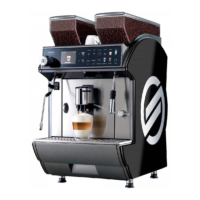
For DUO model only.
The quantity of coffee for each beverage can be set up based on the selected container.
40…500
Default:
60
1.1.4 Grinder selection
The “GRINDER SELECTION” option allows the user to set up the default container for the dispensing of the selected beverage.
By selecting "USER", the user will be allowed to choose the preferred container.
Left
Right
User




 To Next Page