English
8
35
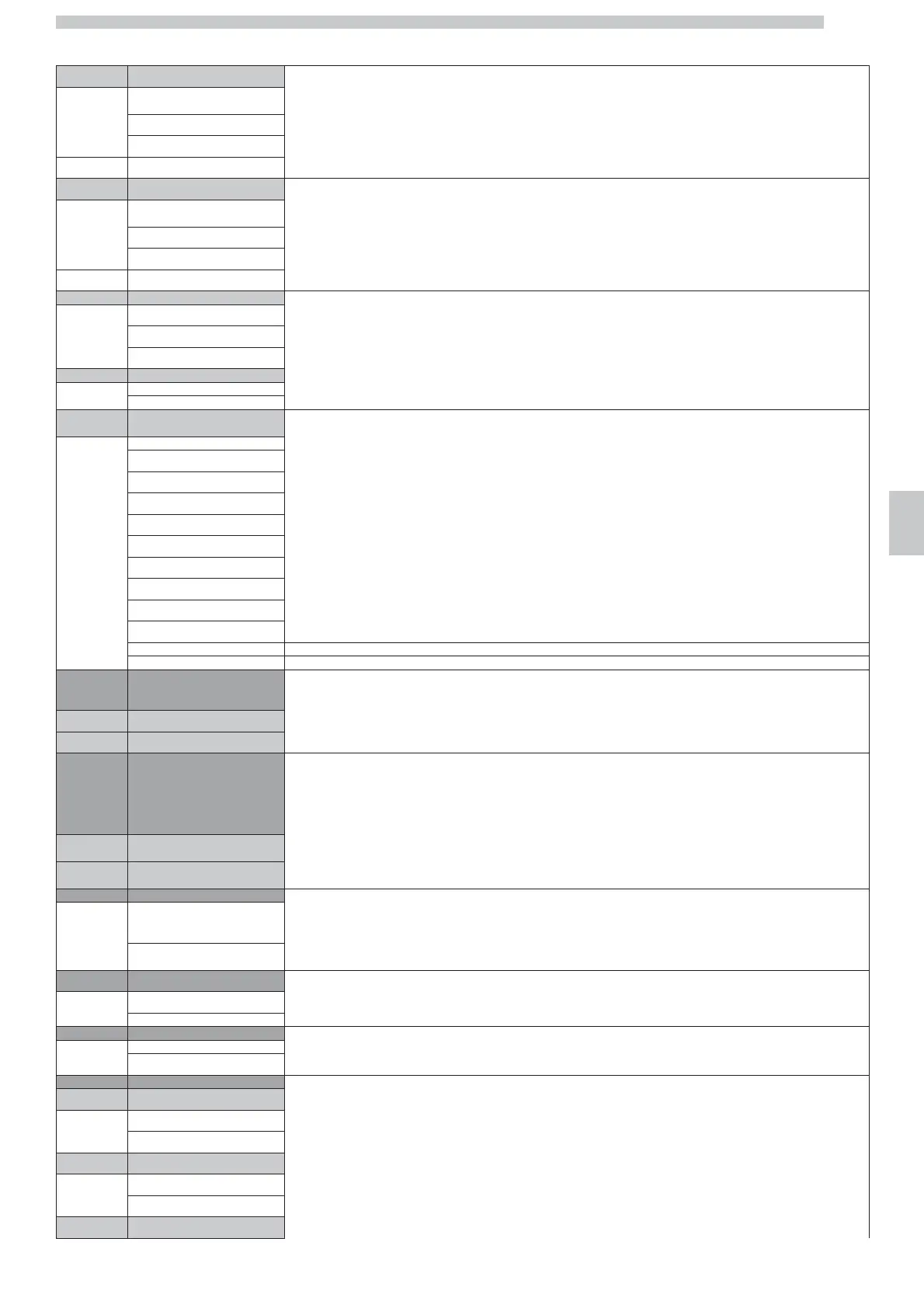
9.3 SERVICE
dd.mm.yyyy
By updating the Service and Descaling dates, the corresponding counters in the “SERVICE” and “DESCALING” options will not be reset.
Esc
Today
9.3.2 Reset
9.4 Descaling
dd.mm.yyyy
By updating the Service and Descaling dates, the corresponding counters in the “SERVICE” and “DESCALING” options will not be reset.
Esc
Today
9.4.2 Reset
9.5 Buzzer The “BUZZER” option activates or deactivates the buzzer or allows to select it only for the MENUS.
On
Menu only
Off
9.6 Brewing unit
The “BREWING UNIT” function allows to choose how to carry out the double coffee cycles.
Type A
- the machine carries out the cycles for long and strong double coffee in a single brewing cycle.
Type B
- the machine carries out the cycles for long and strong double coffee in two sequential brewing cycles.
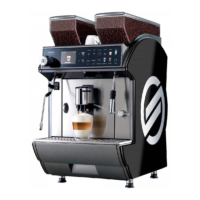
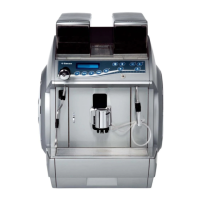
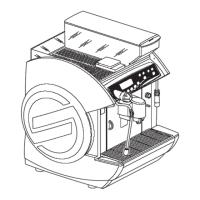
9.7 Model selection The “MODEL SELECTION” function selects the machine model whether interventions or updating on the electronic boards are required
Luxe Korea
After selecting the model of the machine, a factory default must be carried out (see "Factory Default" section).
Luxe
Cappuc.Kor
Cappuccino
Coffee Kor
coffee
Duo
Duo Korea
Power Steam Korea
Power Steam
Cappuccino USA Not selectable
Self Not selectable
10 STEAMING OUT
This function allows you to empty the water circuit and the coffee boiler to prevent the appliance - if exposed to very severe
temperatures (e.g. transport in cold Countries) - from getting damaged due to the ice forming in the circuit.
By selecting START, the automatic procedure is activated. If necessary, it can be interrupted by selecting STOP.
10.1 Start
10.2 Stop
11 CHANGE PASSWORD Modifies the user password and the technician password. The latter gives access to the "Technical" and the "Test menu" menus.
Press the UP or DOWN buttons to select a code number.
Press OK to confirm and move on to the following box.
Press ESC to confirm and exit.
11.1 Technical password
default:
1234
11.2 User password
default:
0000
12 AUTOM.SWITCH MENU
Deact.
- Deact.:
you cannot change times and activate or deactivate the “Automatic start-up” function.
Prevent the customer from turning on the machine during the programmed switching-off time.
Act.
- Act.:
you can set and change the turn on and off times from the Customer menu.
13 PROGR. QUANTITY
Deact.
Act.
If activated, you can set the amount of beverages by pressing it for a long time or by setting the numbers in the menu.
14 Factory defaults This function allows you to reset all the factory default parameters with a single procedure
Deact.
(refer to section "Factory Defaults")
Act.
15 BEVERAGE ENABLED Allows to disable the beverages on the keypad and the autosteam - if required.
15.1 Espresso
On
Off
15.2 Espresso x2
On
Off
15.3 coffee




 To Next Page