English
8
39
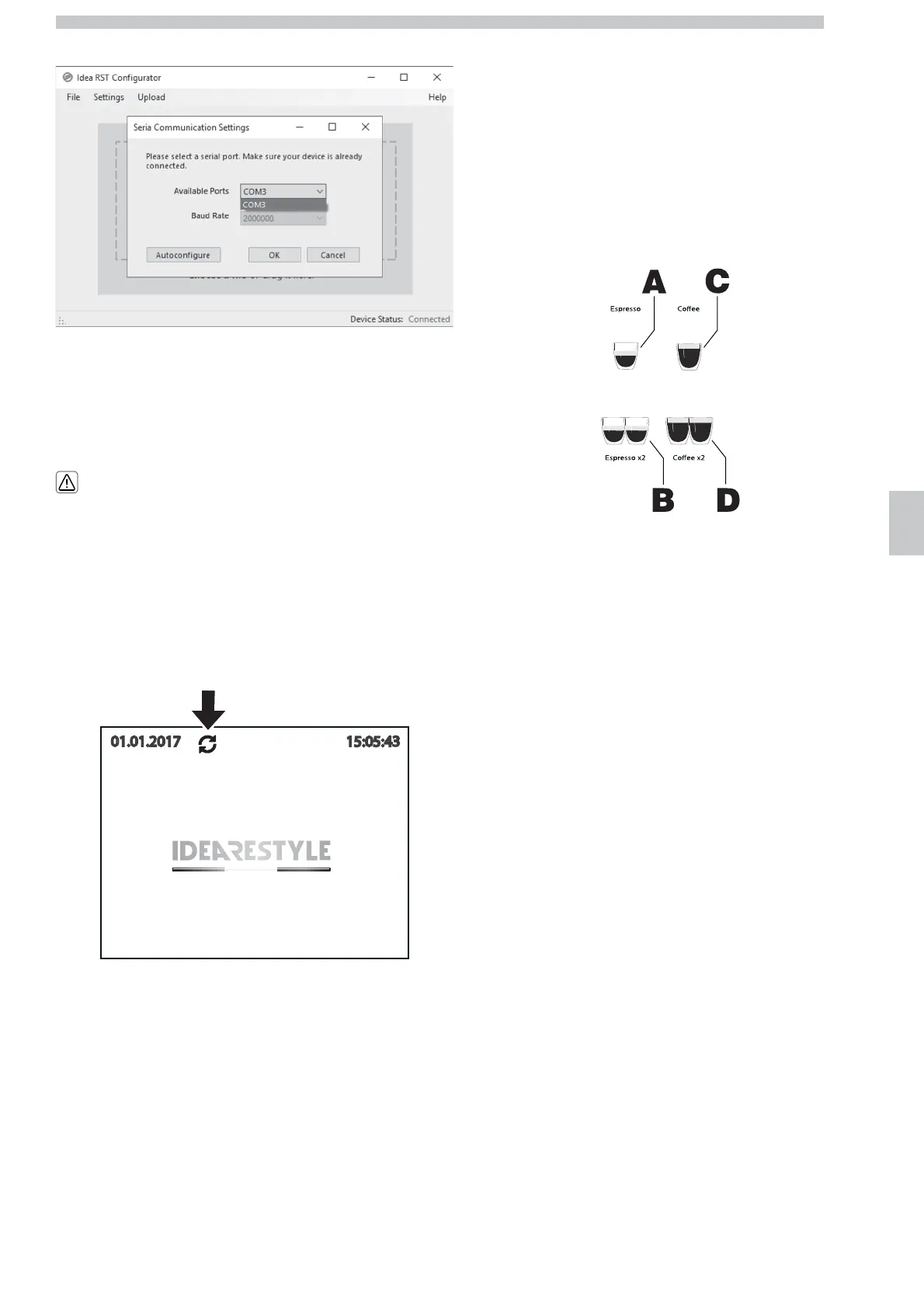
Select the available port (COM3) and press "OK".
Check that the option bottom right is "Device Status:Connected".
In this case, the logo can be uploaded by clicking on the option
"Upload" in the menu at the top.
8.2.6 Factory defaults
By activating the FACTORY DEFAULTS
option from the TECHNICAL
programming menu, all the values that
have been previously changed are restored
to the original factory setting.
During this operation - that lasts approx. 100 seconds - the display
shows the icon in the figure. Beverages can be dispensed but the
menus cannot be accessed.
At the end of the procedure, successful completion of the Factory
Default procedure can be verified by checking the correspondence of
the CRC codes available in the first screen of the Test Menu.
8.2.7 FUNCTIONAL TESTING
8.2.7.1 PRELIMINARY INFORMATION
During the testing, 7 menu pages can be selected with the UP and
DOWN buttons. The number of the selected page is shown on the
top right part of the display.
Every menu page contains 4 options that can be selected with the A,
B, C and D buttons. Regardless of their position on the keypad that
can change according to the machine model, each button stands for
one beverage icon, as shown in the figure.




 To Next Page